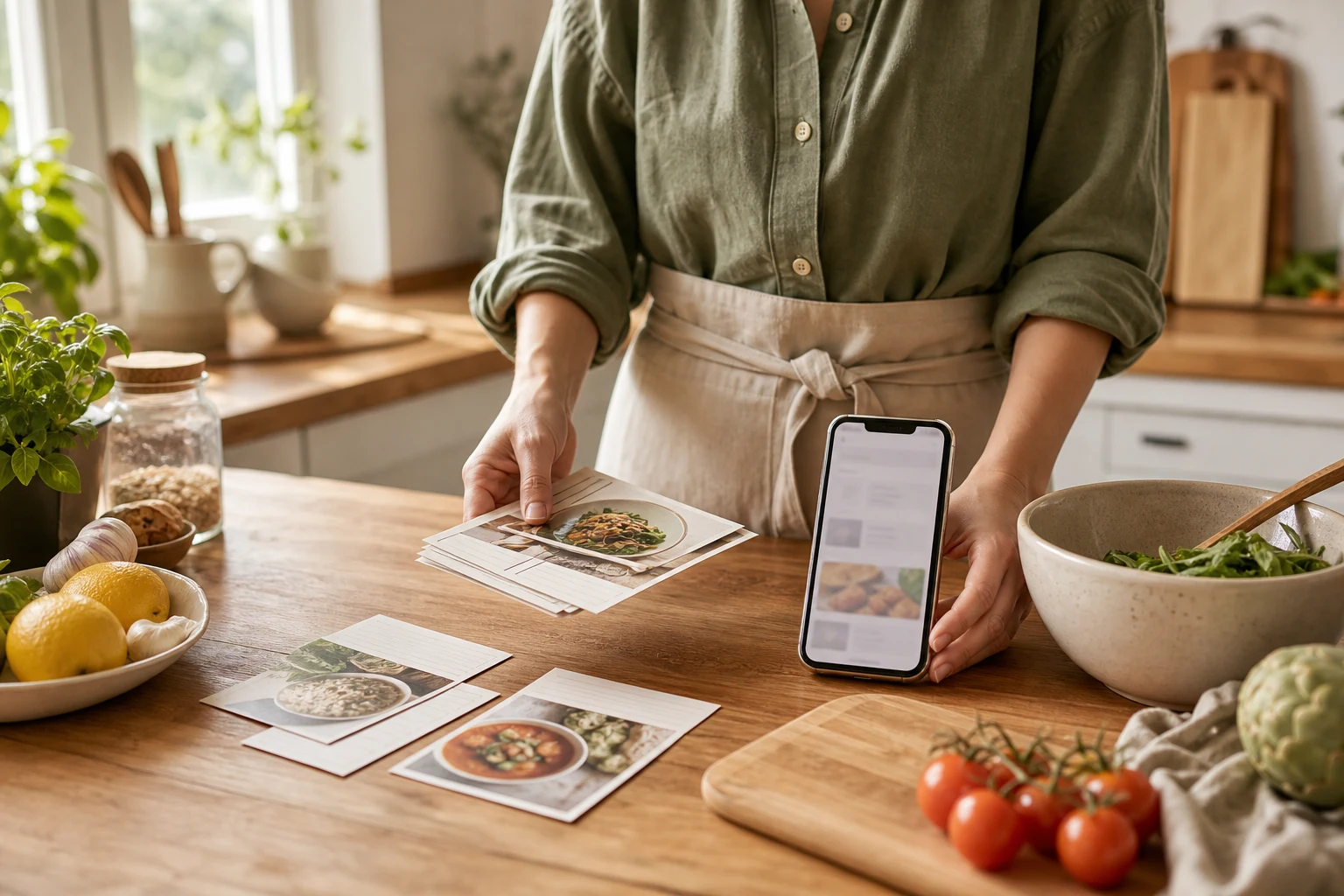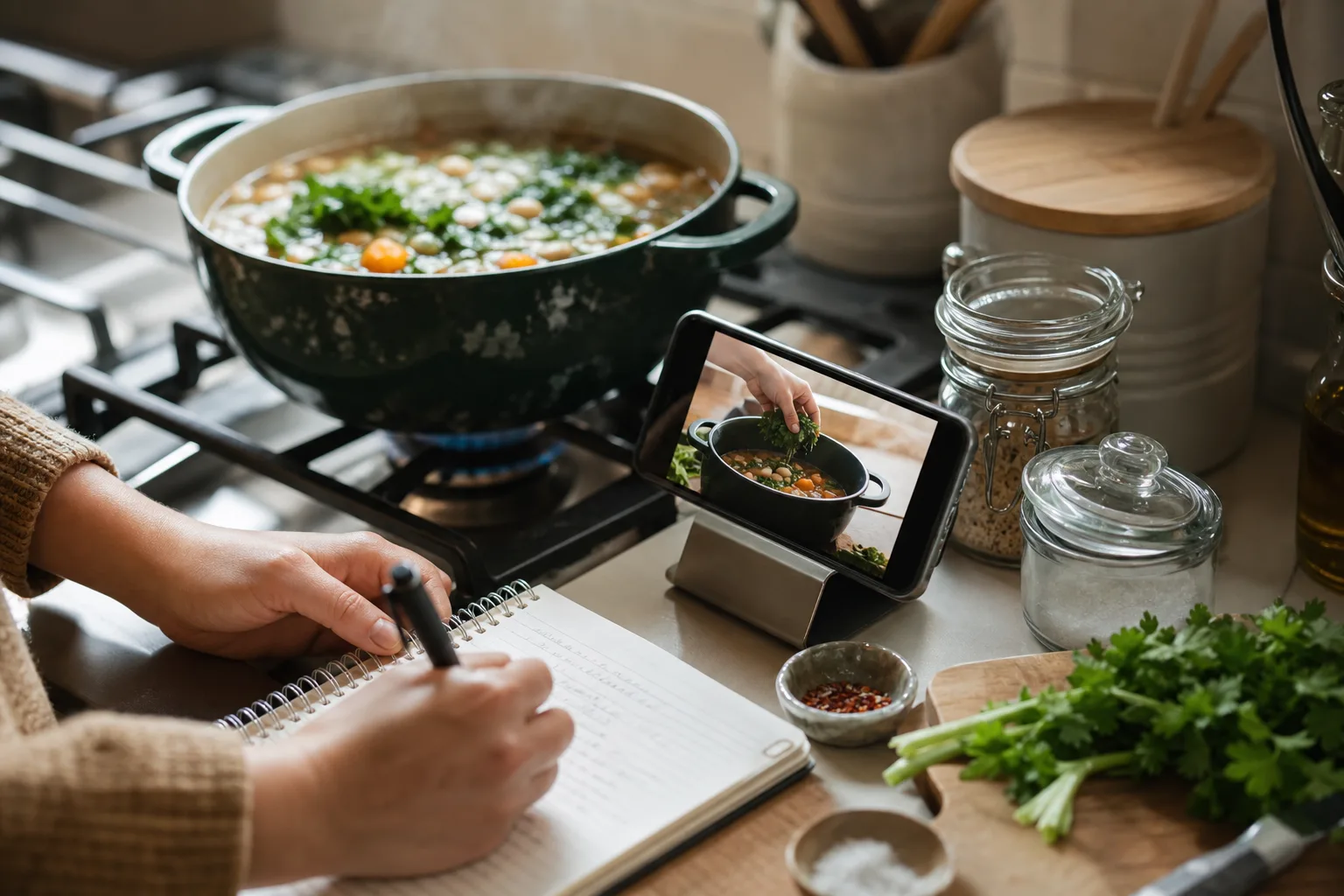
How to Organize Recipes from Social Media
A pillar workflow for turning social saves into a searchable, cookable personal recipe library.
Read guideCookClip blog
Clear, practical guides for moving recipes from social feeds, screenshots, websites, and family cards into a system that helps with dinner.
27 original guides · Reviewed for iPhone and iPad home cooks
Capture
Turn videos, screenshots, websites, and handwritten cards into recipes that are complete enough to cook from.
A pillar workflow for turning social saves into a searchable, cookable personal recipe library.
Read guideMove TikTok recipes from saved videos to editable recipe cards—and choose Lifetime Pro instead of a subscription when available.
Read guideMove Instagram recipes and Reels into a cookable library, with a Lifetime Pro buy-once option when available.
Read guideTurn YouTube cooking videos into recipes you can scan at a glance, with a buy-once Lifetime Pro option when available.
Read guideMove Facebook recipes out of saved posts and into a practical cookbook, with Lifetime Pro available as a buy-once option when offered.
Read guideMove Crouton recipes to CookClip with a ZIP or .crumb export, then review the migration summary.
Read guideFind the caption, transcript, on-screen amounts, and linked page before turning a cooking video into a recipe.
Read guideA careful screenshot-to-recipe workflow with OCR checks, page order, source preservation, and cleanup.
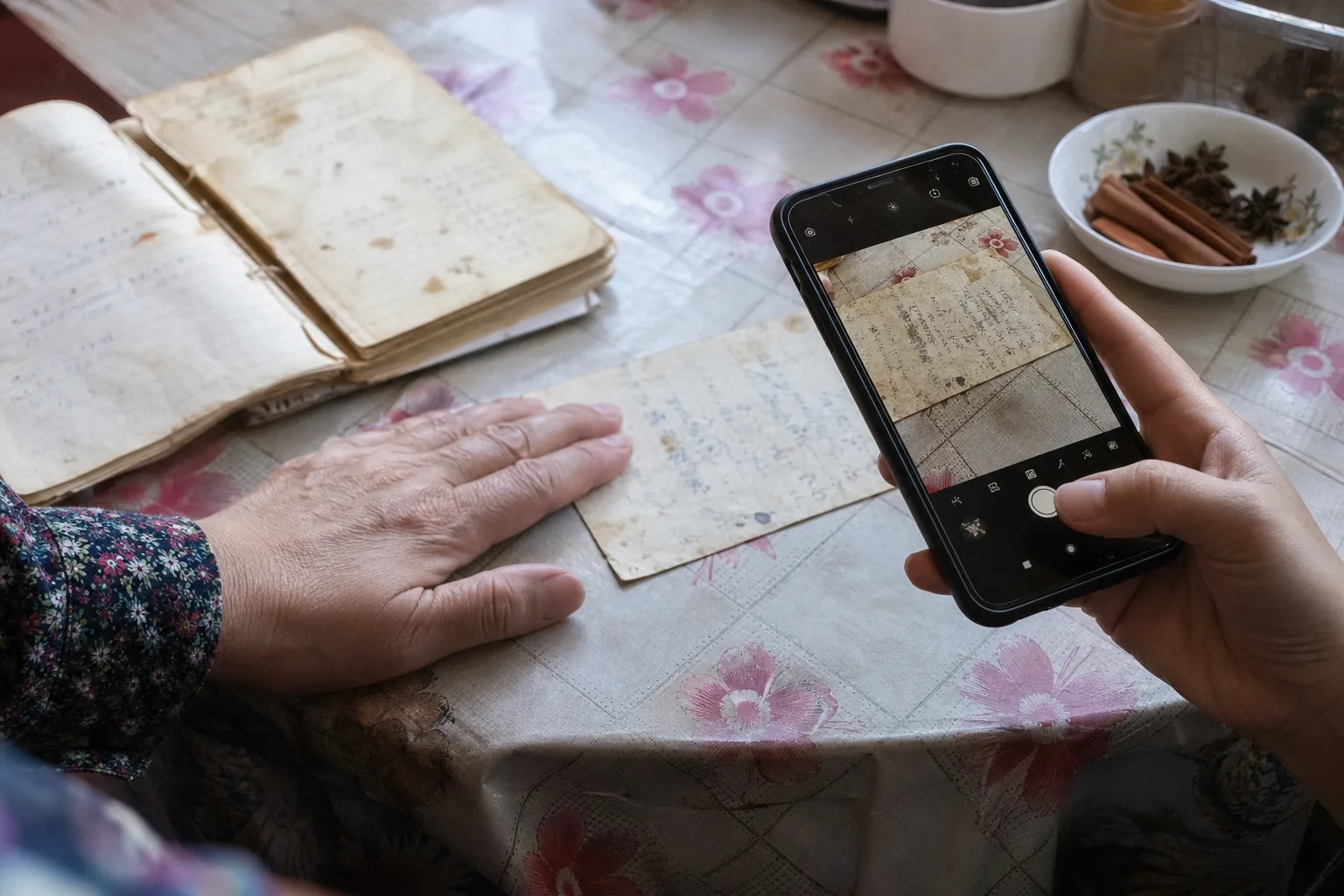
Read guidePhotograph, transcribe, verify, annotate, and back up irreplaceable family recipe cards.
Read guideChoose between sharing a link, pasting a URL, scanning a photo, or manual entry without duplicating work.
Read guideAn honest comparison of social discovery and structured recipe storage, planning, and cooking.
Read guideOrganize
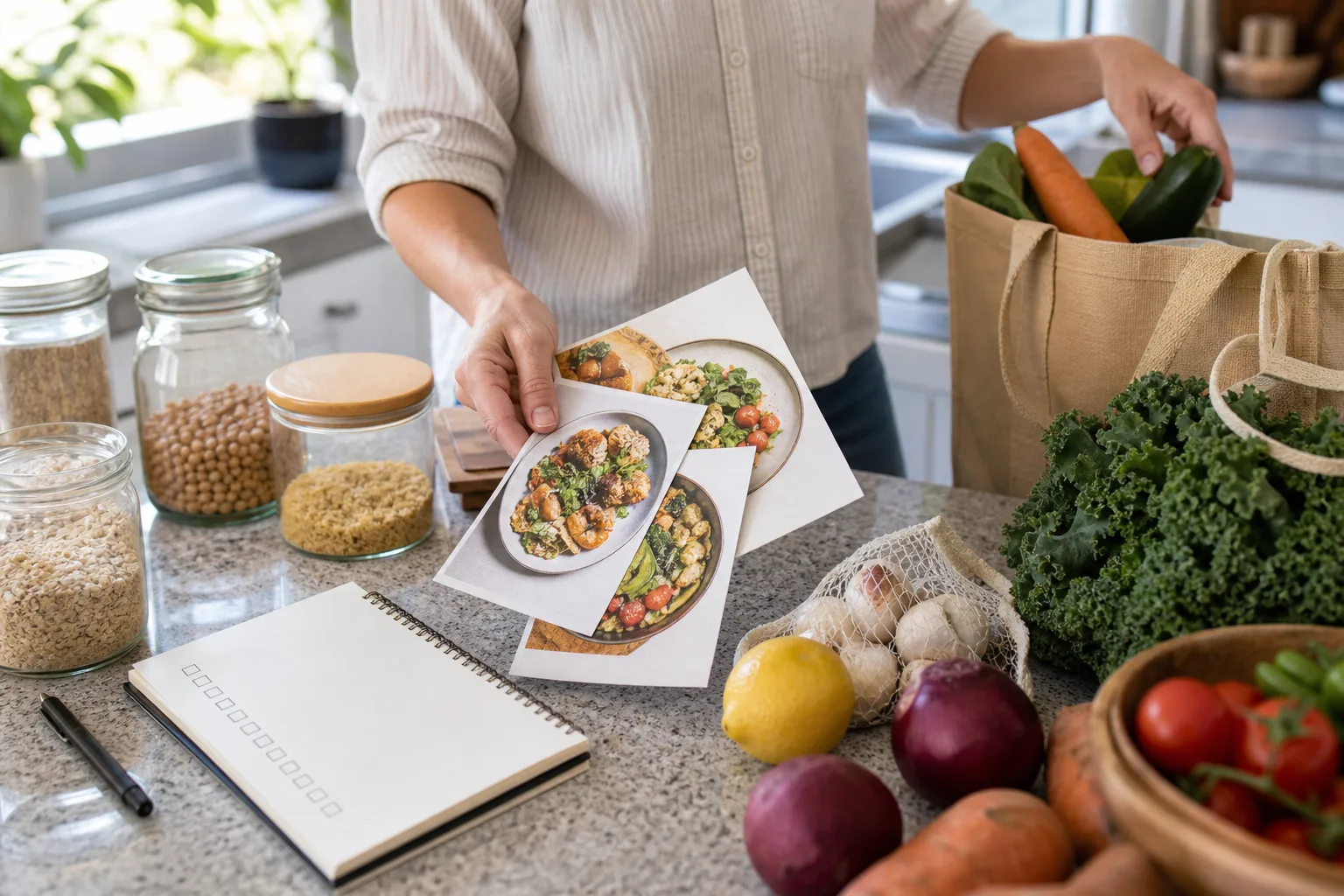
Build a personal cookbook that still works after the first hundred recipes, without creating a filing project you will abandon.
A scalable system for large recipe libraries without hundreds of folders or a weekend-long migration project.
Read guideA simple decision rule for collections, tags, favorites, and ingredient search.
Read guideGather, digitize, attribute, test, organize, and share a family recipe collection responsibly.
Read guideA low-stress cleanup for duplicates, broken links, vague titles, incomplete drafts, and unused saves.
Read guideA multi-axis organization system for meal type, cuisine, time, diet, and cooking method.
Read guidePlan, shop, cook
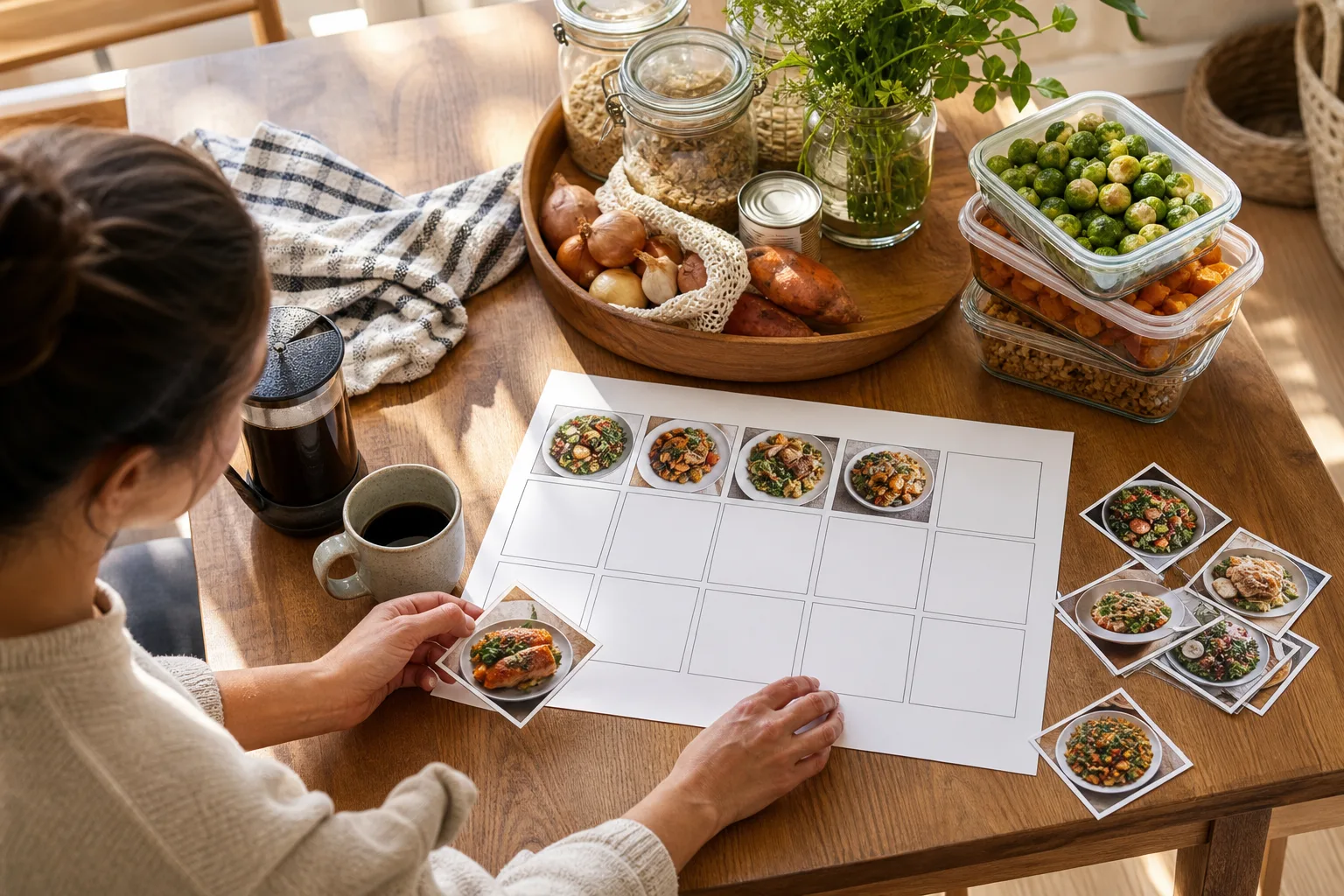
Move recipes into a realistic week, a useful grocery list, and a calmer cooking session instead of leaving them in a saved folder.
A realistic plan using calendar constraints, anchor meals, leftovers, flexible slots, and one grocery pass.
Read guideMerge several recipe ingredient lists into one accurate, categorized shopping list.
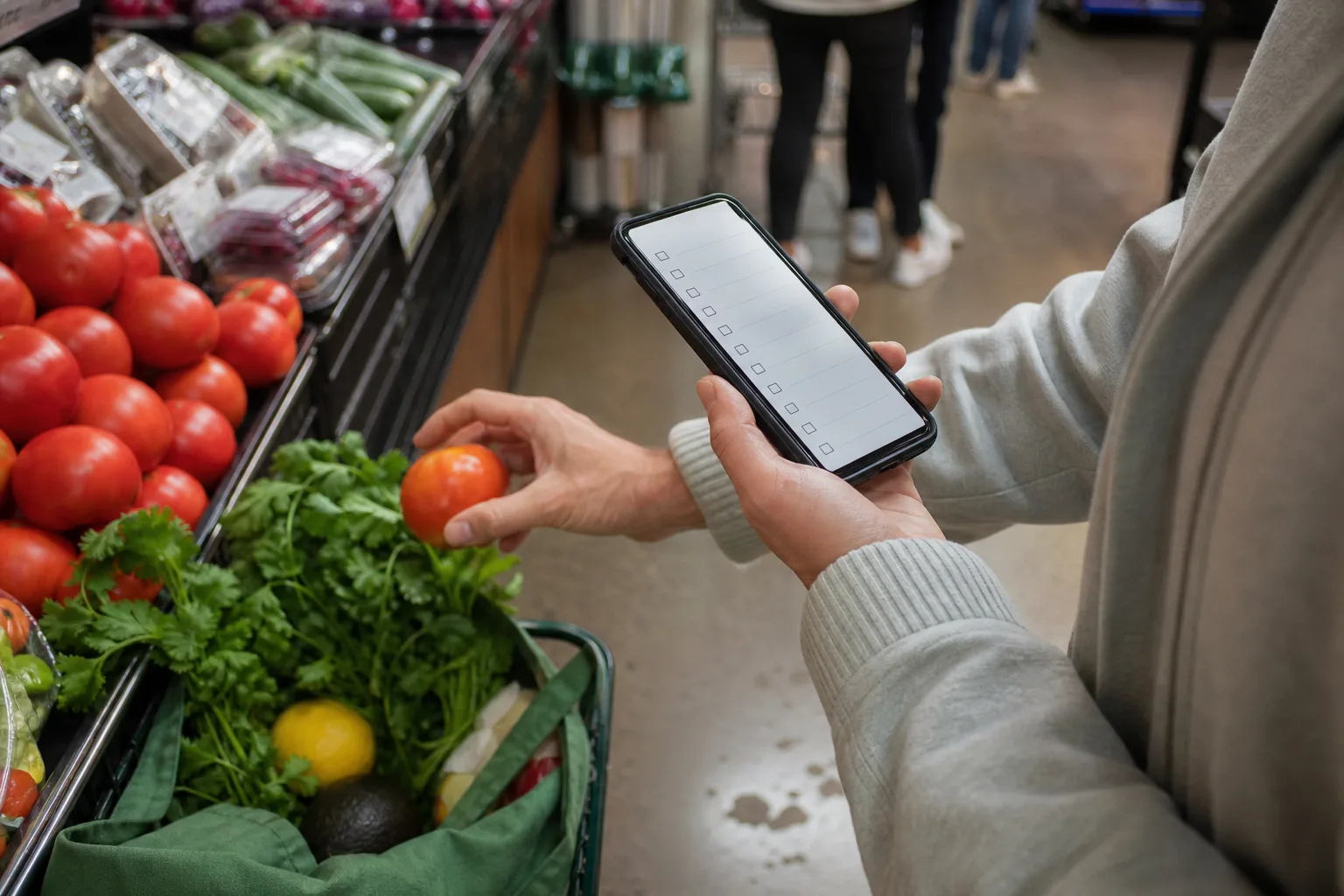
Read guideBuild an accurate grocery list from recipes without duplicate items, forgotten quantities, or scattered screenshots.
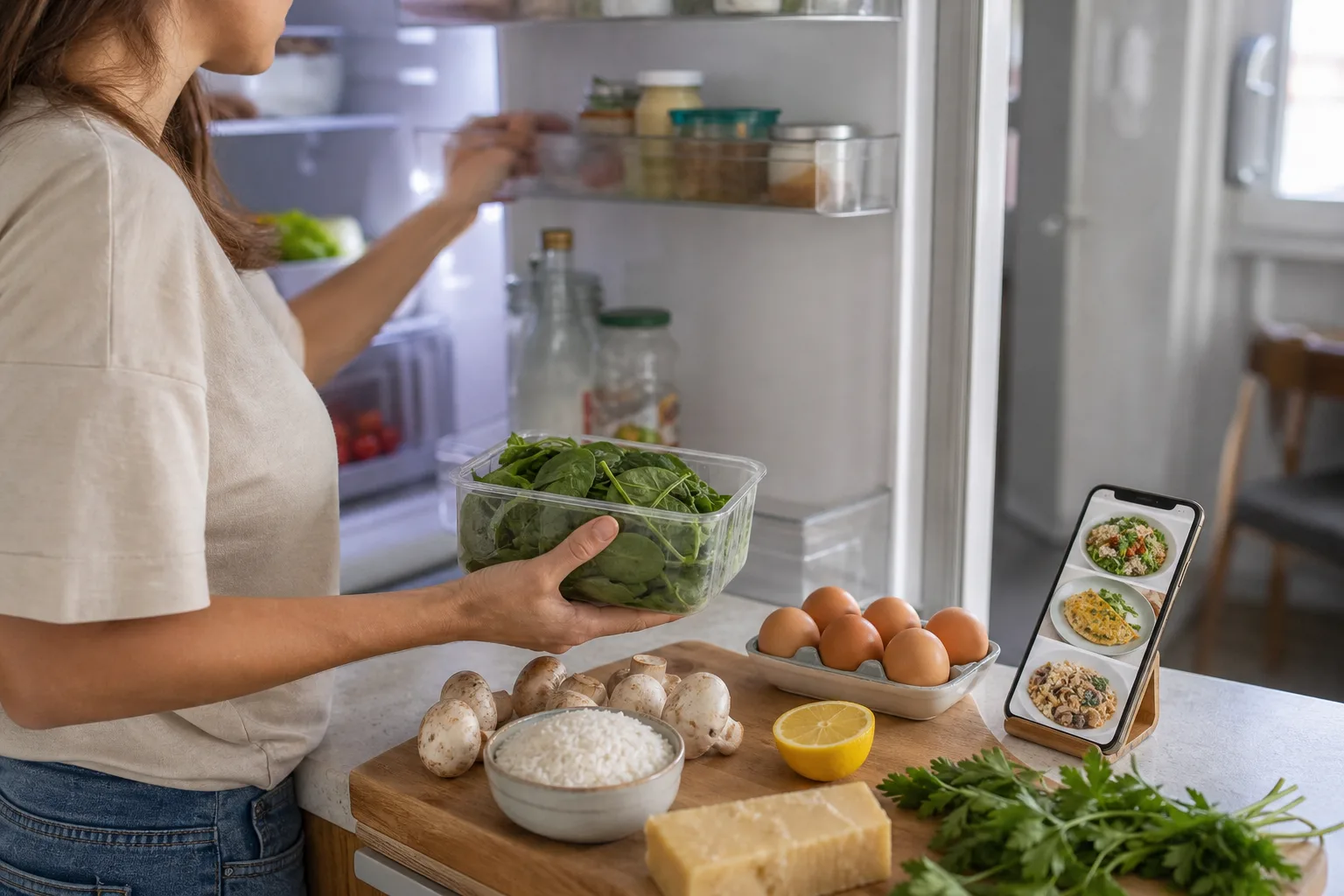
Read guideTurn fridge, freezer, and pantry ingredients into a realistic dinner choice with fewer missing items.
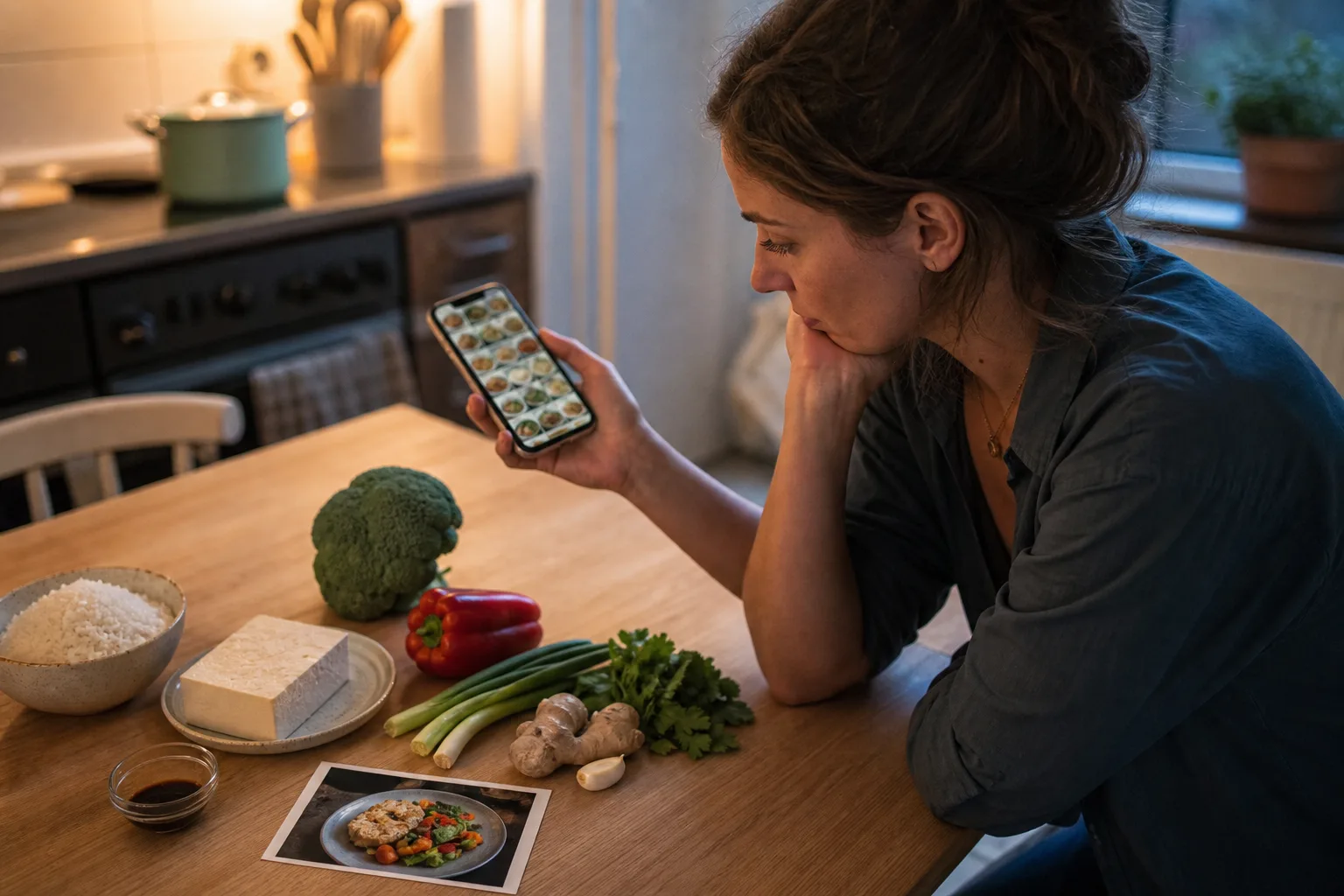
Read guideUse a save test, Cook Soon queue, action-ready recipe check, and archive rule to reduce aspirational clutter.
Read guideA repeatable Sunday routine for calendar constraints, anchor meals, leftovers, groceries, and prep notes.
Read guideChoose well
Compare recipe tools by the work they do best, the sources they handle, the devices they support, and how they charge.
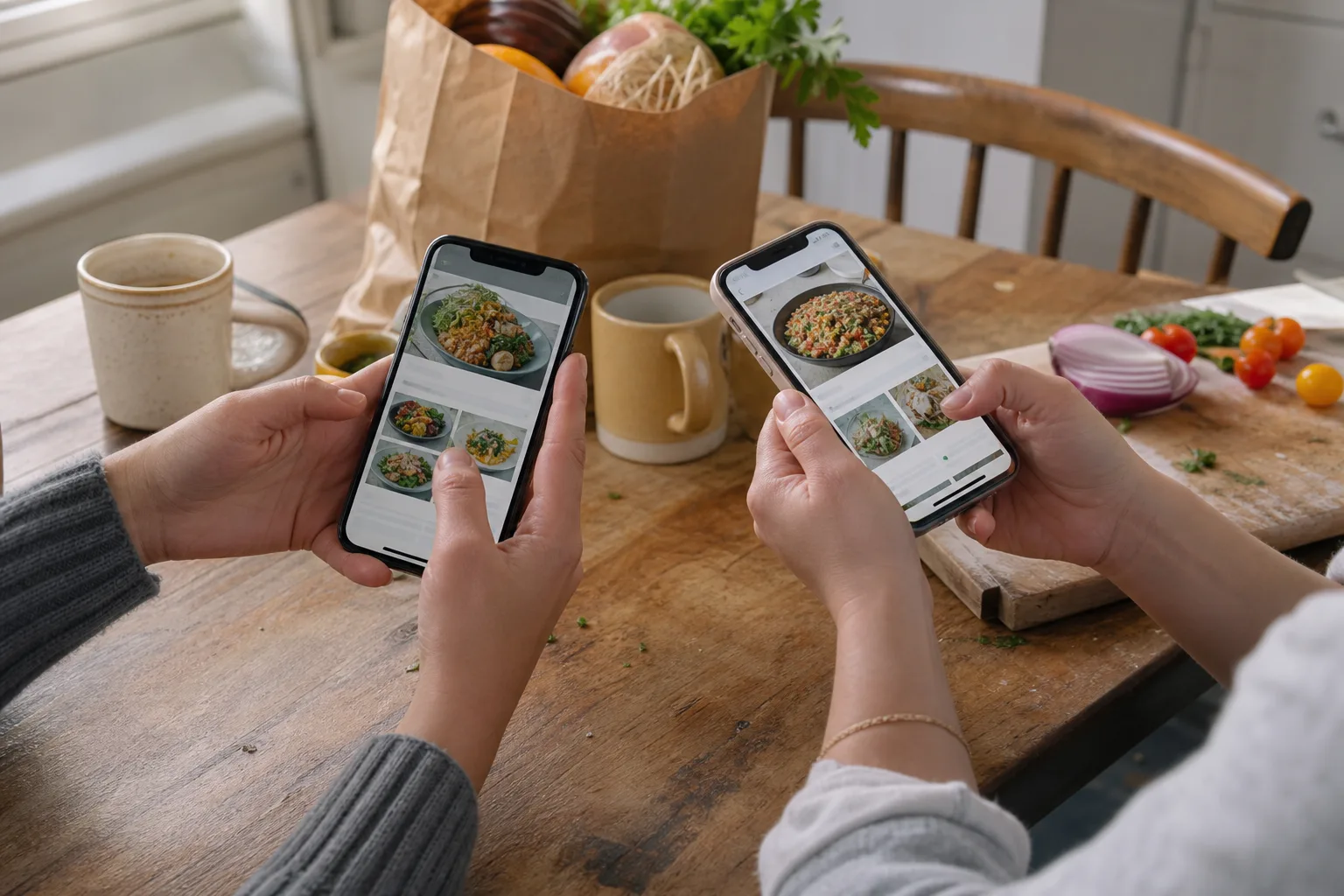
An honest social-recipe comparison covering capture, editing, organization, planning, platforms, and payment models.
Read guideA transparent comparison of recipe sources, organization, planning, platforms, and payment models.
Read guideSeven Paprika alternatives ranked by social capture, Apple design, platform coverage, grocery sharing, and meal planning.
Read guideChoose between quick notes, a custom Notion database, and a dedicated recipe workflow.
Read guideCompare nine recipe organizer apps by real use case, platform fit, workflow, and upgrade model.
Read guideOne useful system
CookClip brings links, social recipes, photos, handwritten cards, meal planning, grocery lists, and Cook Mode into one personal cookbook.
Build a useful recipe library first. Upgrade later if you need unlimited saving, planning, grocery tools, or expanded recipe ideas.