
Import from Link
Best for: recipe websites, public social posts, creator pages, and video links with useful captions or transcripts.
Recipe importer
A clean recipe does not always begin with a clean webpage. Import a link, share a social post, scan a page, or paste text. CookClip creates a draft from what is available, then asks you to review it.
Guests may get 2 imports per device when enabled · Signed-in Free gets 5 · Pro gets unlimited
Method guide
The fastest option is not always the best one. Use the source that contains the most complete, readable recipe.
Best for: recipe websites, public social posts, creator pages, and video links with useful captions or transcripts.
Best for: saving a public link while you are already browsing TikTok, Instagram, YouTube, Facebook, or Safari.
Best for: printed recipes, cookbook pages, screenshots, recipe cards, and clear handwriting. Use one page per image.
Best for: copied captions, notes, emails, messages, or sources that block automated reading.
Review-first AI
CookClip can organize available details into a title, ingredients, steps, timing, servings, and notes. Recipe sources are inconsistent, so the app keeps editing between import and save.
Confirm ingredient amounts, unit names, oven temperature, step order, and serving count. If the source itself is vague, add a note rather than guessing.
Link, share, scan, or paste—the source should contain enough actual recipe detail.
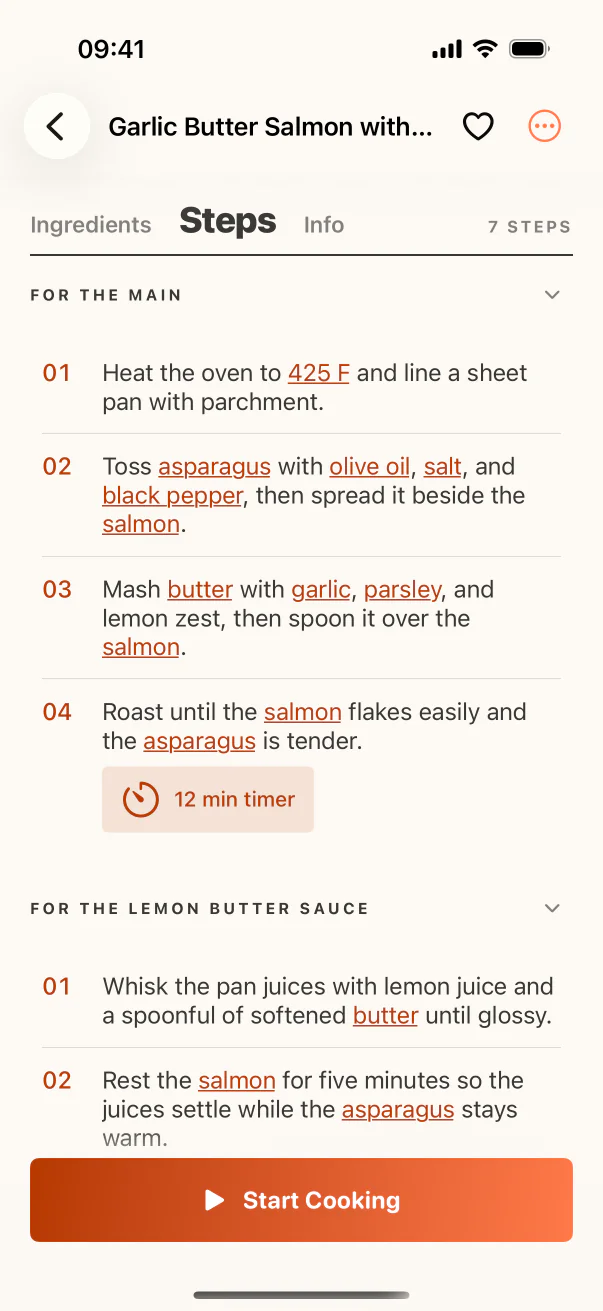
Look for omitted ingredients, merged lines, or instructions that depended on a video visual.
Fix quantities, temperatures, timing, servings, and personal substitutions.
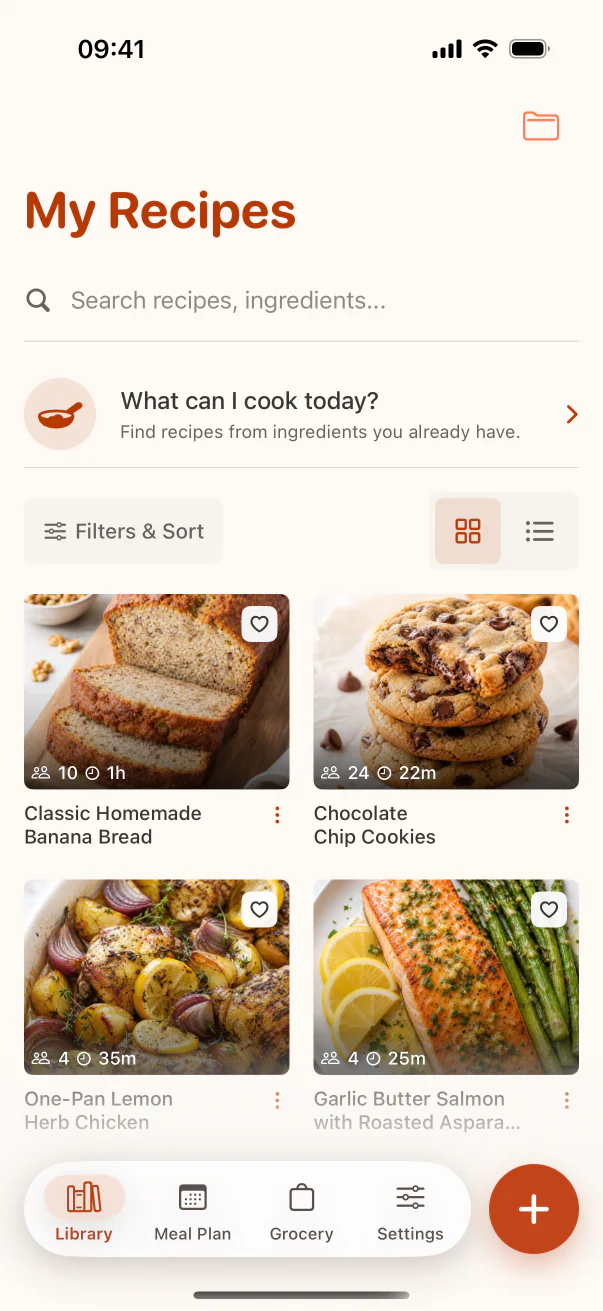
Add the approved recipe to your library, collection, favorites, or meal plan.
Real example
You paste a newsletter link, but the page requires a login CookClip cannot read. Open the message, copy its ingredient list and method, then switch to Paste. In the draft, correct “1 5 cups” to “1.5 cups,” add the missing oven temperature from the email header, and save the checked version to your Baking collection. The fallback takes one deliberate switch instead of repeated failed link imports.
When a link fails
Open the recipe page, accept required cookie or privacy prompts, and confirm the recipe is visible before retrying. If the site still blocks reading, switch inputs.
A creator's website often contains more detail than the social post that points to it.
Copy ingredients and steps from the page, caption, email, or note.
Use a clear screenshot or photo when the recipe is presented visually.
One import, three stages
The value is not just extracting text—it is turning that text into a recipe you can use later.
FAQ
Recipe websites, TikTok, Instagram, YouTube and Facebook links, camera photos, screenshots, handwritten recipes, and pasted recipe text.
No. Some sites block access and some social posts do not contain enough recipe detail. CookClip shows an editable draft when it can and lets you switch to paste, scan, or manual entry.
Guests may receive two successful Smart Imports per device when enabled. Signed-in Free accounts include 5 Smart Imports, and Pro includes unlimited Smart Imports.
You should always review it. AI and OCR can misread quantities or omit source details, and CookClip intentionally makes the draft editable before saving.
Bring one recipe
Choose the right input, make the draft accurate, and keep the approved version in one cookbook.