
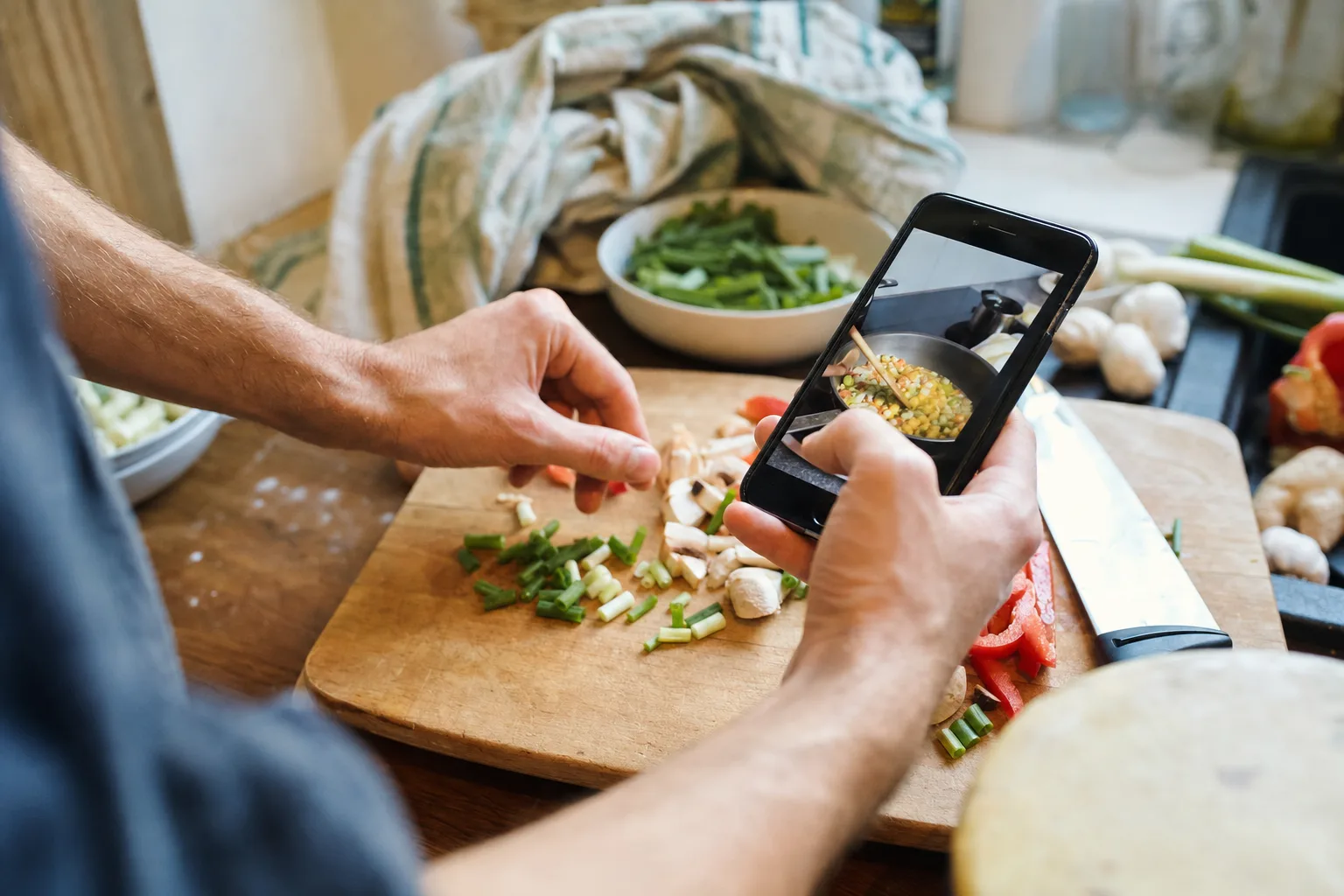
Quick answer
Use OCR for speed, then verify the cooking details
Select the clearest screenshots in order, crop away unrelated interface clutter, extract them into one editable draft, and compare every quantity, fraction, temperature, and step with the original images before saving.
Choose the smallest complete screenshot set
Collect only the frames needed to cover the title, ingredients, instructions, servings, timing, and source. Duplicate screenshots make page order harder to understand and increase the chance of repeating an ingredient or step.
Keep the originals until the editable recipe has been checked. If the screenshots came from a website or social post, also save the URL or creator name before that context disappears.
Prepare images for accurate text extraction
Crop out comments, navigation bars, advertisements, and unrelated captions when they crowd the recipe. Make sure the text is upright and large enough to read. A clean screenshot usually extracts more reliably than a heavily compressed image or a photograph taken at an angle.
- Put multi-page screenshots in reading order.
- Retake blurry or partially covered text.
- Keep headings with the ingredients or steps they describe.
Inside the app
See the workflow in CookClip
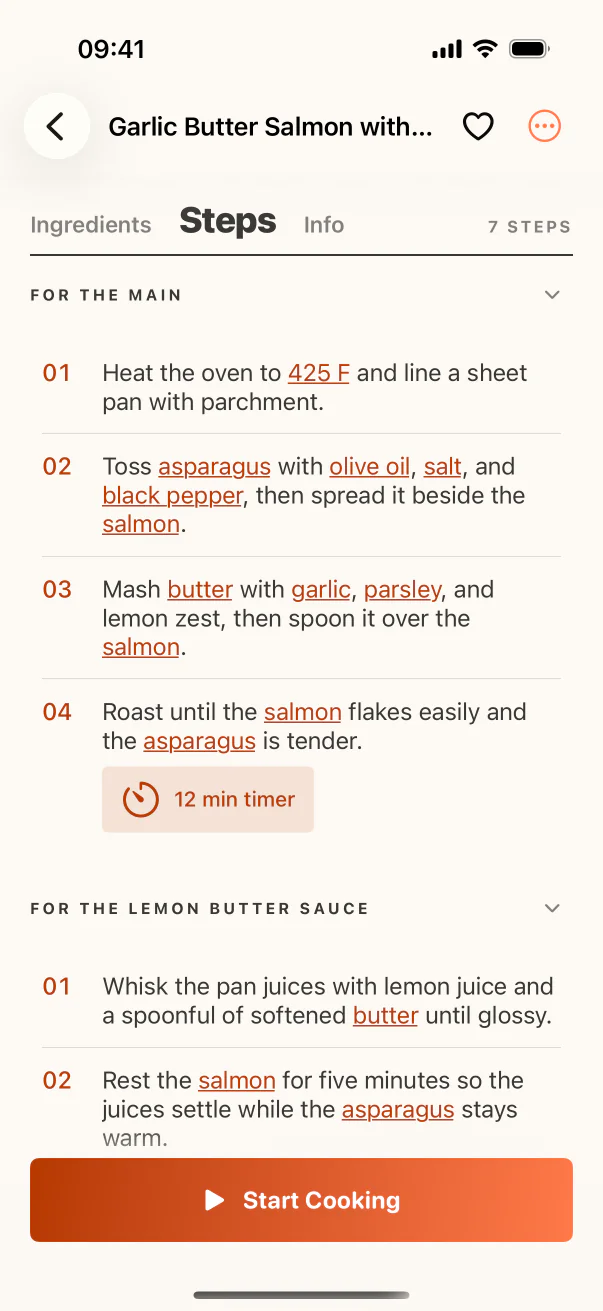
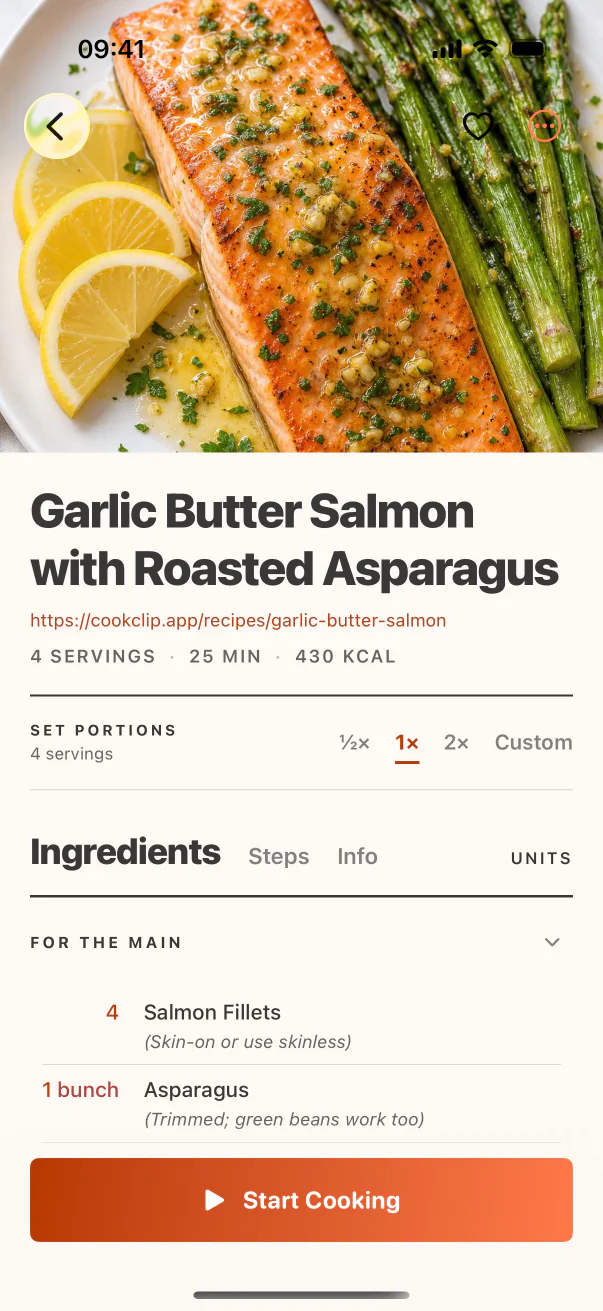
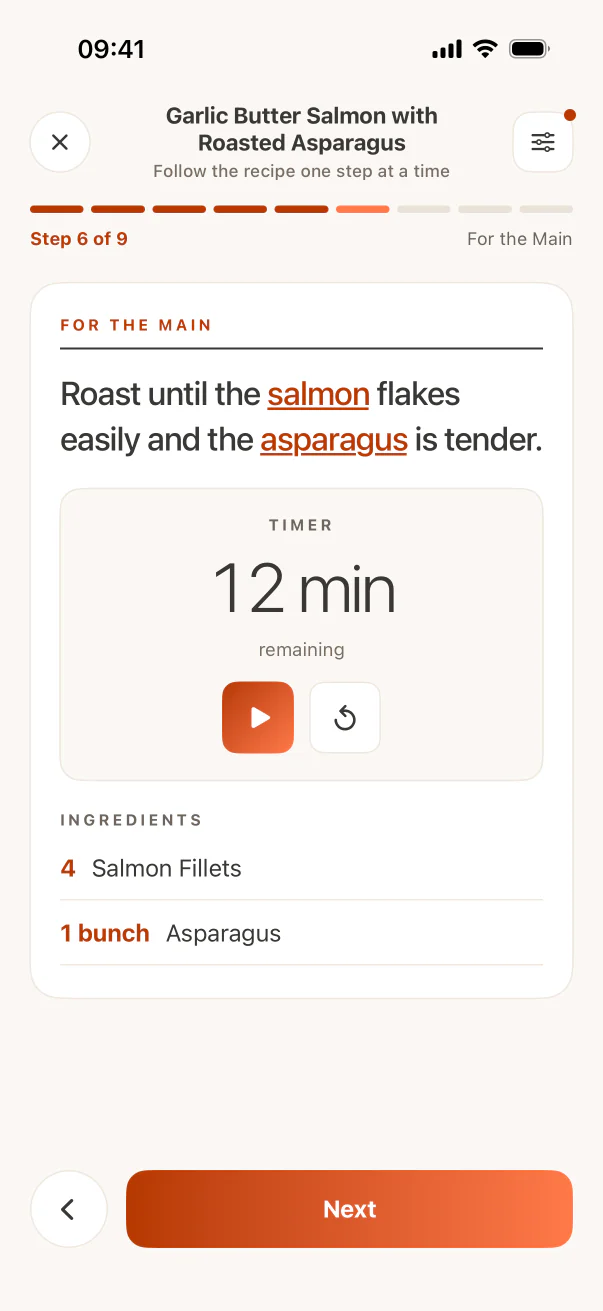
These are real CookClip screens. Swipe across on mobile, or compare all three on a larger screen.
Combine the screenshots into one recipe draft
Use photo text recognition or a recipe scanner to create editable fields rather than leaving the recipe as an image attachment. CookClip’s photo import workflow can help turn visible recipe text into a draft with ingredients and steps.
When multiple screenshots overlap, remove duplicated lines and restore the intended order. Preserve section labels such as sauce, filling, garnish, or dough so ingredients do not become one confusing list.
Check the errors OCR makes most often
Fractions, small superscript numbers, decimal points, unit abbreviations, temperatures, and similar-looking characters deserve a deliberate check. “1/3” can become “13,” “tsp” can become “tbsp,” and a degree symbol can vanish. Those are small visual errors with large cooking consequences.
Also check that numbered steps did not merge, ingredient notes remain attached to the right item, and optional ingredients are still marked optional.
File the editable recipe, not the screenshots
Once the recipe is verified, give it a useful title, add a collection or a few tags, and retain one source note. You can then remove redundant screenshots from the camera roll if the structured recipe and source are safely stored and backed up.
Practical checklist
Screenshot conversion QA
- Confirm the title, servings, and timing.
- Compare every quantity and fraction with the image.
- Check temperatures, pan sizes, and resting times.
- Remove duplicate ingredients and repeated steps.
- Store the source URL or creator name with the recipe.
FAQ
Common questions
Can I combine several screenshots into one recipe?
Yes. Put them in order, extract the text into one draft, remove overlapping lines, and keep ingredient sub-sections intact.
Should I delete the screenshots afterward?
Wait until the editable recipe is verified and backed up. Keep at least one source reference if the original page or post may be hard to find later.
Why are fractions often wrong after scanning?
Fractions use small characters and unusual layouts that OCR can misread. Compare them manually, especially when a missing slash would change the quantity dramatically.
Can screenshots become a grocery list?
Not while they remain images. Once ingredients are extracted into structured recipe fields, a recipe app can use them for searching, scaling, and grocery workflows.
Try the workflow
Save the useful version, not another mystery link
CookClip can turn links, shared sources, pasted text, photos, and screenshots into editable recipe drafts you can review and keep.