
Quick answer
Preserve the source and create a working recipe
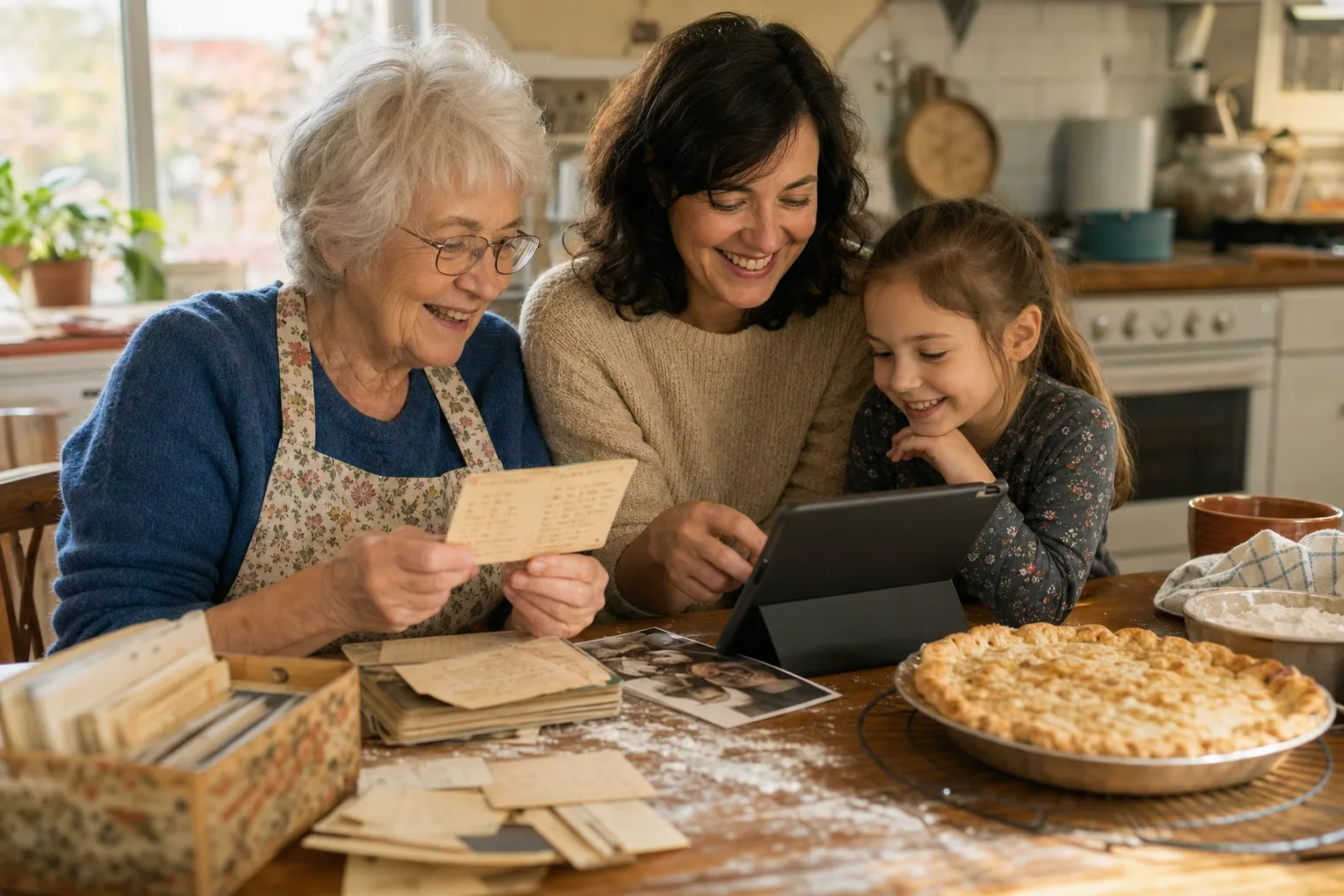
Collect the original cards and files, photograph or import them, create editable recipes, record who contributed each one, keep original wording in notes, and organize the finished collection around family use rather than strict culinary taxonomy.
Define the first edition
A family cookbook can expand forever, so choose a first milestone: twenty holiday recipes, one grandparent’s box of cards, or the dishes everyone asks for. A focused first edition is easier to finish, share, and improve.
Ask relatives for originals, photographs, Word documents, email text, and links. Record the contributor while the context is fresh.
Preserve artifacts and create editable copies
Photograph handwritten cards and annotated cookbook pages before transcribing them. Import digital documents and links into structured recipe fields. Keep the source image or file alongside the working recipe rather than replacing it.
The artifact preserves handwriting and history. The editable copy makes ingredients searchable, steps readable, and recipes easier to cook, scale, plan, and share.
Inside the app
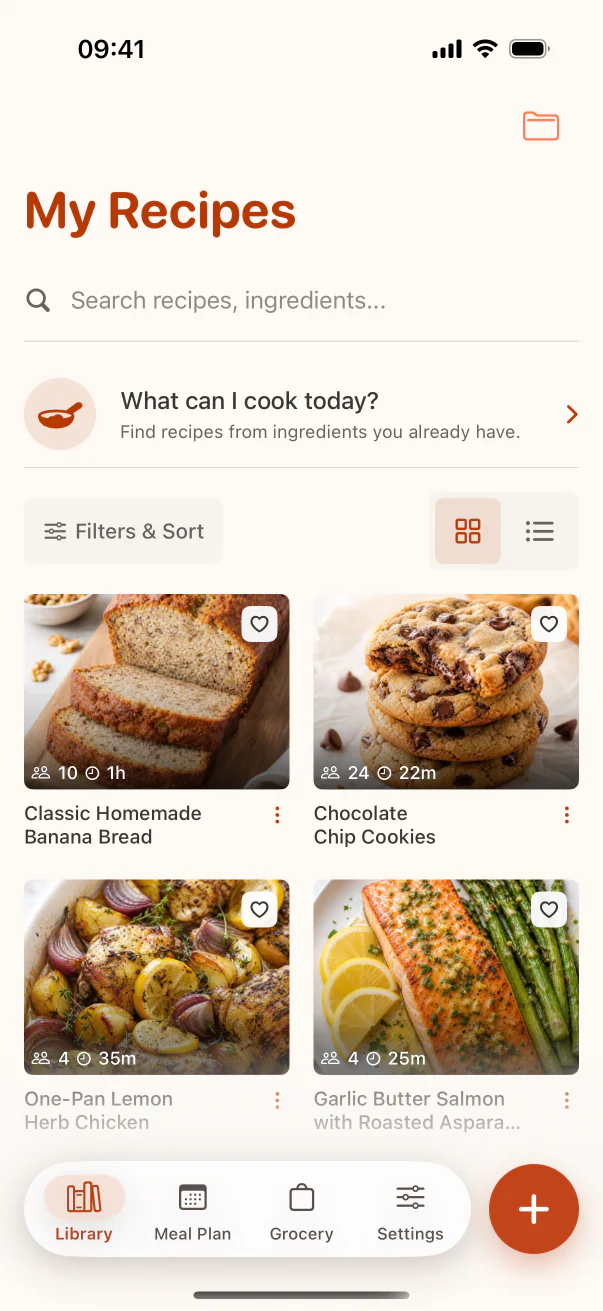
See the workflow in CookClip
These are real CookClip screens. Swipe across on mobile, or compare all three on a larger screen.
Record provenance and versions
Include who wrote or contributed the recipe, where they lived, an approximate date, and any relevant occasion. If several relatives make different versions, keep those differences as named notes instead of forcing one supposedly authoritative recipe.
When you test a change, label it clearly: “Laila’s tested fan-oven timing” is more useful and honest than silently overwriting an inherited instruction.
Organize for the family’s real use
Create a Family Recipes collection and use tags for people, holidays, regions, courses, or dietary needs when those labels help relatives browse. Keep naming consistent enough that “Auntie’s soup” and the actual dish name are both findable.
A short description can carry the family story while the ingredient list remains clean for cooking.
Back up and share intentionally
Use account-based sync for the working library and retain a separate archive of original images and documents. Share copies with relatives who contributed, and consider a printable export for family members who prefer paper.
Decide whether sensitive notes, addresses, or personal stories should remain private before distributing the collection widely.
Practical checklist
Digital family cookbook starter plan
- Choose a focused first set of recipes.
- Photograph originals before transcription.
- Record contributor, date, place, and story.
- Mark tested changes as separate notes.
- Back up structured recipes and original artifacts separately.
FAQ
Common questions
How many recipes should the first cookbook include?
Choose a finishable set, often twenty to fifty recipes. You can add future editions after the family has reviewed the first one.
Should family stories go inside the recipe steps?
Keep the steps practical. Put stories, attribution, and memories in the description or notes so they remain visible without interrupting cooking.
What if relatives disagree about the correct version?
Preserve named variations. Family recipes often evolve, and documenting the differences is more honest than declaring one winner.
Is cloud sync enough backup?
Use sync for convenience, but keep a separate archive of original photos and documents. Irreplaceable family materials deserve more than one copy.
Try the workflow
Build a recipe library that stays easy to use
Use collections for curated groups, tags for overlapping qualities, favorites for proven winners, and search for the moment you are in.