
Quick answer
Find the most complete source before transcribing
Check the caption, description, transcript, pinned comment, and creator’s linked recipe page first. Save the video URL, build an editable draft from the available details, then mark or resolve every missing quantity, temperature, and timing before cooking.
Work out where the recipe details live
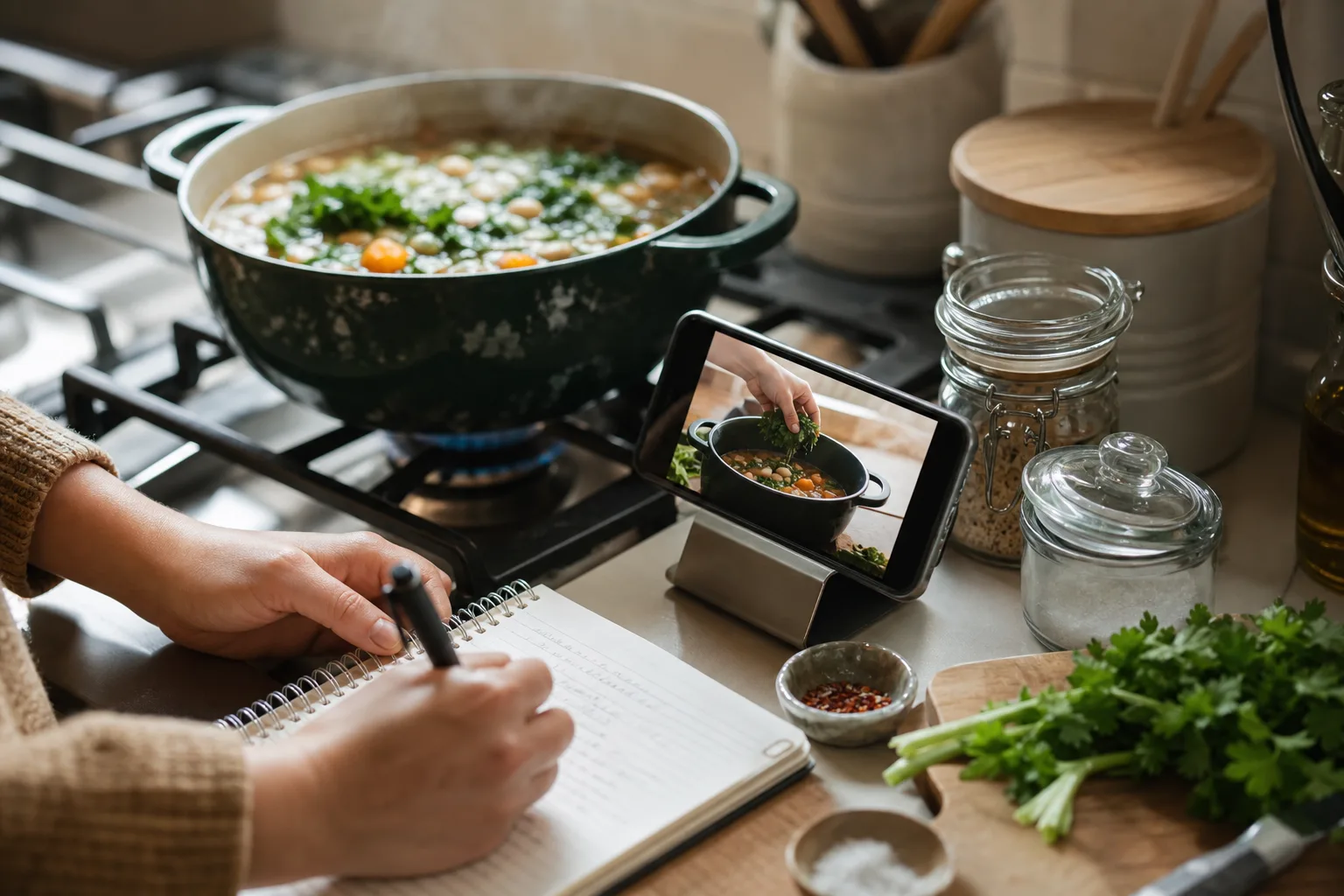
Short cooking videos often split information across several places. Ingredients may appear in the caption, instructions may be spoken, oven temperature may flash on screen, and the complete recipe may live on the creator’s website. Watch once for the idea, then inspect the surrounding post before pausing frame by frame.
- Expand the full caption or description.
- Open the transcript when the platform provides one.
- Check pinned comments and the creator’s recipe link.
- Look for measurements embedded in on-screen text.
Save the source before doing anything else
Copy or share the original URL before taking notes. A source link preserves the demonstration and gives you somewhere to check ambiguous steps later. Screenshots without a source are much harder to trace once they mix with the rest of your camera roll.
If the creator has a full written recipe, use that as the primary source and keep the video as technique context. Written instructions are usually easier to scale, search, and turn into a grocery list.
Inside the app
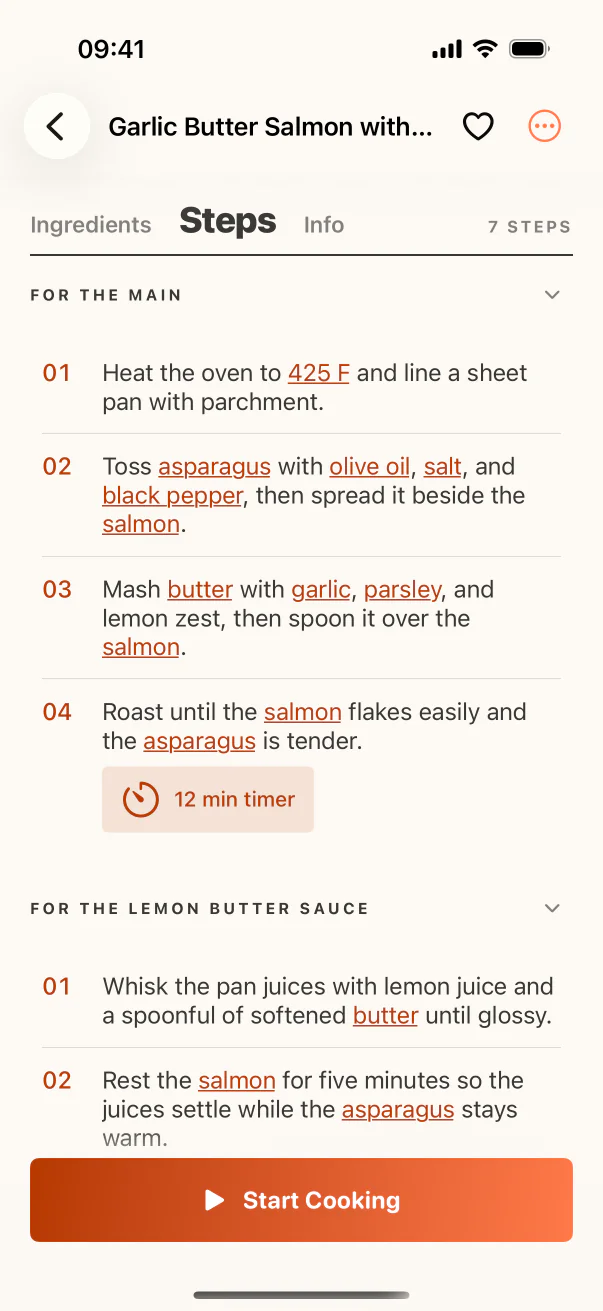
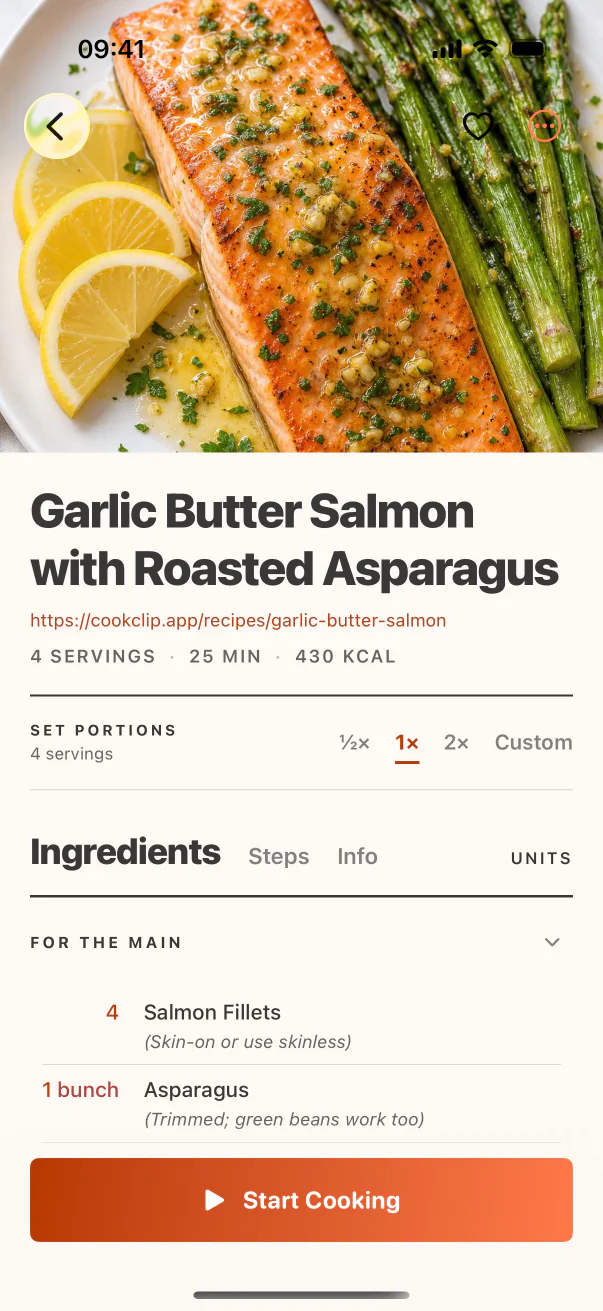
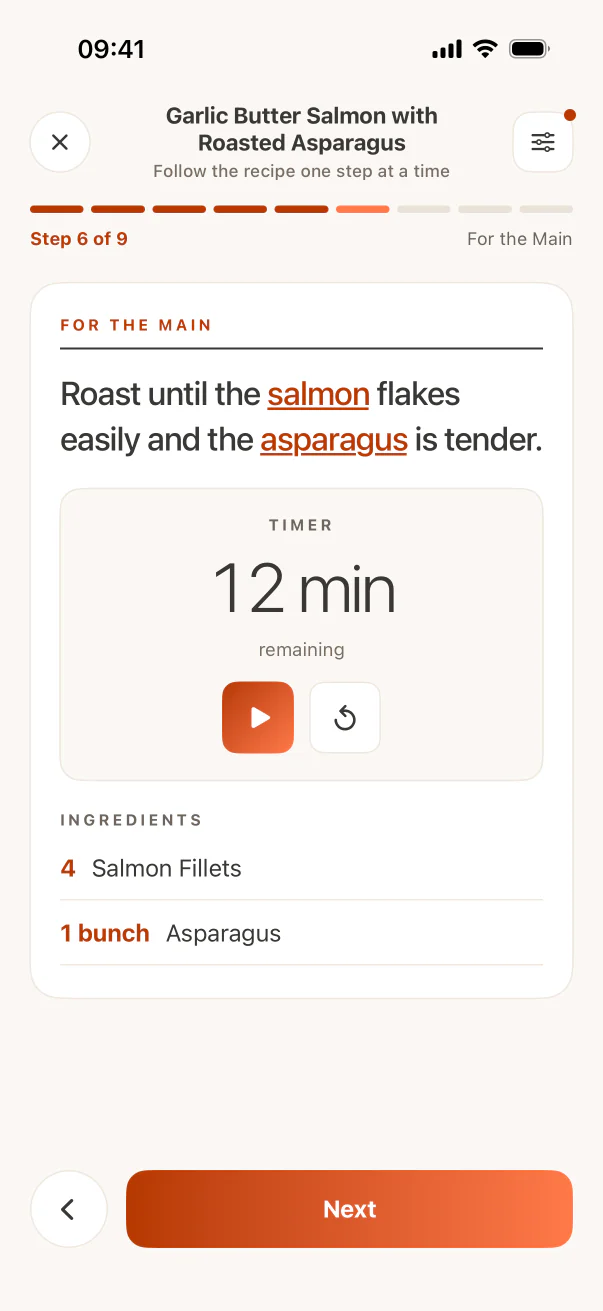
See the workflow in CookClip
These are real CookClip screens. Swipe across on mobile, or compare all three on a larger screen.
Turn the available information into a draft
Use a recipe importer when the video page exposes usable text, or paste the caption and transcript into a new draft. When measurements only appear on screen, capture the minimum number of clear frames needed to cover the ingredients and steps.
Treat automated extraction as a starting point. Spoken fractions, abbreviations, ingredient names, and temperatures are easy to misread. The draft becomes trustworthy only after you compare it with the source.
Do not fill gaps with confident guesses
A video may never state how much oil was used, the size of the pan, or how long the dough rested. Record “to taste,” “as needed,” or an explicit note that the creator did not specify the amount. If the missing detail affects safety or whether the recipe will work, find a written source or choose a better-documented recipe.
This is especially important for canning, preservation, sous vide, allergy-sensitive cooking, and recipes where internal temperature matters. A visually similar guess is not a tested instruction.
Keep video-specific cues as notes
Some information belongs in notes rather than the formal ingredient list: dough texture, sauce consistency, knife technique, or the color that signals doneness. Add a short timestamped note and retain the source link so the structured recipe and visual demonstration support each other.
Practical checklist
Before you cook a video-only recipe
- Confirm every ingredient has an amount or an honest ‘as needed’ note.
- Confirm oven or appliance temperature and pan size.
- Separate prep time, cook time, and passive resting time.
- Keep the source link and useful timestamps.
- Choose another source when a safety-critical detail is missing.
FAQ
Common questions
Can CookClip save a recipe directly from a video link?
CookClip can work with supported shared links when enough recipe detail is accessible from the source. Some videos expose a caption, transcript, or linked page; others do not.
Should I screenshot every step?
No. First look for a caption, transcript, or written recipe. Use screenshots only for important on-screen information that is not available as text.
What if the creator never gives measurements?
Do not silently invent them. Add an honest note, look for the creator’s written recipe, or use a better-documented alternative.
Is a transcript enough?
Sometimes, but transcripts often mishear ingredient names and quantities. Compare the transcript with the video and on-screen text before saving.
Try the workflow
Save the useful version, not another mystery link
CookClip can turn links, shared sources, pasted text, photos, and screenshots into editable recipe drafts you can review and keep.