
Quick answer
Do not force one recipe into one category
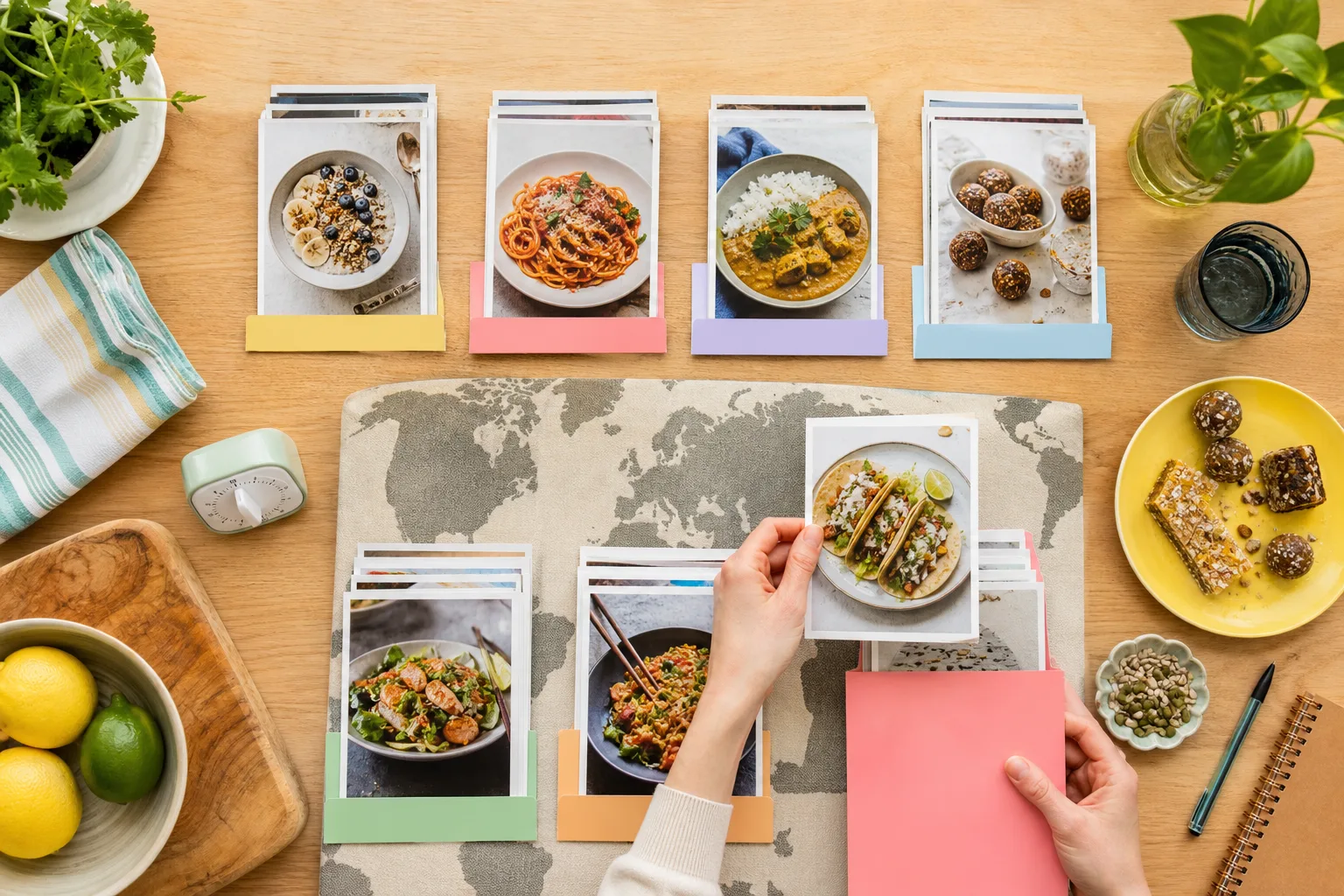
Use collections for the shelves you deliberately browse, such as Weeknight Dinners or Baking. Use tags for meal type, cuisine, time, diet, and method when those qualities overlap. Let ingredient and title search handle the rest.
Decide which dimensions actually affect dinner
Meal type, cuisine, time, diet, method, season, and occasion can all describe a recipe. You do not need to encode every dimension. Choose the ones your household uses when deciding what to cook.
For many people, time and meal type matter on weekdays, while cuisine and occasion matter when browsing for inspiration.
Make meal collections selective
Broad Breakfast, Lunch, and Dinner collections can work for a small library. As the collection grows, shelves such as Quick Lunches, Weeknight Dinners, and Weekend Baking are often more useful because they combine context with intent.
A recipe may belong to more than one collection. Brunch pancakes can sit in Breakfast and Weekend Guests without being duplicated.
Inside the app
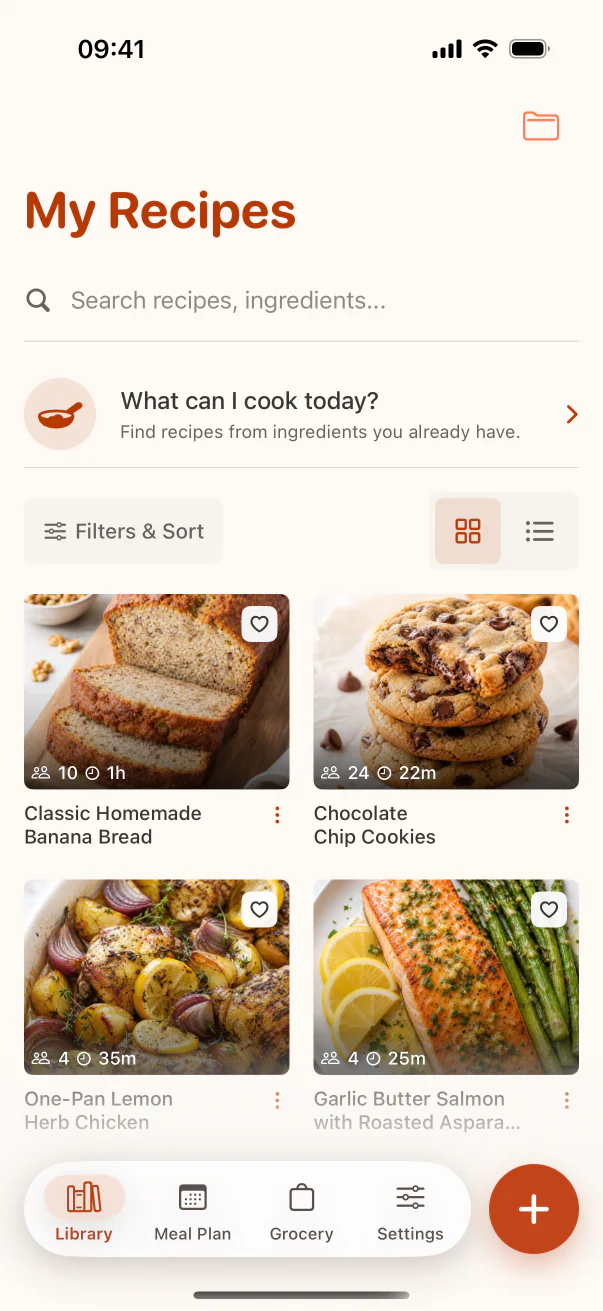
See the workflow in CookClip
These are real CookClip screens. Swipe across on mobile, or compare all three on a larger screen.
Use cuisine and time as tags
Cuisine usually overlaps every meal type, so tags such as Italian, Japanese, Mexican, or Malaysian filter more flexibly than top-level folders. Time tags should describe active reality: 15-minute, 30-minute, slow cooker, overnight, or make-ahead.
Be consistent about what time means. A recipe with ten minutes of work and eight hours in a slow cooker is quick prep, not a 10-minute dinner.
Add diet and method only when useful
Dietary tags can be important for allergies and household needs, but a tag is not a safety guarantee. Verify the actual ingredients and cross-contact requirements. Method tags such as air fryer, one-pot, grill, or pressure cooker help when equipment drives the decision.
Test the system with real questions
Can you find a vegetarian 30-minute dinner? A Japanese lunch? A make-ahead dessert for guests? If the combination is easy to retrieve, the system works. If you have to remember an elaborate folder path, simplify it.
Practical checklist
A practical metadata set
- Choose a purposeful collection such as Weeknight Dinners.
- Add one meal tag when it improves retrieval.
- Add cuisine, time, diet, or method tags only when relevant.
- Keep active time distinct from passive cooking or resting time.
- Test the system with three real search combinations.
FAQ
Common questions
Should Dinner be a collection or a tag?
Either can work. Use it as a collection if you browse it as a shelf; use it as a tag if more purposeful dinner collections already exist.
Can a recipe have multiple cuisine tags?
Yes when that description is genuinely useful, especially for fusion dishes. Avoid adding broad tags that do not help you choose.
How should I tag cooking time?
Use ranges tied to real decisions, and distinguish active preparation from passive cooking or resting time.
Are dietary tags safe for allergy decisions?
No tag replaces checking the full ingredient list, substitutions, labels, and cross-contact requirements.
Try the workflow
Build a recipe library that stays easy to use
Use collections for curated groups, tags for overlapping qualities, favorites for proven winners, and search for the moment you are in.