
Quick answer
Organize for decisions, not completeness
Import your proven recipes first, create a small set of purpose-based collections, use tags only for qualities that overlap, favorite the recipes you trust, and rely on search for titles and ingredients instead of filing every possible detail.
Start with a useful subset
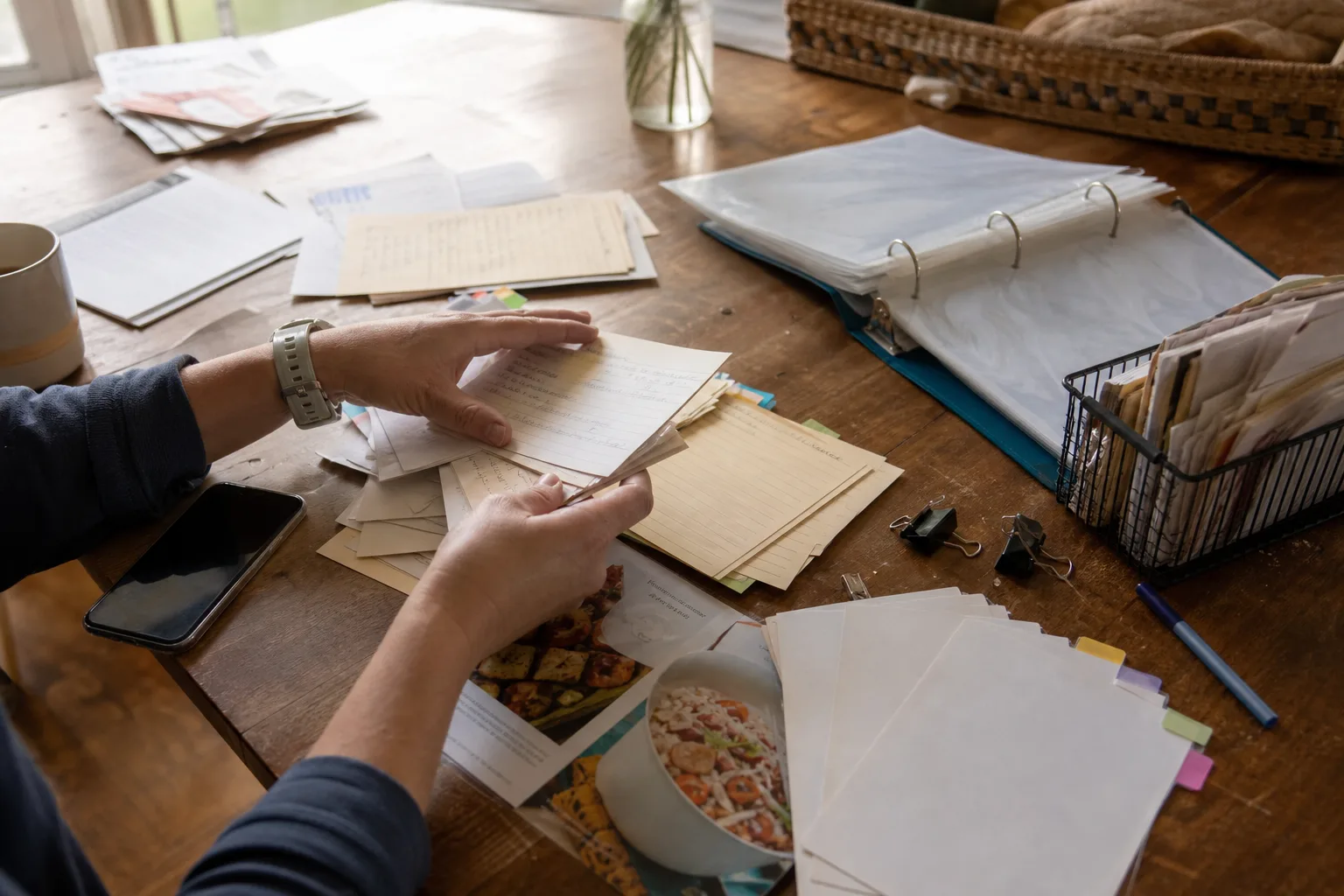
A collection of five hundred recipes does not need to be cleaned in one weekend. Begin with the twenty to fifty recipes you already cook, followed by recipes you plan to make soon and irreplaceable family recipes.
This gives the new system immediate value and teaches you which labels are genuinely useful before you apply them at scale.
Use collections as curated shelves
Collections work best when each one has a clear purpose: Weeknight Dinners, Baking, Lunch, Holiday, Family Recipes, or Cook Soon. Keep them broad enough that adding a recipe does not require a classification debate.
Avoid copying the structure of a bookstore cookbook section. Your library should reflect how your household chooses meals, not every theoretical cuisine and technique.
Inside the app
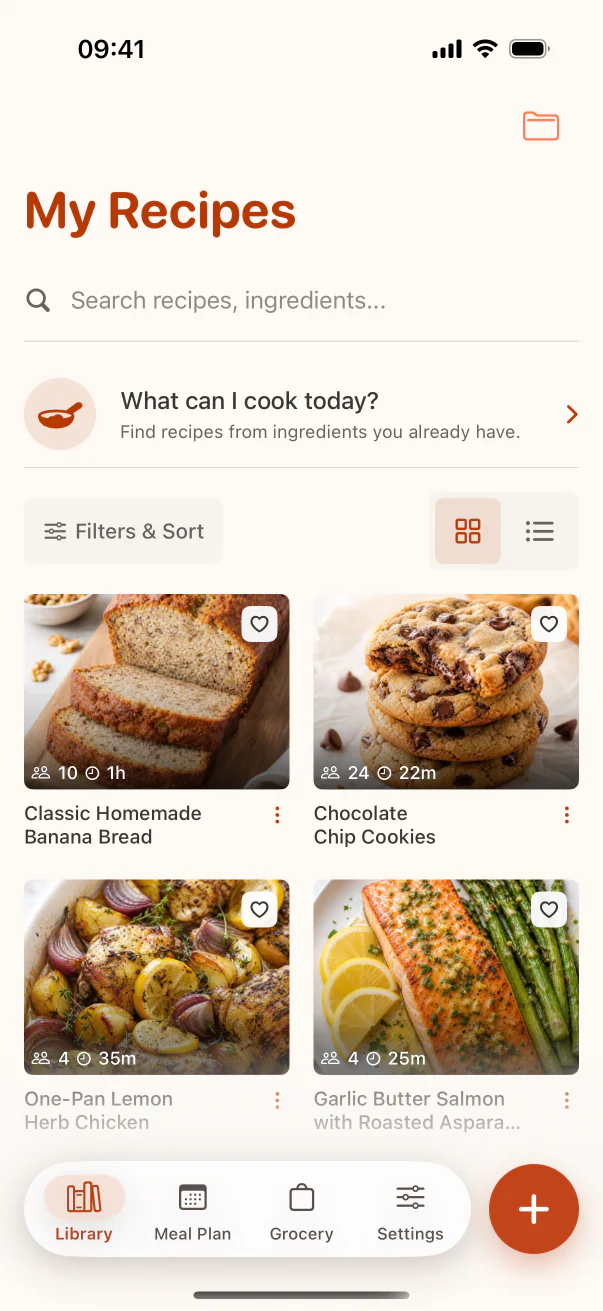
See the workflow in CookClip
These are real CookClip screens. Swipe across on mobile, or compare all three on a larger screen.
Use tags for overlapping qualities
A vegetarian pasta can also be quick, freezer-friendly, and suitable for guests. Tags let those qualities overlap without duplicating the recipe across a maze of folders.
- Keep tags observable and practical.
- Merge synonyms such as quick, fast, and 30-minute.
- Delete tags that never help you retrieve a recipe.
Let search carry the detailed work
You do not need a chicken folder if ingredient search can find chicken. You do not need a creator folder if the source field keeps the creator name. Save labels for concepts search cannot infer reliably, such as family-approved, make-ahead, or tested.
Consistent titles also matter. Rename vague imports like “You have to try this” to the actual dish name while keeping the original source.
Maintain the library in small passes
Review recent imports once a week and older recipes when you encounter them. Correct incomplete drafts, remove duplicates, mark proven recipes as favorites, and archive ideas you no longer want.
A large collection stays healthy through small decisions made during normal use, not an annual reorganization marathon.
Practical checklist
Large-library setup order
- Import your twenty most-used recipes.
- Create no more than eight starting collections.
- Define ten practical tags and merge obvious synonyms.
- Favorite recipes you have cooked and trust.
- Process new imports weekly before expanding the old archive.
FAQ
Common questions
How many collections are too many?
There is no universal limit, but if choosing a collection slows down every save, consolidate. Start with five to eight and add only when a clear repeated need appears.
Should every recipe have tags?
No. Add tags only when they will help you find or choose the recipe later. A clear title and ingredient search may already be enough.
How do I handle duplicate recipes?
Keep the version you trust or combine your tested notes into one keeper recipe. Preserve source links when multiple versions contributed useful details.
Do I need to migrate my entire archive?
No. Migrate proven, planned, and irreplaceable recipes first. Leave the rest until you actually need them.
Try the workflow
Build a recipe library that stays easy to use
Use collections for curated groups, tags for overlapping qualities, favorites for proven winners, and search for the moment you are in.