
Collections for intentional groups
Build small shelves such as Weeknight Dinners, Holiday Baking, Meal Prep, or Mum's Recipes.
Personal recipe manager
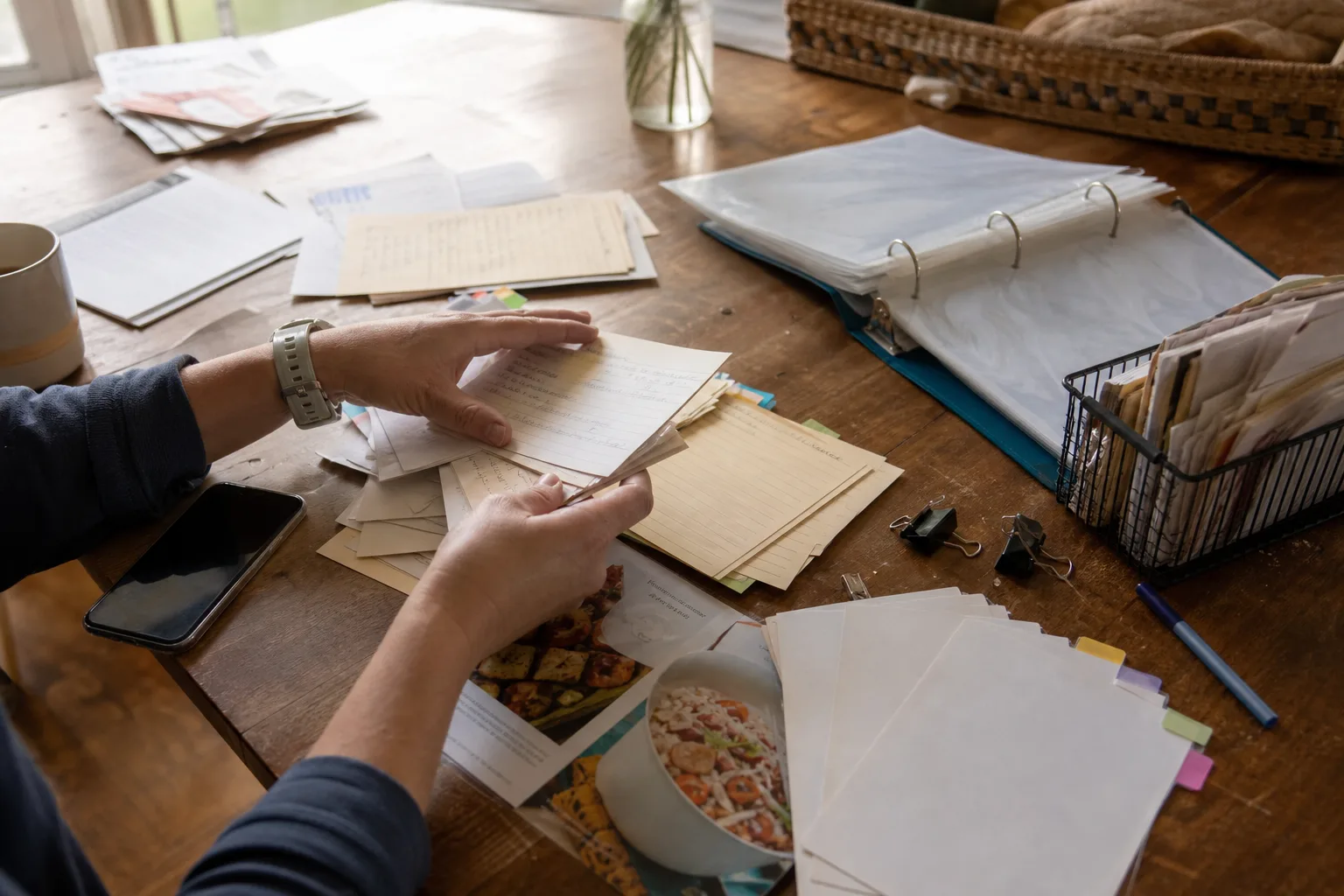
Bring together recipes from social videos, websites, cookbooks, family cards, and your own notes. CookClip helps you edit the keeper version, find it again, and move from “saved” to planned, shopped, and cooked.
Free: up to 50 recipes · Collections, tags, favorites, sharing, and sync
A system you can keep
A recipe can be a family favorite, a vegetarian dinner, and a quick weeknight meal at the same time. CookClip separates the tools so you do not have to force everything into one folder structure.
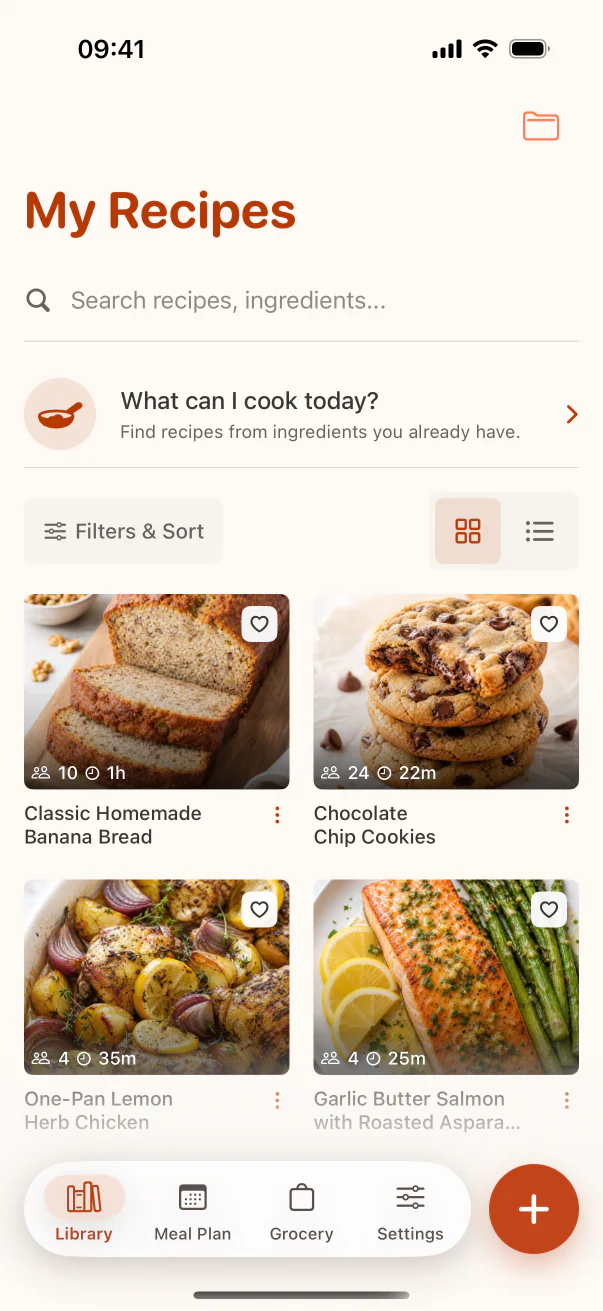
Build small shelves such as Weeknight Dinners, Holiday Baking, Meal Prep, or Mum's Recipes.
Filter across collections with labels such as vegetarian, freezer-friendly, 30-minute, or nut-free.
Mark recipes you trust, so repeat dinners do not compete with every idea you have ever saved.
Find recipes by title, ingredient name, or tag when you know what you have or what you want.
Real example
Scan a handwritten soup card, import your sister's shared recipe link, and enter your own roast notes manually. Correct each recipe to match how your family actually cooks it, tag all three “Family,” then place the holiday recipes in a dedicated collection. Cloud Backup can keep the library tied to your signed-in CookClip account.
You can manually save and organize recipes without an account. Guest Smart Import may provide two successful imports per device when enabled; sign in for the account allowance and Cloud Backup across supported devices.
Start from a link, shared social source, photo, pasted text, or a blank manual recipe.
Change the title, ingredients, steps, timing, servings, notes, and recipe image.
Add it to a meal plan, send ingredients to Grocery, share it, or open Cook Mode.
Rename collections and tags, remove stale ideas, and keep favorites meaningful.
Inside the library
Home surfaces collections, Library makes the full archive searchable, and each collection stays focused.
FAQ
CookClip Free includes up to 50 saved recipes, Meal Plan Basic, and Grocery Basic from version 2.4.0. Pro adds unlimited recipe saves and Smart Imports, expanded AI, advanced planning and grocery organization, and serving scaling.
Yes. Use collections for curated groups, tags for cross-library filtering, and favorites for quick access.
Yes. Sign in and keep Cloud Backup enabled to sync recipes, collections, tags, meal plans, and grocery lists across supported devices on your CookClip account.
No. You can write and organize recipes manually. Smart Import is an optional faster starting point for links, text, and photos.
Build the useful version
Keep fewer mystery bookmarks and more recipes that are complete, searchable, and ready for dinner.