
Quick answer
Plan the week before choosing the recipes
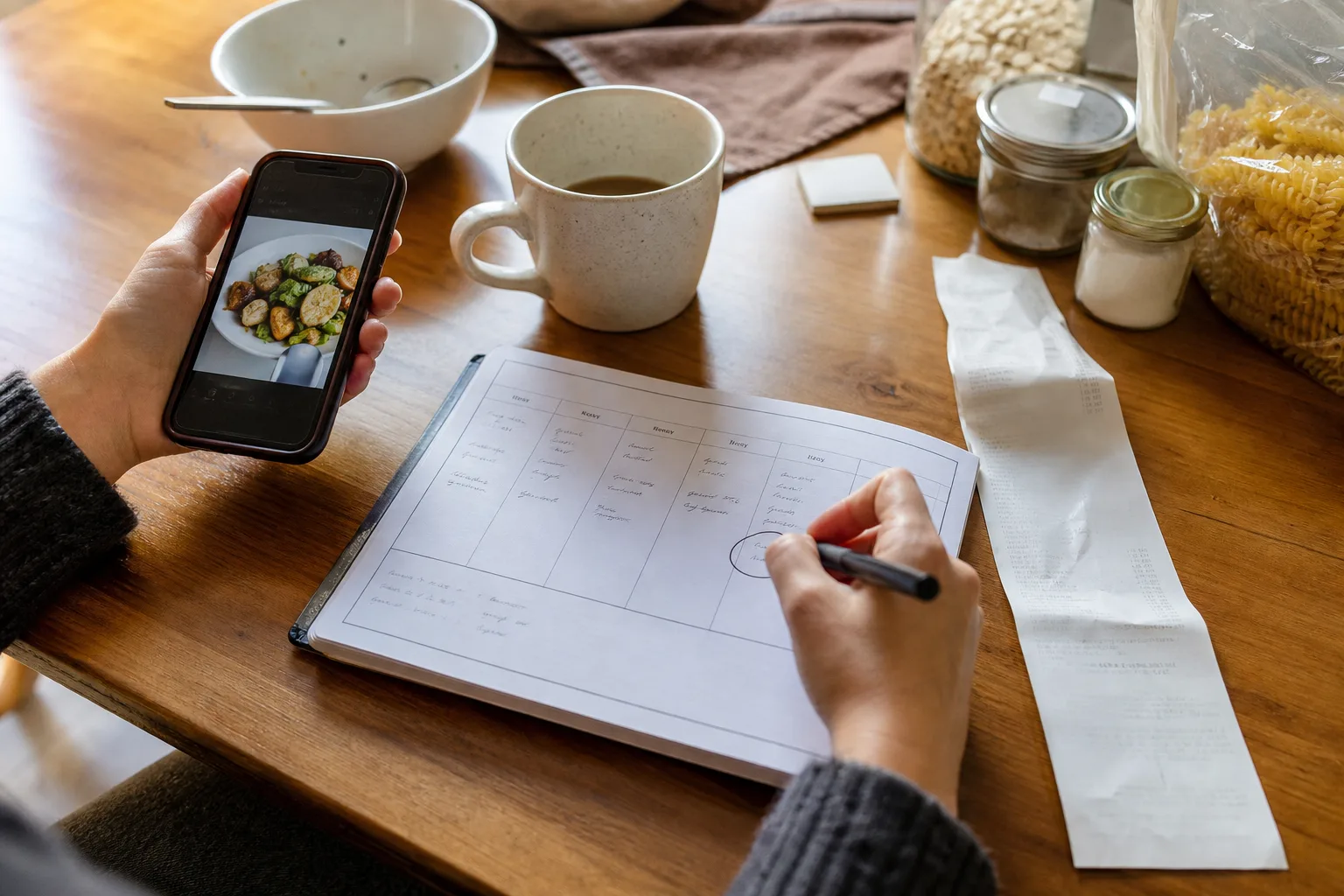
Check which evenings are busy, choose three or four anchor meals from your saved library, schedule leftovers and flexible meals, confirm servings, and generate groceries only after the plan is stable.
Start with the calendar
Mark late meetings, school events, travel, social plans, and evenings when nobody wants to cook. A beautiful seven-night menu fails when it ignores the week’s energy and time.
Give the easiest meals to the hardest nights. Save unfamiliar or multi-stage recipes for days with enough attention.
Choose a small set of anchor meals
Select three or four recipes you are genuinely willing to make. Include at least one trusted favorite and limit brand-new recipes so the whole week does not become an experiment.
Look for ingredient overlap that is useful without becoming repetitive, such as herbs used across two meals or one roast chicken supporting a later soup.
Inside the app
See the workflow in CookClip
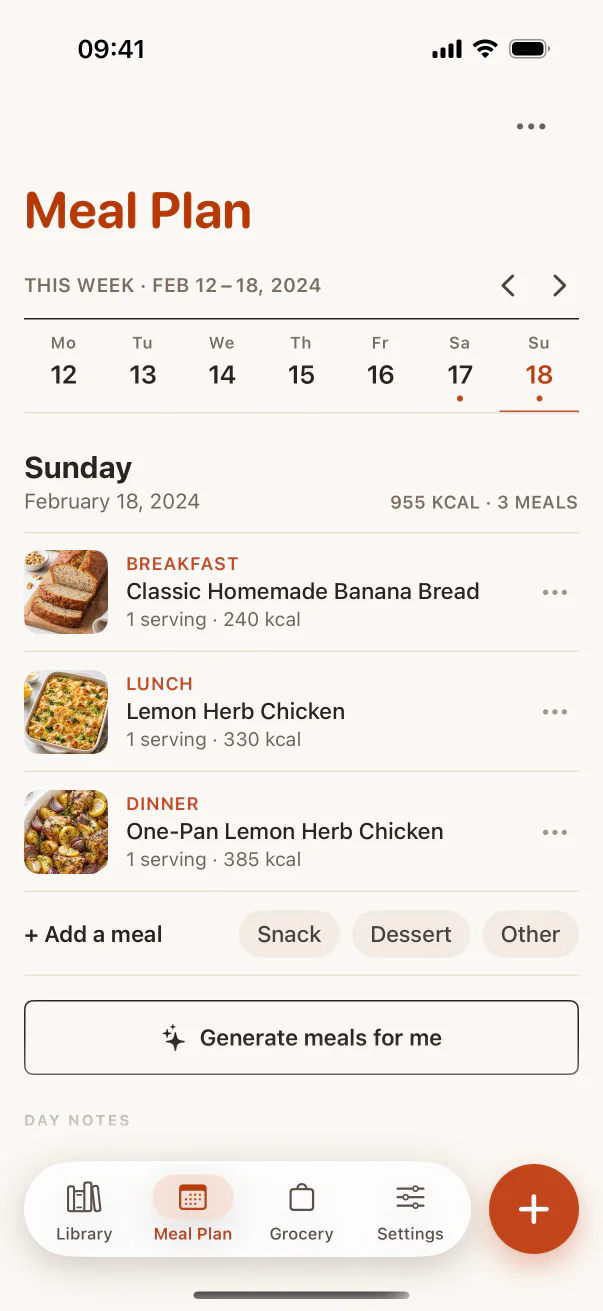
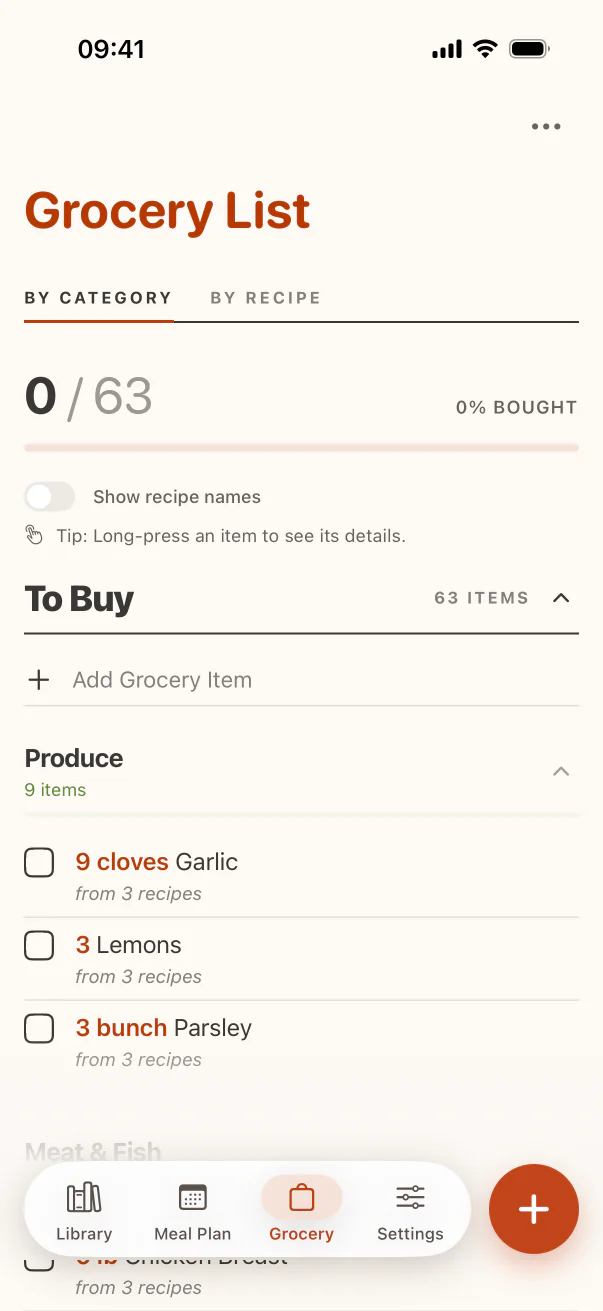
These are real CookClip screens. Swipe across on mobile, or compare all three on a larger screen.
Plan leftovers and flexible slots
Give leftovers a named place instead of treating them as an accidental backup. Keep one flexible slot for pantry pasta, eggs, freezer food, takeaway, or a meal moved from another day.
A plan with breathing room is more likely to survive schedule changes and reduce food waste.
Confirm servings before building the list
Adjust recipes for the number of people eating and decide whether you intentionally want extra portions. Check what is already in the fridge, freezer, and pantry before adding ingredients to the shopping list.
CookClip Pro can connect saved recipes to a meal plan and categorized grocery list, reducing the amount you copy between tools.
Treat the plan as a guide
Move meals when plans change. The value is not perfect compliance; it is having a considered set of options, the necessary ingredients, and less decision-making at the end of the day.
Practical checklist
A durable weekly plan
- Mark busy, social, and low-energy nights.
- Choose three or four anchor recipes.
- Schedule leftovers and one flexible meal.
- Adjust servings and check pantry stock.
- Build the grocery list only from the final plan.
FAQ
Common questions
Do I need to plan all seven dinners?
No. Three or four anchors plus leftovers, pantry meals, and flexible slots are often more realistic.
How many new recipes should I try in one week?
For most busy households, one or two is enough. Balance them with meals you already know how to make.
Should I assign every meal to a fixed day?
Assign meals when timing matters, but allow movement. A weekly shortlist can be more resilient than a rigid calendar.
When should I make the grocery list?
After confirming recipes, dates, servings, leftovers, and pantry stock. Building it too early creates unnecessary items.
Try the workflow
Let saved recipes lead somewhere useful
CookClip connects your personal recipe library to meal planning, categorized grocery lists, ingredient-first ideas, and focused Cook Mode.