
Tip 01
Keep the tab open
Browsers may suspend closed pages. Leave this timer tab open until the alarm sounds.
Ready when you are
Set a countdown with quick kitchen presets, pause when you need to, and hear an alarm when time is up.
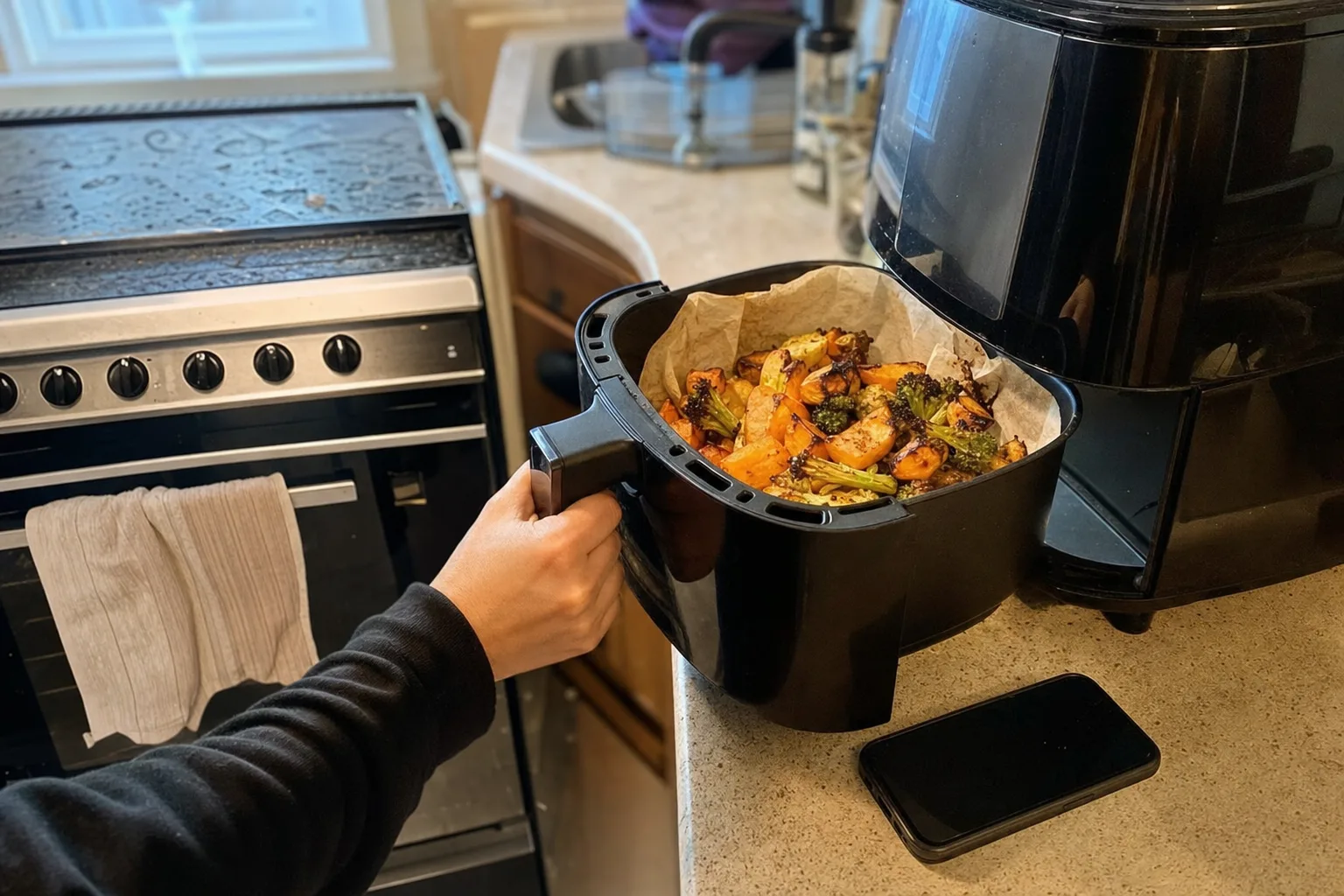
The countdown is saved in this browser so it can recover after an accidental refresh. Keep this tab open and your device volume on to hear the alarm.
Time remaining
00:00:00
Choose a duration, then start the timer.
Stay on track
The countdown continues from a fixed finish time, helping it remain accurate when your browser reduces activity in a background tab.
Tip 01
Browsers may suspend closed pages. Leave this timer tab open until the alarm sounds.
Tip 02
Make sure the device is not muted. Browser settings and power-saving modes can prevent an alarm from playing.
Tip 03
A timer is a reminder, not a doneness test. Follow the recipe and use a thermometer for safety-sensitive dishes.
Use the quick presets for steeping tea, resting dough, simmering sauces, cooling bakes, or remembering the next stir. For longer recipes, enter hours, minutes, and seconds directly.
The remaining time also appears in the browser tab title while the timer runs, so you can keep an eye on it while reading another recipe.
Questions answered
It plays a short alarm if your browser allows audio. Keep the page open, the device awake where possible, and the volume on.
Yes. The main button switches between start, pause, and resume.
The page saves the active or paused timer in local browser storage and restores it after a refresh.
This page runs one timer at a time. Reset it before starting a different countdown.
Organise recipes from links, videos, photos, and notes with CookClip.