Start a digital cookbook for free
Save up to 50 recipes on the free plan, whether they start as links, notes, photos, family cards, or social ideas.
Free cookbook app for iPhone and iPad
CookClip gives you a real cookbook to start with for free: save up to 50 recipes, try 5 AI imports, and keep the recipes you trust in one searchable iPhone and iPad library.
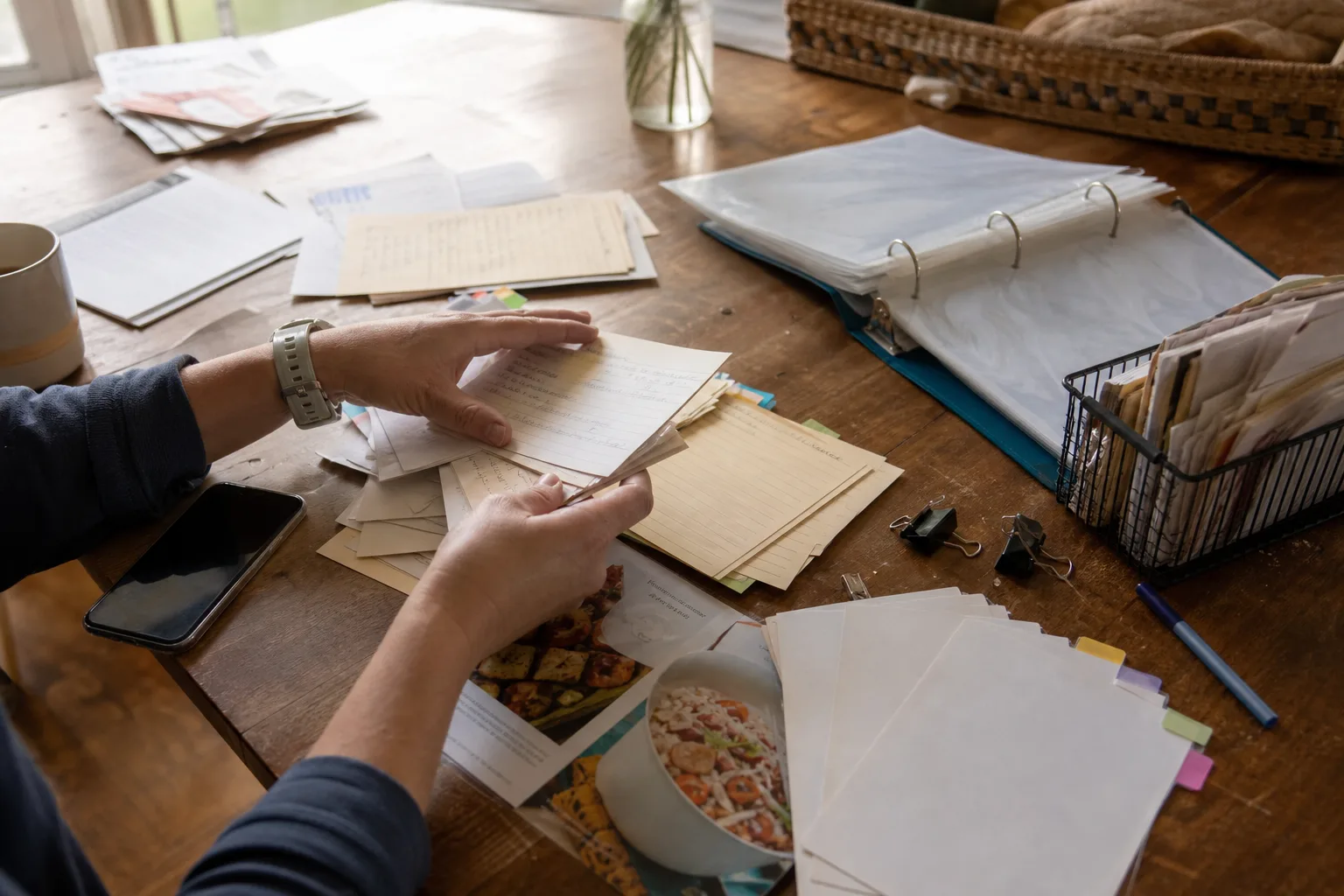
Free users can save up to 50 recipes and use 5 AI recipe imports. Pro unlocks unlimited saves and imports.

Why CookClip
A good cookbook app should make recipes easier to save, easier to find, and easier to cook from later. CookClip starts with a practical free plan and keeps the workflow focused on real recipes, not another collection of forgotten bookmarks.
Save up to 50 recipes on the free plan, whether they start as links, notes, photos, family cards, or social ideas.
Try AI imports on real recipe sources, then review the draft before it joins your cookbook.
Find saved recipes by title, ingredient, tag, or favorite instead of scrolling through screenshots and saved posts.
Open ingredients, steps, timing, servings, notes, and Cook Mode from a recipe built for your kitchen routine.
Cookbook, saver, manager
Whether a recipe starts as a link, photo, note, or family card, CookClip gives it one clean place to live and the tools to use it again.
CookClip Free is built for trying the full recipe-saving workflow. When your cookbook outgrows the free plan. From version 2.4.0, Free also includes Meal Plan Basic and Grocery Basic; Pro adds unlimited recipe saves and imports, expanded AI, advanced planning and grocery organization, and custom scaling.
Store links, notes, photos, family cards, ingredients, steps, and source links in a clean library.
Use search, tags, favorites, collections, and notes so recipes are easy to find when dinner starts.
Move saved recipes into a weekly plan when CookClip becomes your main recipe system.
Create categorized shopping lists from saved recipes instead of rewriting ingredients by hand.
How it works
CookClip is designed for the moment you find a recipe and the moment you cook it. Add the recipe from the format you have, review the result, then save the keeper version to your iOS cookbook.
Paste
Paste a recipe link, note, or photo and turn it into a recipe card you can keep in your free cookbook.
Share
Share a recipe source to CookClip when you find it, then review and save the keeper version.
Free vs Pro
CookClip keeps the difference clear: Free is enough to build a useful starter cookbook, while Pro is for people who want CookClip as their main recipe system.
Save up to 50 recipes, use 5 AI recipe imports, search your library, favorite recipes, and organize with tags and collections.
Unlock unlimited recipe saves, unlimited AI imports, meal planning, categorized grocery lists, and custom scaling.
CookClip is available for iPhone and iPad. Manual saving works without an account, and sync is available when you sign in.
AI can help structure a recipe draft, but you can review and edit the recipe before it joins your cookbook.
FAQ
CookClip is a strong choice if you want a free cookbook app that can save recipe links, social recipes, notes, and photos in a searchable iOS cookbook.
CookClip is free to start. Free users can save up to 50 recipes and use 5 AI recipe imports. Pro unlocks unlimited recipe saves and unlimited AI imports.
Yes. You can build a free digital cookbook in CookClip from the recipes you already collect: links, videos, notes, photos, and family cards.
Yes. CookClip can help import recipes from social links when enough recipe detail is available, and you can edit the recipe before saving.
You can keep using the recipes you already saved. Upgrade to CookClip Pro when you want unlimited saved recipes, unlimited AI imports, and planning tools.
Your digital cookbook
Browse recent recipes, build collections, and search your cookbook from iPhone or iPad.


Next step
Build a useful cookbook with free saves, tags, collections, favorites, and a few AI imports before deciding whether Pro fits.