
Share or paste a link
Use the website or accessible social link that contains the clearest ingredients and steps.
Save recipes on iPhone and iPad
Bring a recipe in from a website, Instagram, TikTok, Facebook, YouTube, a screenshot, a photo, or a note. CookClip turns the available details into an editable recipe you can review, organize, and use.
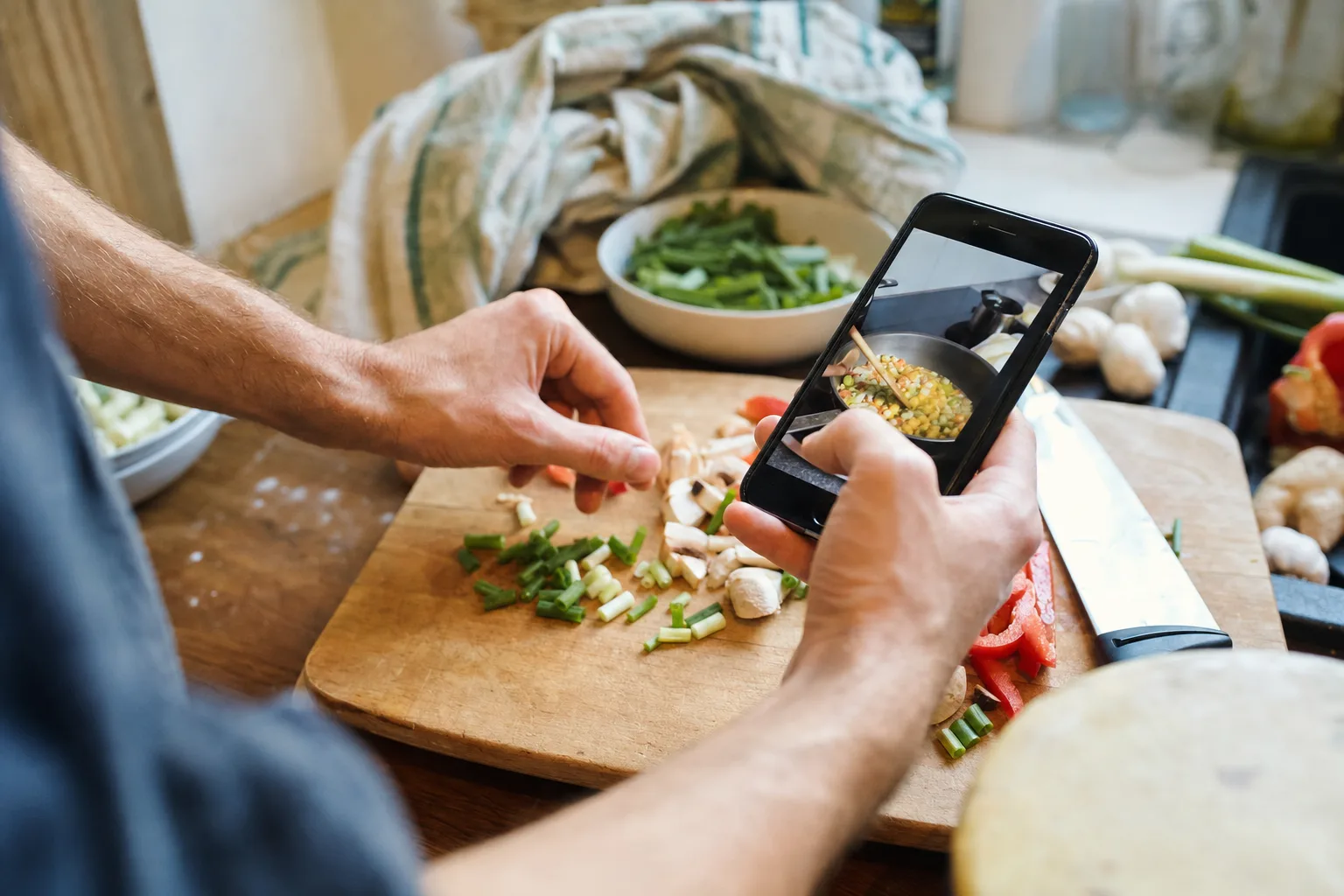
Share a link · Scan a photo · Paste text · Write manually
Use the source you have
The best method depends on where the complete recipe lives. Start with the cleanest source, then review the draft instead of assuming every caption, transcript, or photo is complete.
Use the website or accessible social link that contains the clearest ingredients and steps.
Choose a clear image, check recognized text, and correct fractions, units, and temperatures.
Paste a caption or family note, or enter the recipe manually when automation is not the right fit.
Social recipes
A saved post can be hard to search and may omit information. Keep the source link for attribution and technique, while storing the usable ingredients and steps in a recipe you control.
CookClip does not bypass platform privacy. When a post is private, blocked, or missing measurements, paste visible text, scan a clear screenshot, follow the creator's recipe link, or add details manually.
Choose between the Reel, caption, carousel screenshots, or creator website. See the Instagram workflow.
Share or copy the video link, then check the caption, transcript, and linked page. See the TikTok workflow.
Copy or share an accessible post, or use pasted text and photos when the details are incomplete. See the Facebook workflow.
Use the description, transcript, pinned comment, or creator recipe page when available. See the YouTube workflow.
Real example · websites, screenshots, and notes
Import a recipe website directly, scan a printed page or handwritten card, paste text from a message, or write the recipe yourself. The result should be a clear title, editable ingredients, ordered steps, and a source or note that explains where it came from.
Compare methods in the recipe importer guide, or learn how to save recipe photos and screenshots or scan handwritten recipes carefully.
Check quantities, units, optional items, and serving size while the original source is still open.
Look for missing temperatures, timings, resting periods, equipment, and steps that only appeared on screen.
Keep the creator link or family attribution so the saved recipe does not erase useful context.
Add a collection, a few useful tags, or a favorite only after the recipe is complete enough to keep.
See what gets saved
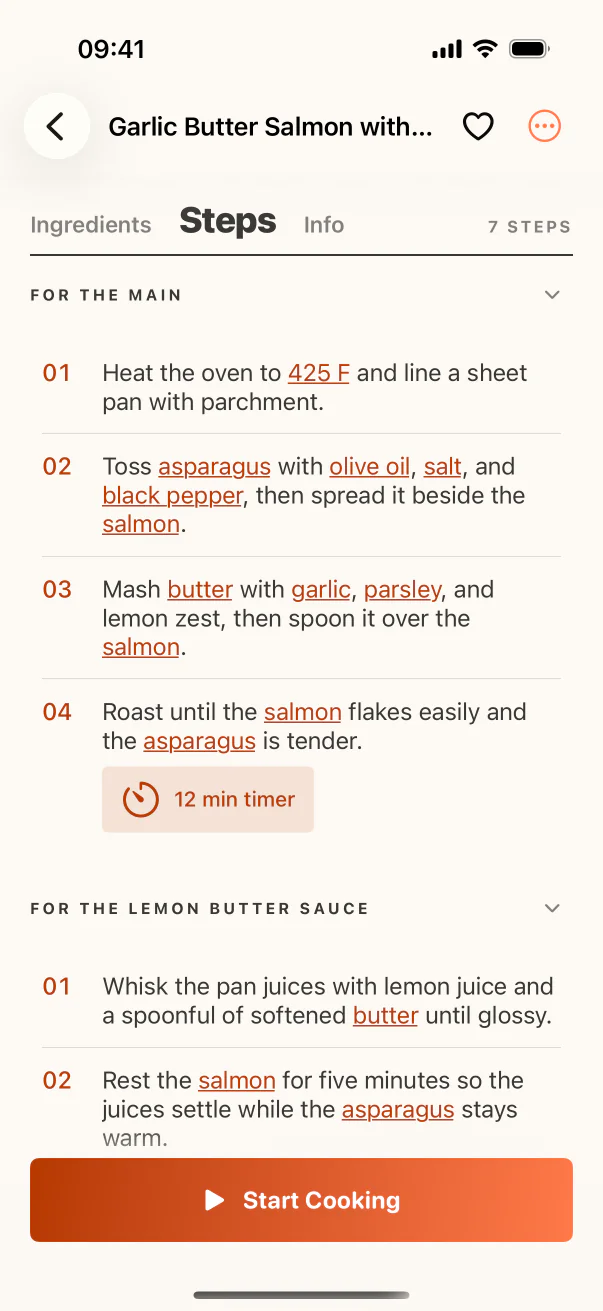
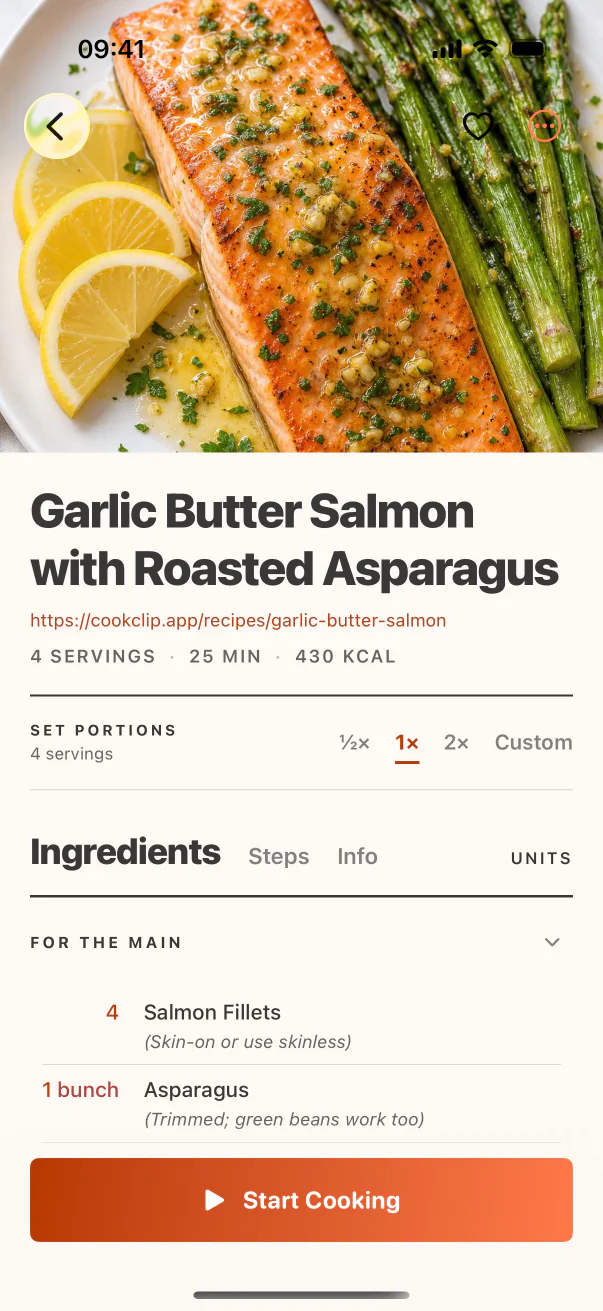
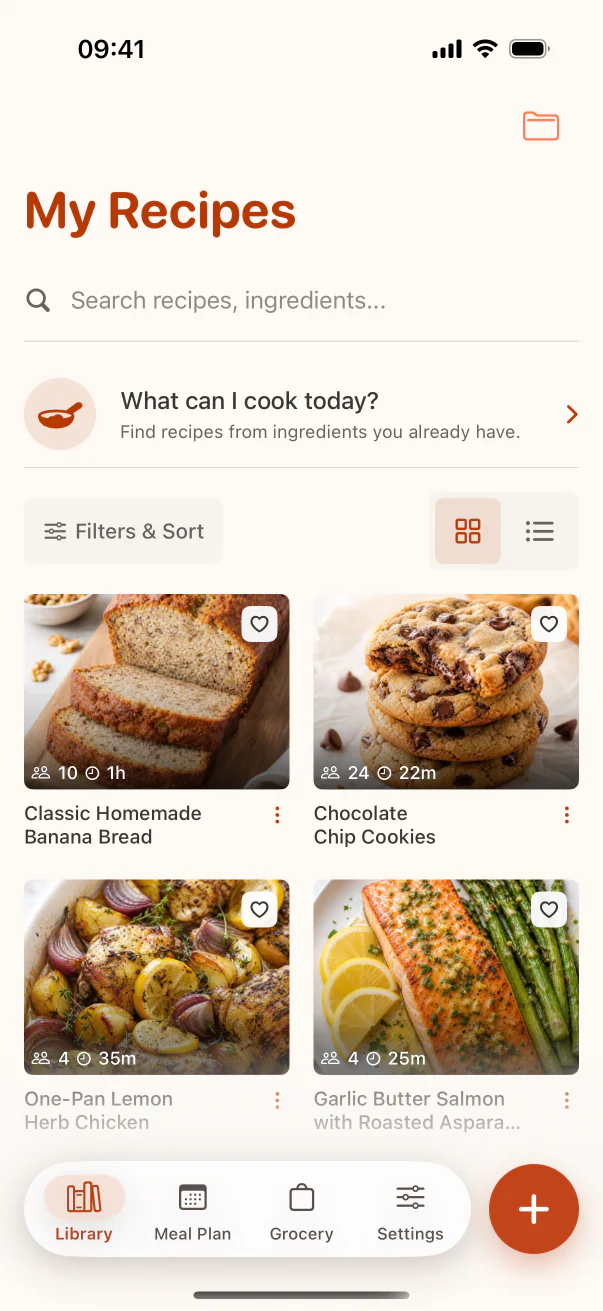
Use real product screens to follow the recipe from capture through review and organization.
Accounts and plans
Manual recipe creation and organization can work without an account. When guest Smart Import is enabled, signed-out users can try two successful imports per device. Sign in to continue after that allowance or when guest access is unavailable. An internet connection is required for online recipe structuring. The Free plan includes a limited allowance; the app shows the current recipe and import limits.
Pro removes those limits and unlocks Grocery, Meal Plan, and custom serving scaling. Saving a recipe does not require those planning features.
Use the share sheet, paste a copied link, scan with the camera, or choose an image from Photos.
Use the same recipe capture and review tools on a larger supported screen.
FAQ
Share or copy the recipe link into CookClip, use Scan for a screenshot or photo, paste visible recipe text, or write the recipe manually. Review imported details before saving.
Yes. CookClip supports iPhone and iPad, with the same link, photo, text, manual entry, organization, and recipe-review workflows.
CookClip can create an editable draft when an accessible post, caption, transcript, linked page, or pasted text exposes enough recipe detail. Private or incomplete posts may need screenshots, pasted text, or manual corrections.
Yes. Use Scan with a clear screenshot or photo, check the recognized text, and review fractions, units, temperatures, ingredients, and step order before saving.
You can write and organize recipes manually without an account. When guest Smart Import is enabled, signed-out users can use two successful imports per device; signing in provides the account allowance.
CookClip is free to download. Free includes manual recipe creation and a limited Smart Import allowance. Pro removes recipe and Smart Import limits and adds Grocery, Meal Plan, and custom serving scaling.
After saving
Find it by title or ingredient, put it in a collection, plan when to cook it, and add the ingredients you need to the shop.