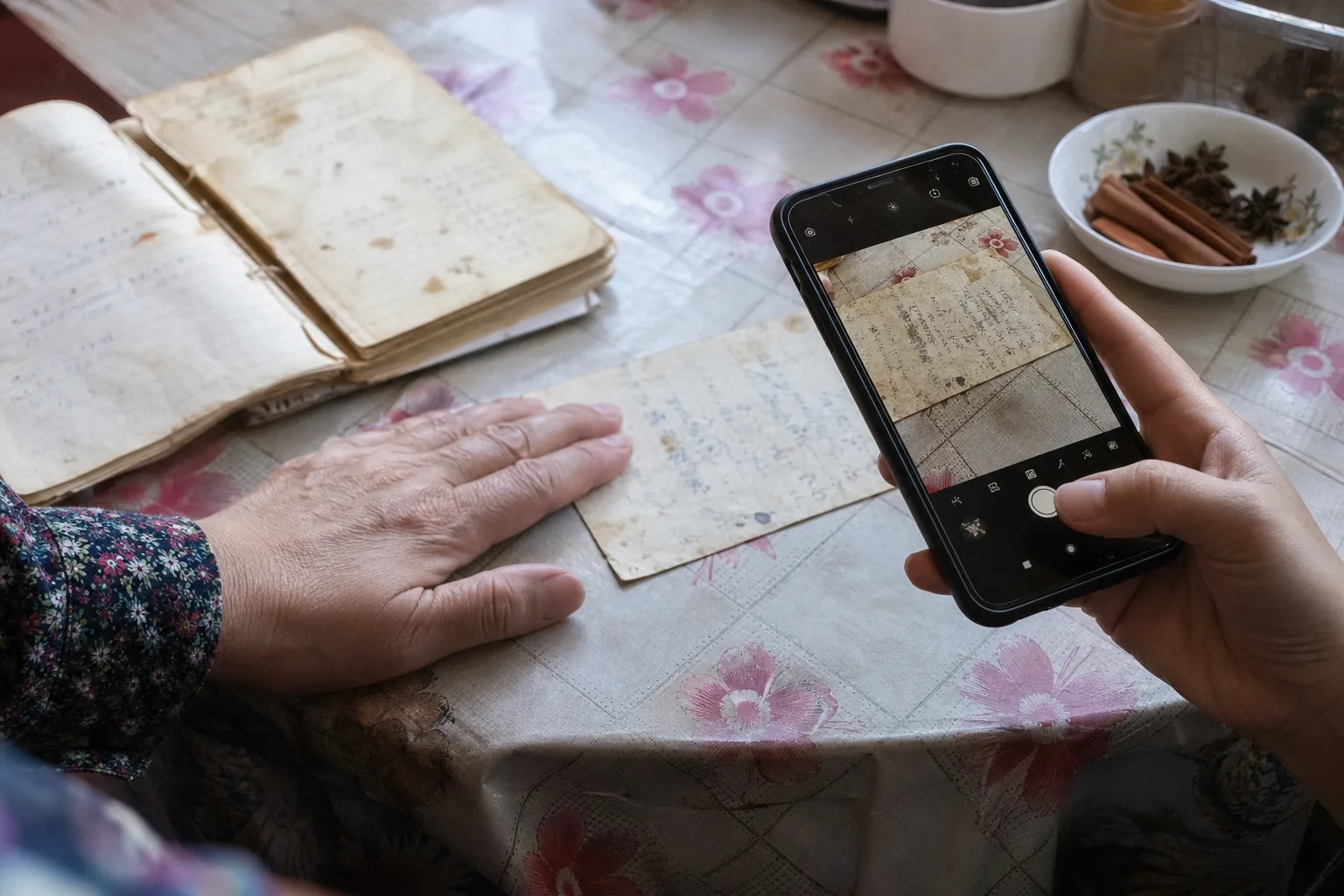
Handwritten cards and cookbook pages
Use camera or photo import for recipe cards, magazine clippings, and old cookbook pages you want to keep.
Family recipe organizer
CookClip helps preserve the recipes that usually live on cards, in family texts, in notes apps, and inside recipe links. Save handwritten recipes, photos, pasted notes, and URLs in one warm iOS cookbook you can search.
Manual recipes work without an account · Smart Import requires sign-in

Preserve family recipes
Family recipes are often scattered across recipe boxes, screenshots, old notebooks, message threads, and links someone promised to send later. CookClip gives each recipe a calmer place to land, then lets you review it before it joins your cookbook.
Use camera or photo import for recipe cards, magazine clippings, and old cookbook pages you want to keep.
Paste a recipe from Messages, email, Notes, or a family document and shape it into clear ingredients and steps.
Save recipe links from relatives and keep the source attached while you clean up the details.
Organize by family member, holiday, generation, recipe type, or the meals everyone asks for again.
How it works
A family recipe organizer should feel simple enough to use while dinner is happening. Add the recipe in the format you have, review what CookClip finds, then save the clean version with the context that matters.
Add a note like "Grandma doubled the cinnamon" or "Dad made this every Sunday" so the recipe stays useful and personal.
Get CookClip from the App Store, then start with a photo, pasted text, copied URL, or shared recipe link.
Check the detected URL, ingredients, steps, servings, and notes. CookClip helps structure the recipe, but you stay in control.
Tap Create Recipe when the import looks right, then edit anything that needs a family-specific adjustment.
Favorite the keepers and use tags or collections for holidays, weeknight dinners, baking, family staples, and heirloom recipes.
Digital family cookbook
A digital family cookbook is more than storage. CookClip keeps recipes searchable, editable, and ready for the everyday job of finding the right dish when someone asks for it again.
Search by recipe title, ingredient, tag, favorite, or folder when you only remember part of the dish.
Save source links, notes, and family adjustments so the recipe still feels like yours.
Use tags for people, holidays, generations, and the meals everyone asks for again.
Clarify measurements and steps while keeping the family note or original source attached.
FAQ
Yes. CookClip can help you save handwritten recipe cards and cookbook pages through photo import. You can review and edit the recipe before saving it to your digital cookbook.
Yes. Copy and paste a recipe URL into CookClip, or share a link directly from TikTok, Instagram, YouTube, Facebook, Safari, a blog, or another app. CookClip lets you review the URL before you tap Create Recipe.
CookClip works well as a personal digital family cookbook on iPhone and iPad. You can store family recipes, add notes, favorite reliable dishes, and organize recipes with tags and collections.
Start with tags for people, holidays, and recipe types. Use favorites and collections for larger groups like baking, holidays, or family staples.
CookClip can help preserve the usable recipe details from cards, notes, photos, and links, while keeping them searchable on iPhone and iPad. Many people still keep the originals for memory and backup.
Yes. Starting with CookClip 2.4.0, add saved family recipes to Meal Plan Basic, then open the recipes and choose the ingredients you need for Grocery Basic. Pro adds AI-generated meal plans and advanced grocery organization.
Preserve and organize
Import an old recipe, keep it in the library, and build collections for family favourites.


Next step
Start with a handwritten card, family text, old note, or trusted link, then keep the story with the recipe.