
From TikTok
Share straight to CookClip
- Tap Share on the cooking video.
- Choose CookClip in the iOS share sheet.
- Confirm the detected source and create the draft.
TikTok recipe saver
Share or paste a TikTok cooking link into CookClip, turn the details that are actually available into an editable recipe, and keep the source close for credit and context.
For iPhone and iPad · Guests may get 2 imports per device when enabled · Signed-in Free gets 5
Two ways in
The best route depends on where you are when you find the recipe. Both routes lead to the same reviewable draft.
From TikTok
From clipboard
CookClip is a recipe organizer, not a TikTok video downloader. A complete caption or linked recipe page usually gives a stronger draft than a video with no written details.
Real example
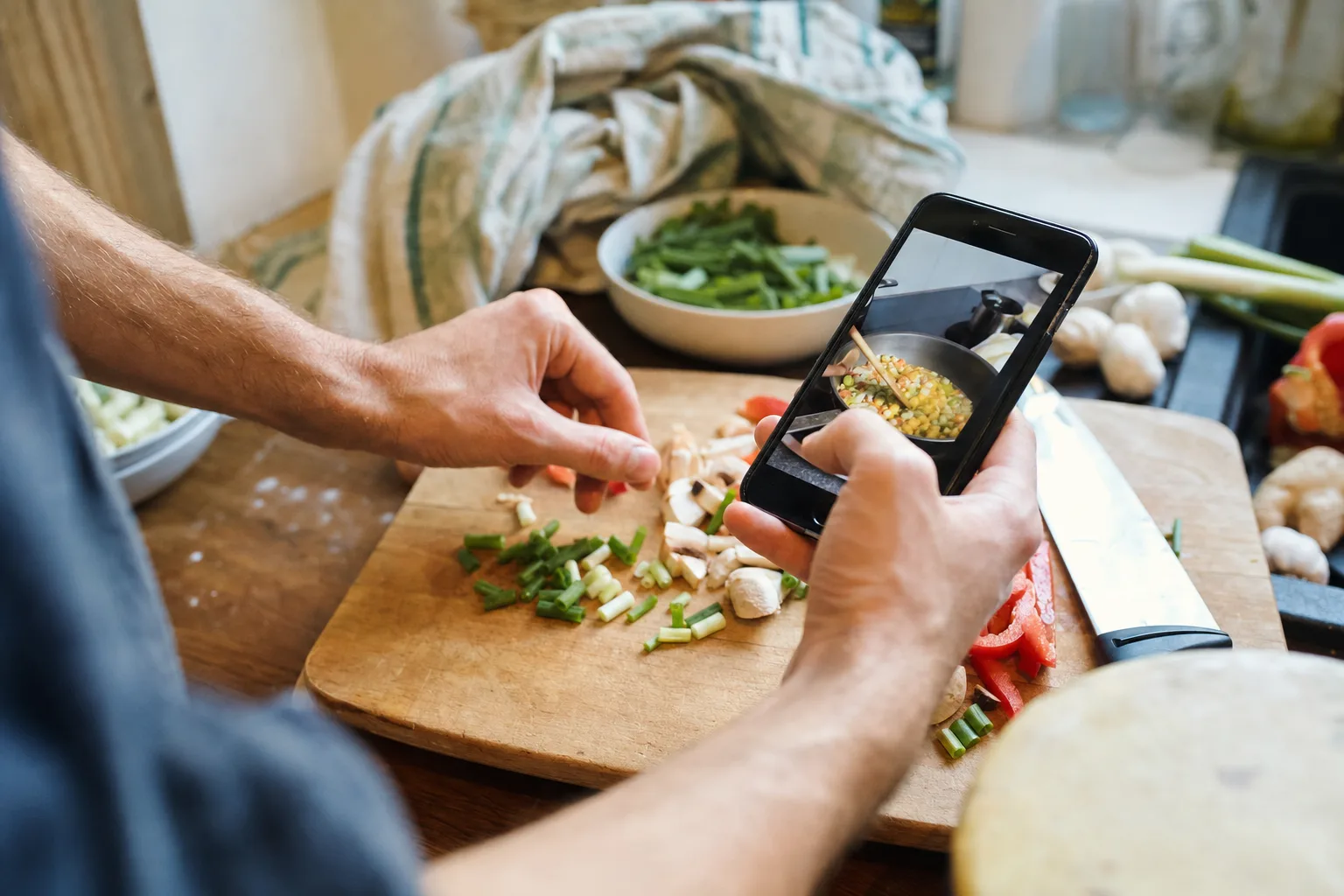
You find a creator's lemon pasta on your commute. Share it to CookClip, check that “one cup” refers to pasta water—not cream—then add the recipe to Weeknight Dinners. On Thursday, add its ingredients to Grocery and open Cook Mode instead of scrubbing through the clip with wet hands.
Videos often skip oven temperature, exact quantities, or serving size. CookClip surfaces a draft; you decide whether it is complete enough to keep.
Retain the original source link when it is available, so you can return to the creator's post.
Correct ingredients, steps, timing, servings, and notes while the video is still fresh.
Search the recipe by title, ingredient, or tag instead of relying on TikTok bookmarks.
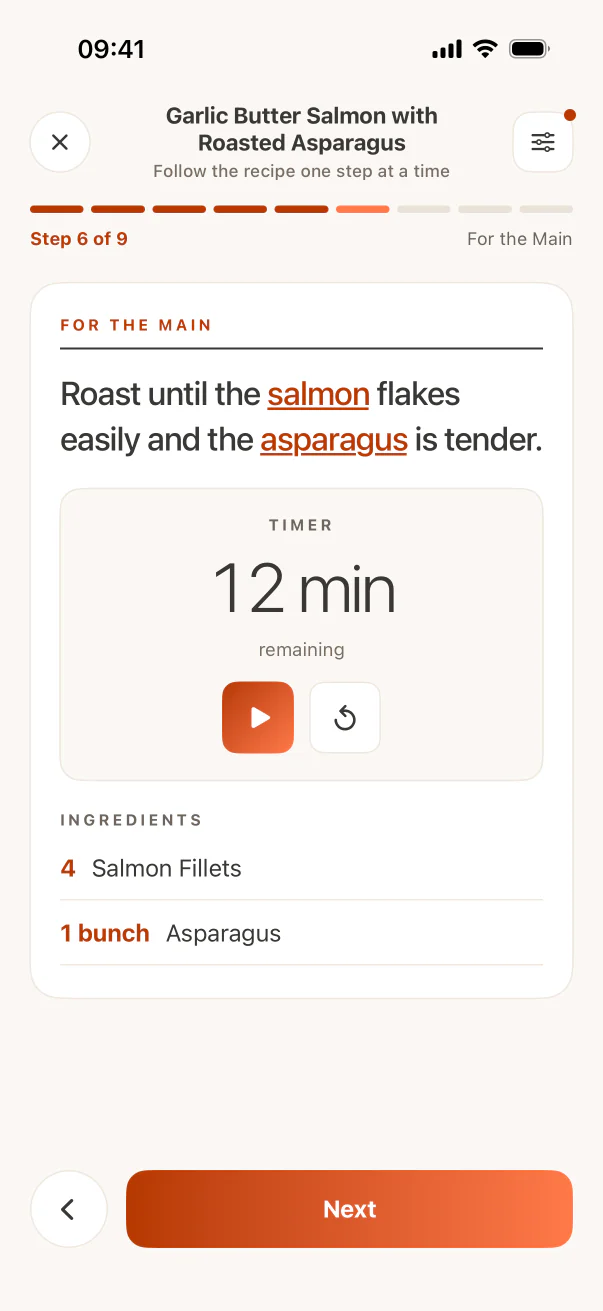
Move a saved recipe into meal planning, grocery lists, and focused Cook Mode.
Product proof
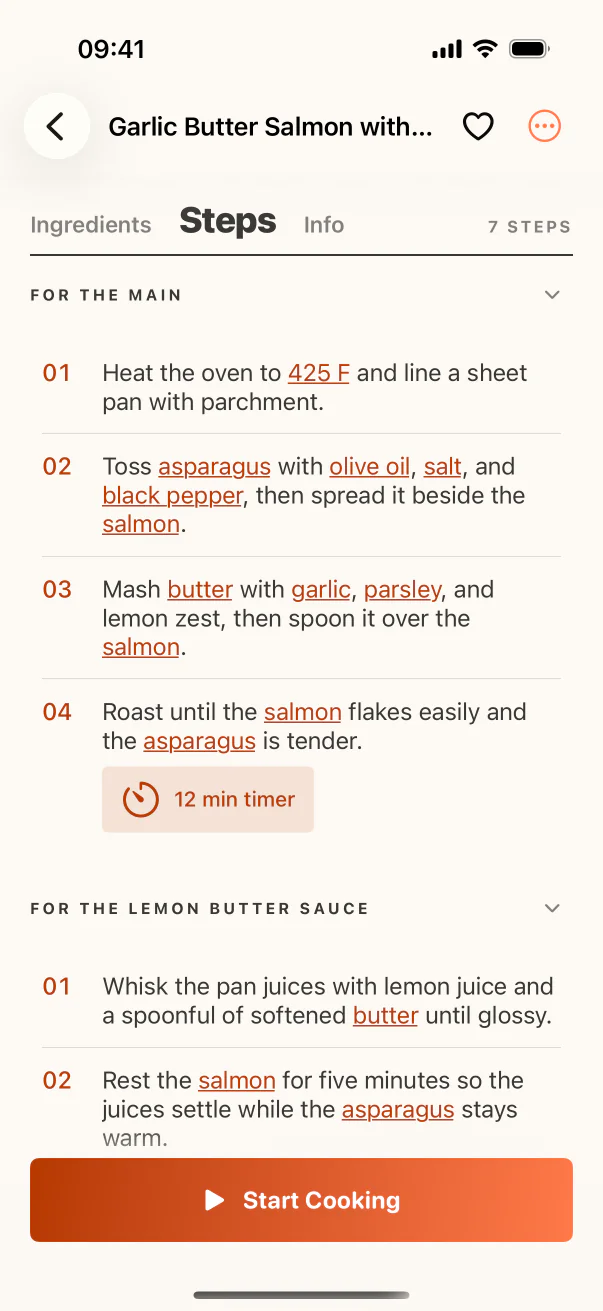
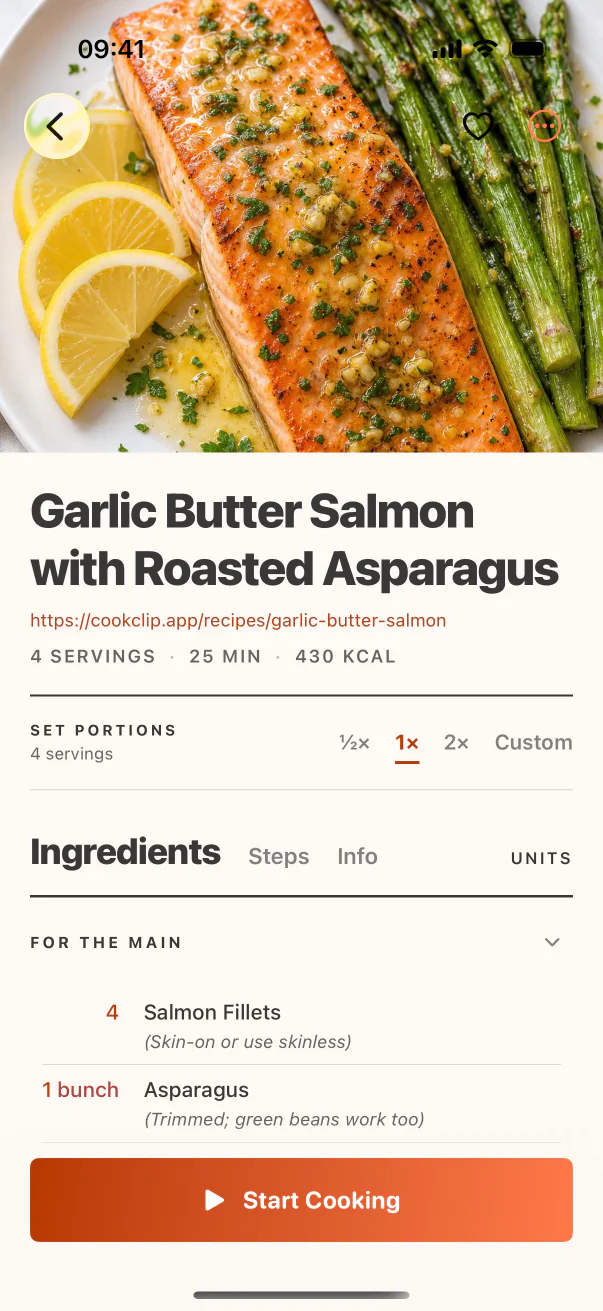
The source enters through Smart Import; the useful result lives as structured ingredients and steps.
FAQ
It works best when the video, caption, transcript, or linked page contains usable recipe details. CookClip cannot recover information the creator never included.
Yes. Every Smart Import is a draft, so you can correct ingredients, steps, timing, servings, and notes before saving.
No. It saves a structured recipe from available cooking details and can keep the source link; it is not a video downloader.
Check the caption or creator's linked recipe page, paste missing text, or enter the missing details manually. Do not treat an incomplete draft as a tested recipe.
Ready when the recipe is
Save the source, review the details, and make the recipe searchable before it disappears into your bookmarks.