Save recipes from anywhere
Start manually anytime, or sign in to use AI imports from recipe links, social posts, websites, copied text, screenshots, cookbook photos, and handwritten recipes.
 CookClip for iPhone and iPad
Start saving recipes manually anytime, or sign in to use AI imports from links, TikTok, Instagram, YouTube, Facebook, websites, camera photos, notes, and handwritten recipes. Review the link, then create a clean recipe library for everyday cooking.
Built for iPhone and iPad. Sign in for free sync and 5 AI imports.
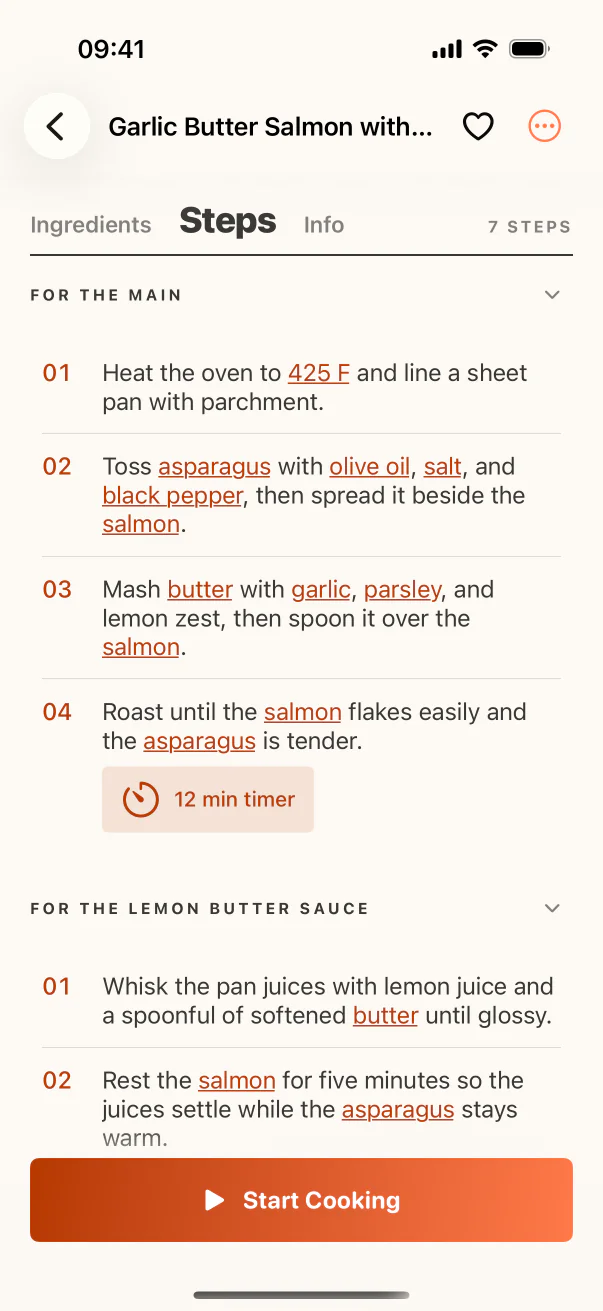
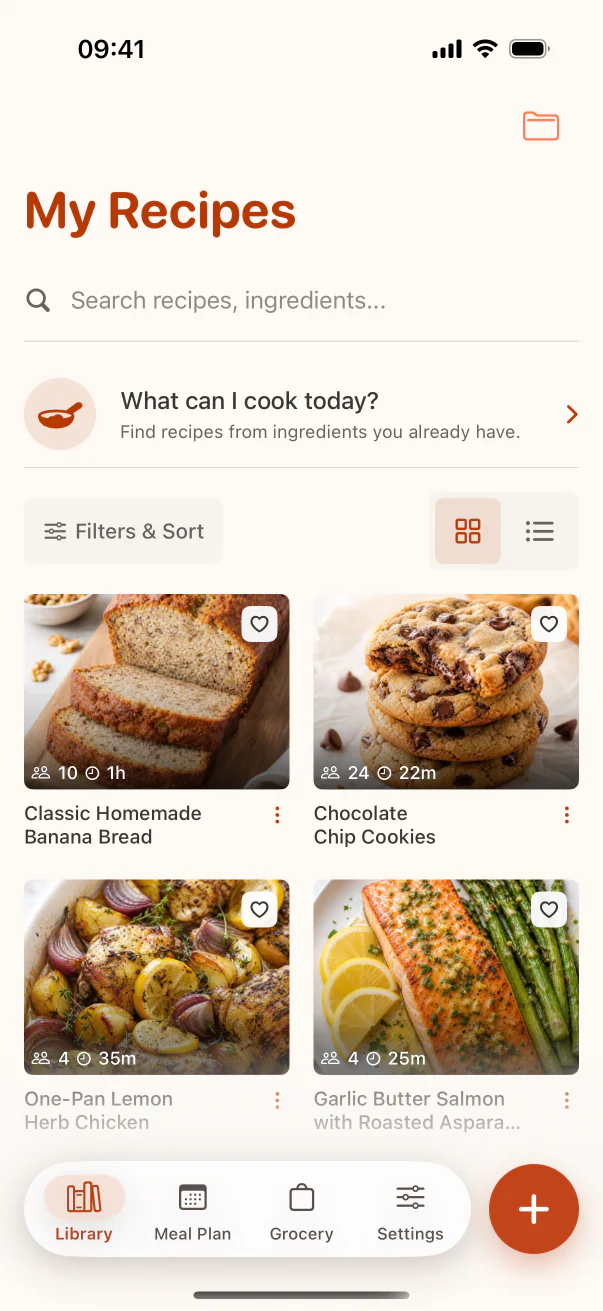
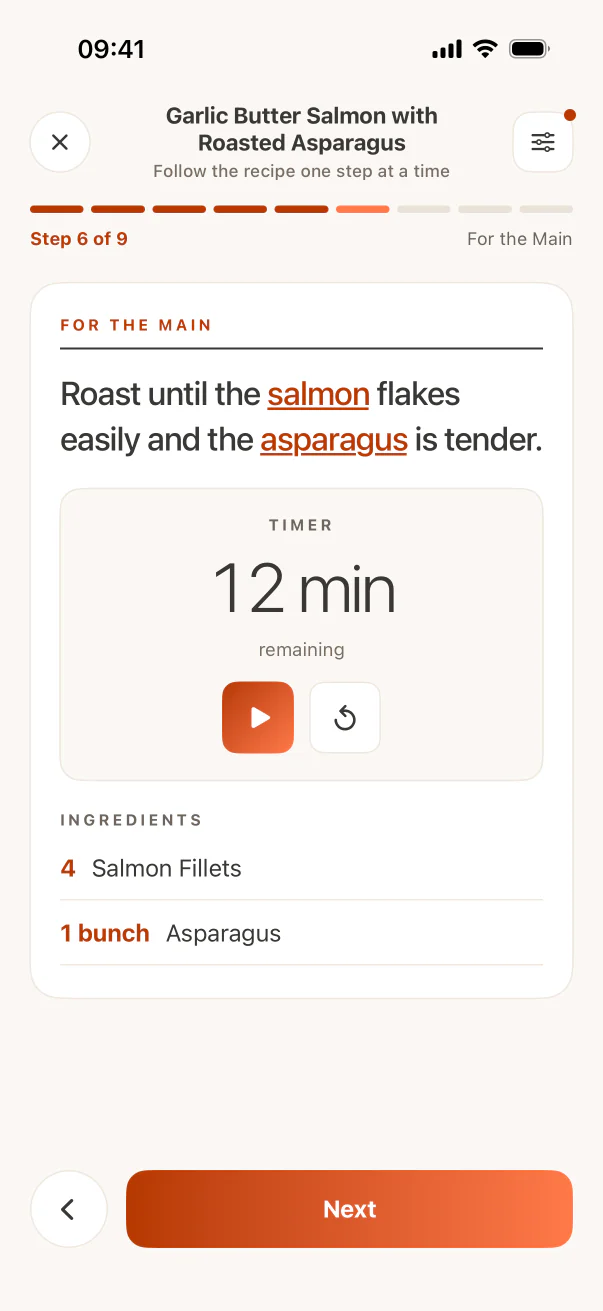
CookClip is designed for the real path from discovery to dinner: save a recipe quickly, clean it up, find it again, then cook without juggling tabs and screenshots.
Start manually anytime, or sign in to use AI imports from recipe links, social posts, websites, copied text, screenshots, cookbook photos, and handwritten recipes.
Keep saved recipes searchable with tags, favorites, collections, and a clean digital cookbook.
Map recipes to the week and turn what you plan to cook into a grocery list before shopping.
Build grocery lists from your saved recipes and keep ingredients clear while you shop.
Use Cook Mode for bigger steps and a calmer cooking view when your hands are busy.
Manual saving works without an account. AI imports and cloud sync are available when you sign in.
Fast recipe saving when you find an idea, a quiet library when you need it, and focused screens for planning and cooking.
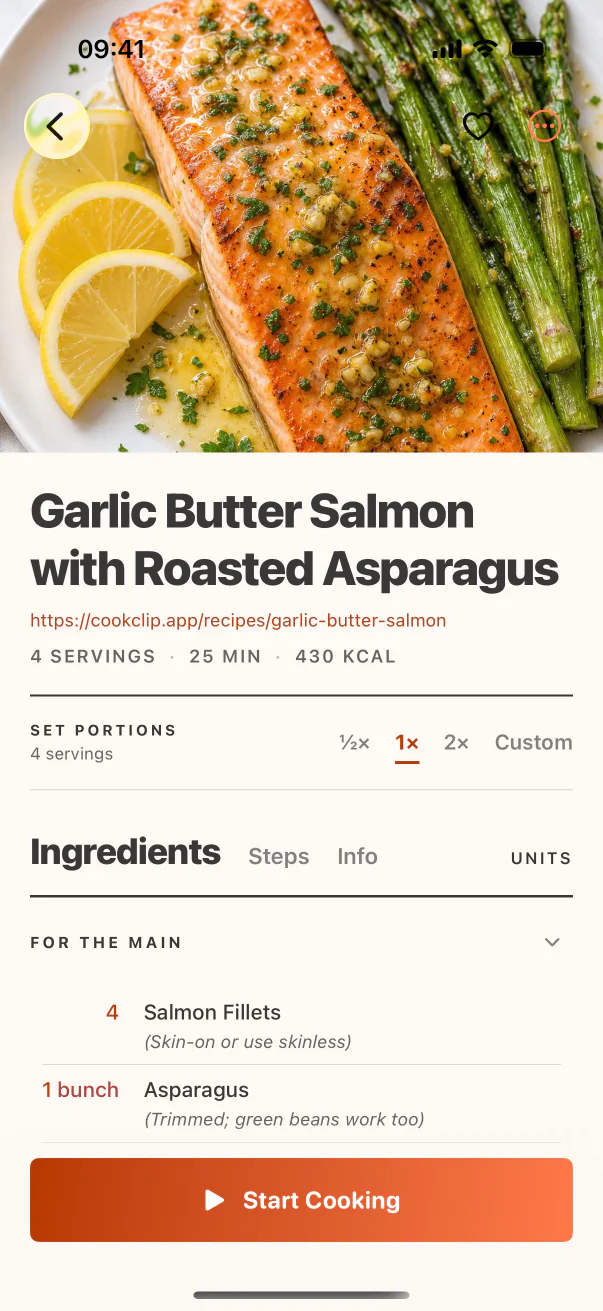
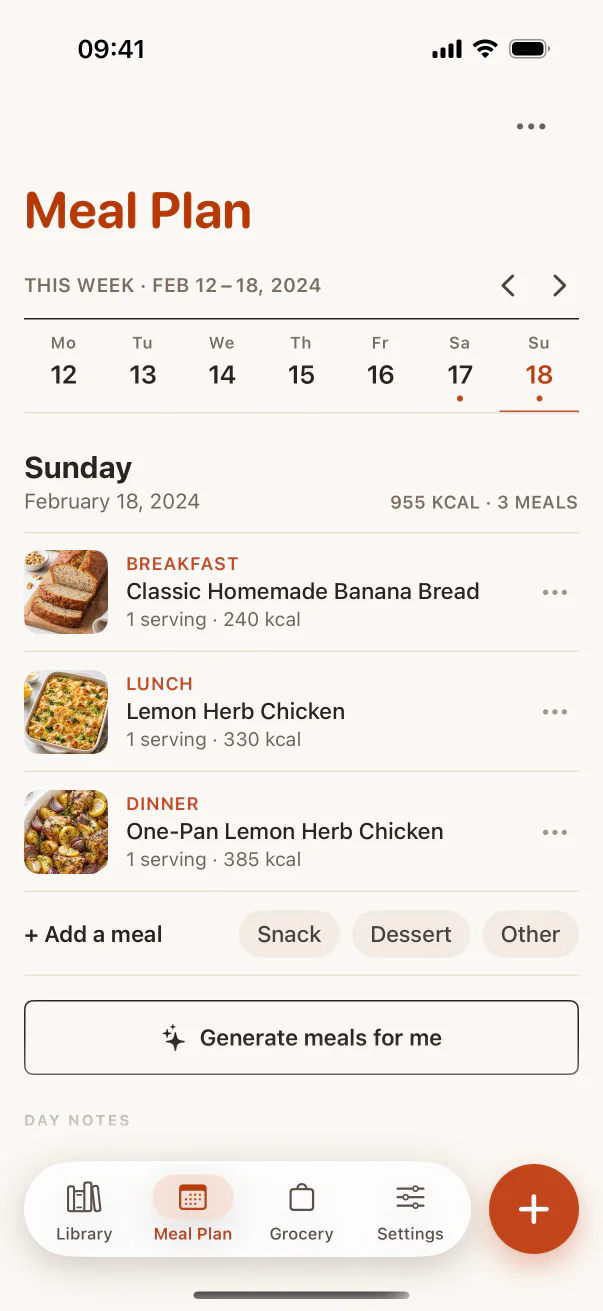
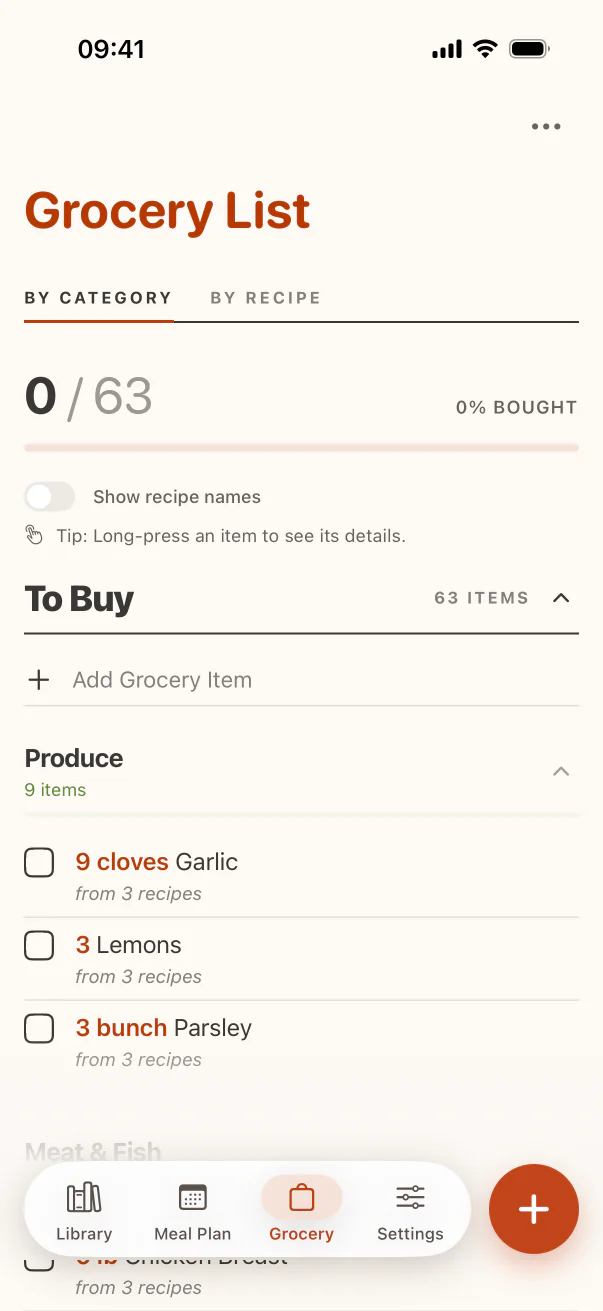
CookClip keeps the recipe workflow simple enough for everyday use, while still covering the full loop from saving a recipe to planning, shopping, and cooking.
Save manually anytime, or sign in to import from a copied link, direct share, pasted text, photo, or screenshot.
Review the detected URL, then use AI import to turn it into organized ingredients and instructions you can trust.
Add meals to the week, make a grocery list, then open Cook Mode when it is time.
Check the practical details before you download: what is included, how support works, and how CookClip handles privacy.
Save recipes from the places you already find them, then organize your cookbook, plan meals, generate categorized grocery lists, and cook from a calmer iOS recipe app.