 CookClip
Collect recipes from TikTok, Instagram, YouTube, websites, and photos. Keep ingredients, steps, and your own notes together.
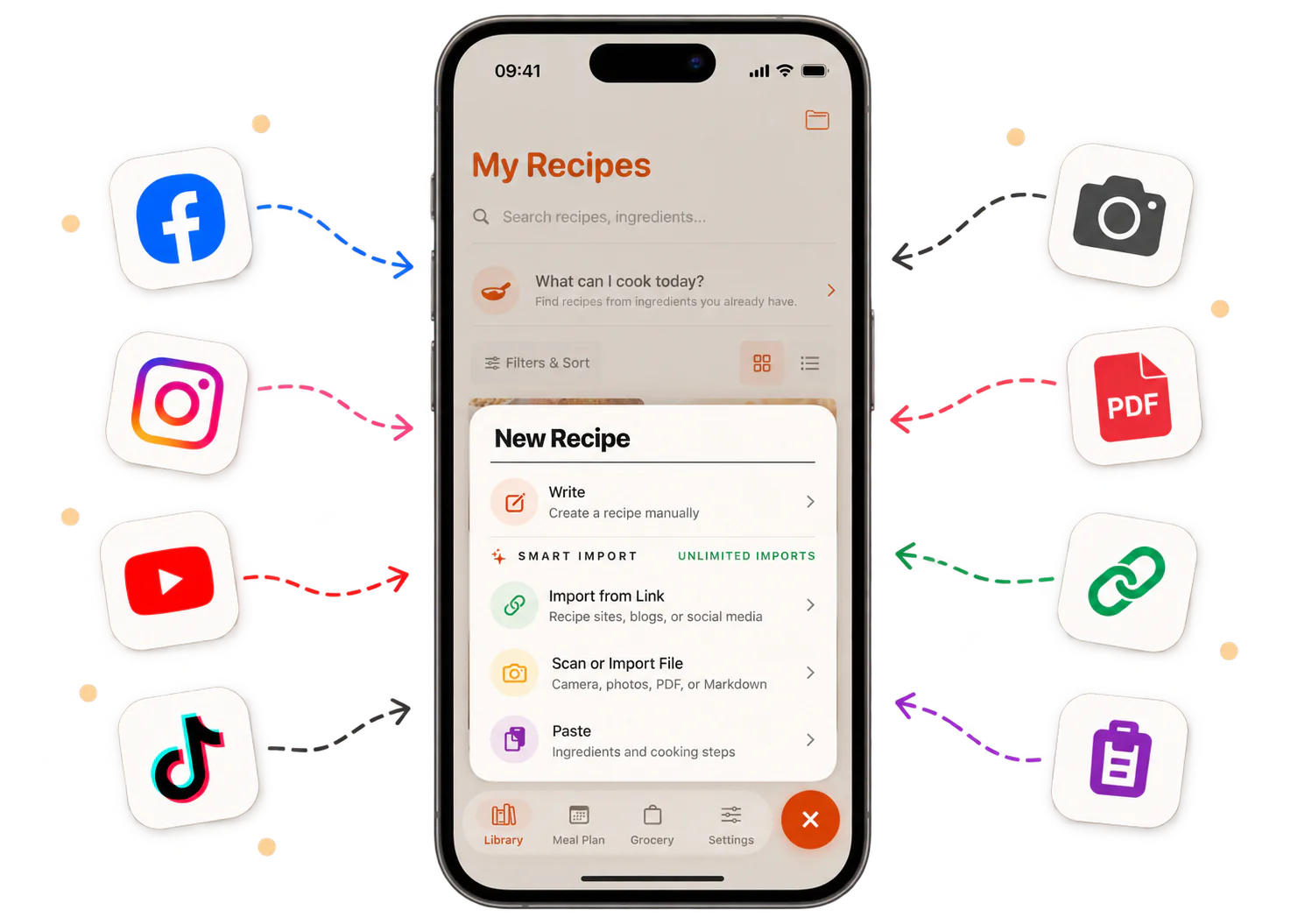
Bring recipes from
- TikTok
- YouTube
- Websites
- Camera
- Notes
- Photos
- Handwriting
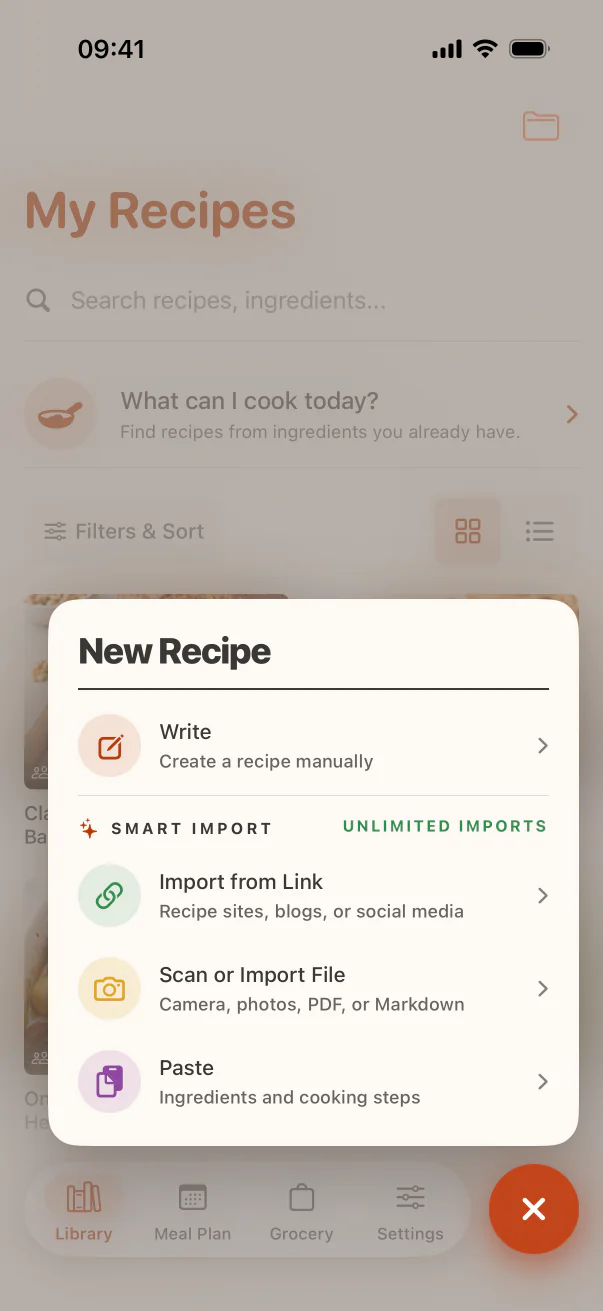
From saved post to cookable recipe.
Paste a link, share a video, or add a photo. Review the ingredients and steps, then save a recipe that is ready to use.
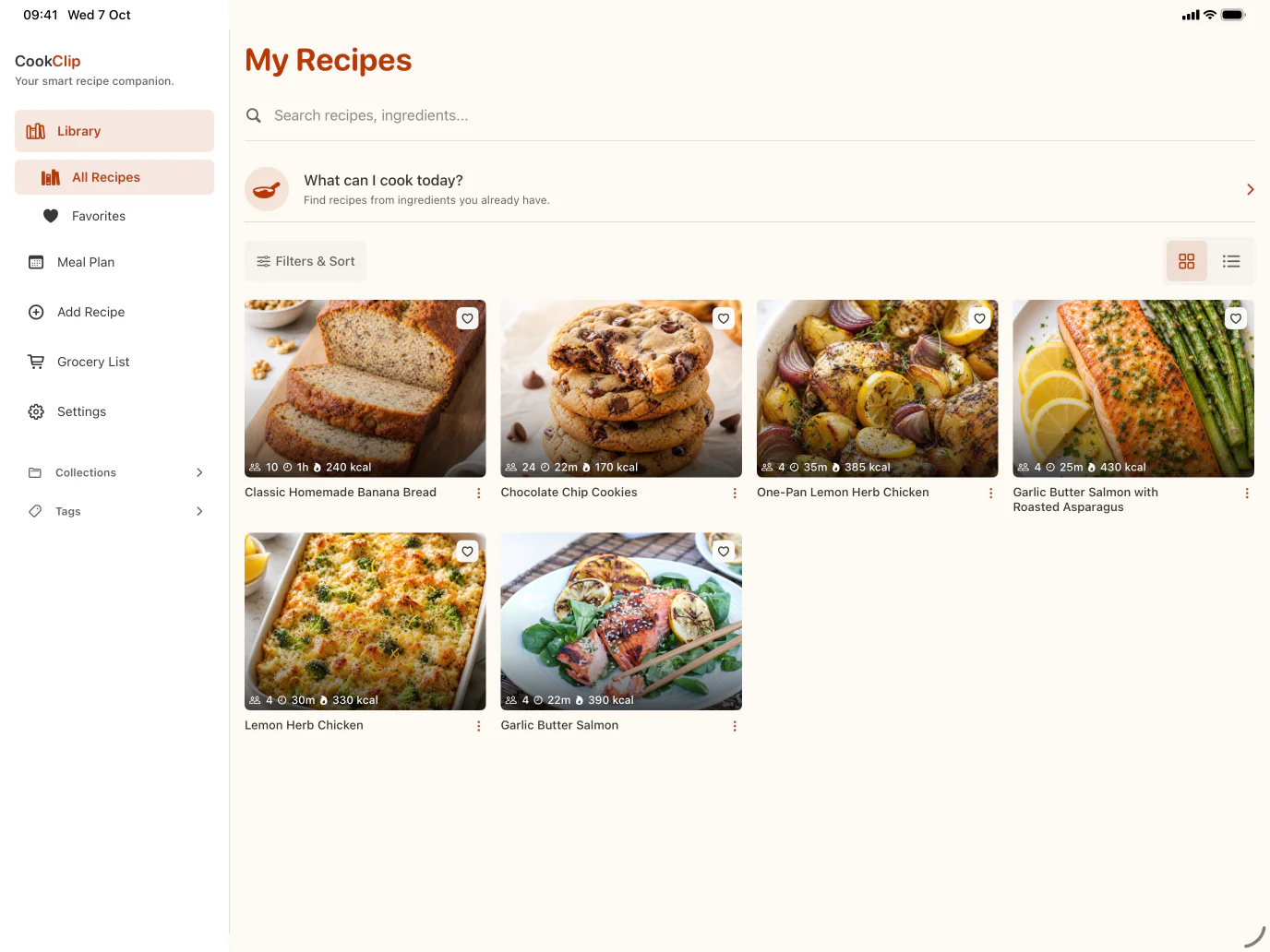
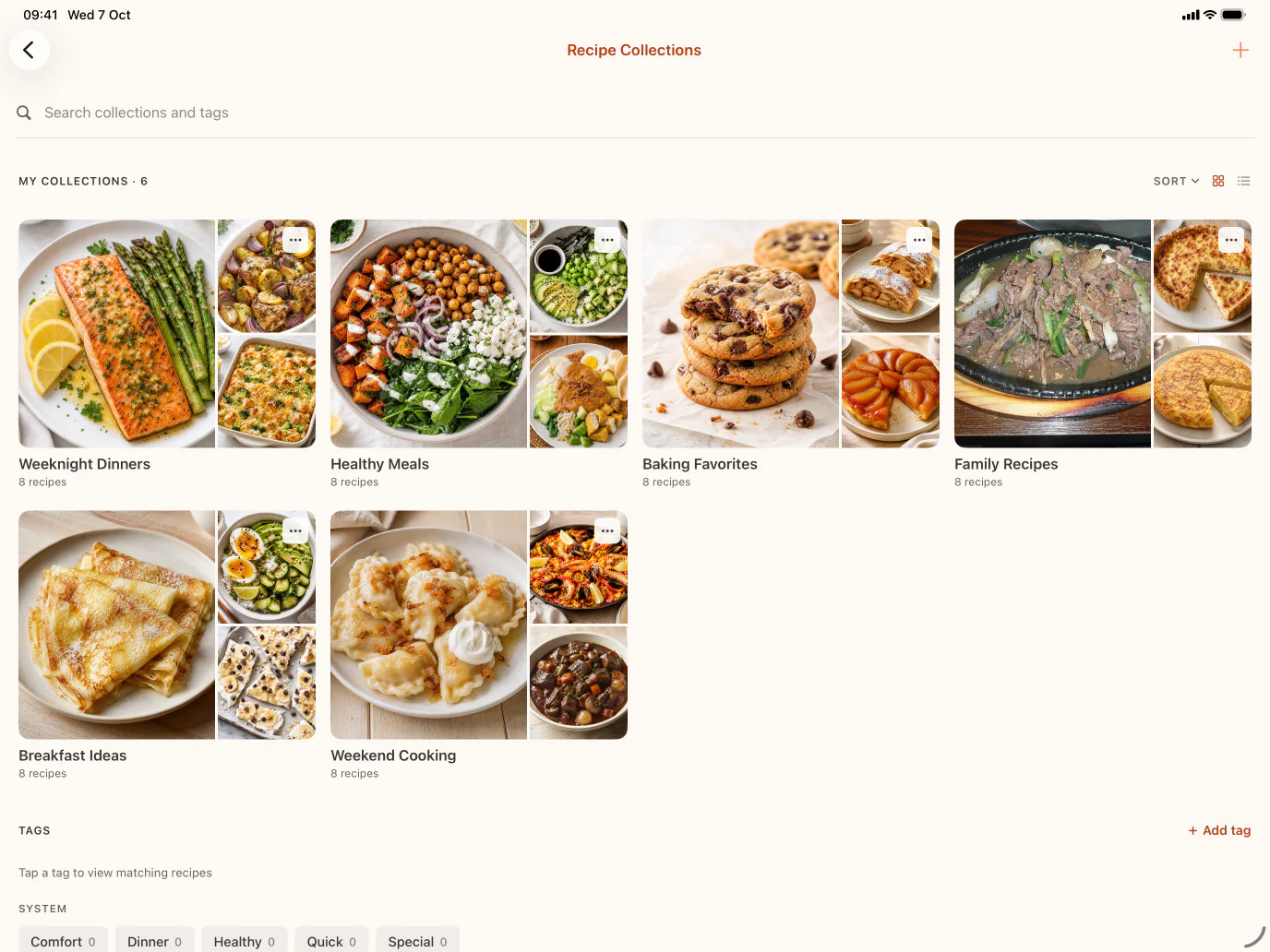
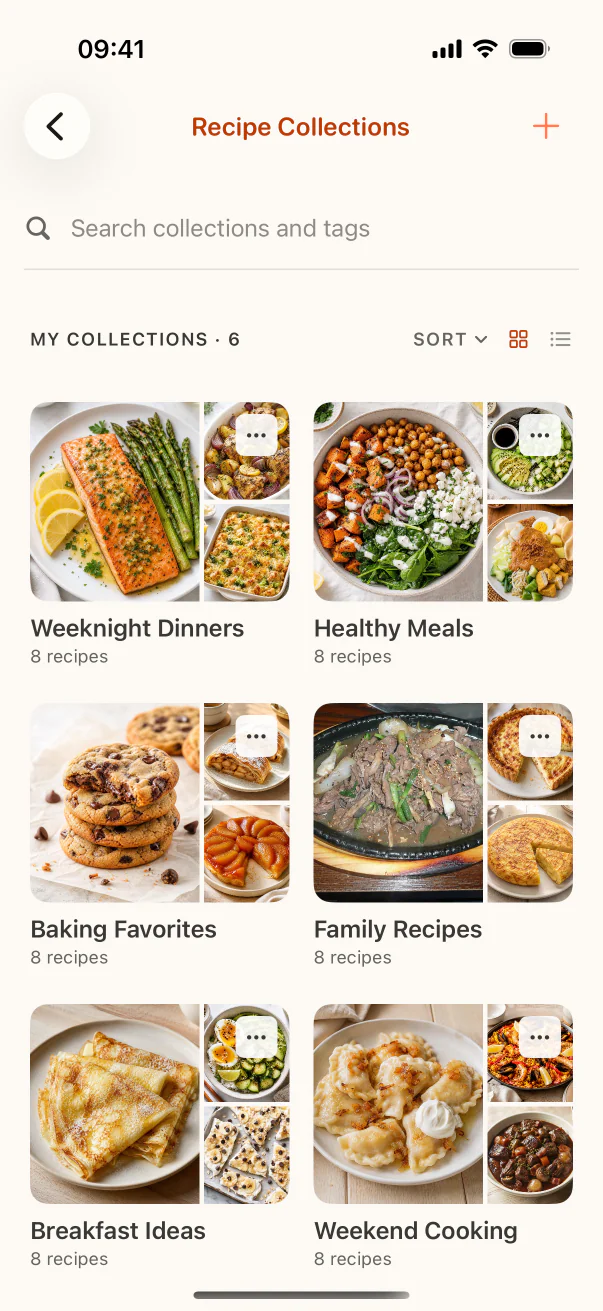
A place for every recipe.
Search everything. Group what belongs together. Keep favourites close.
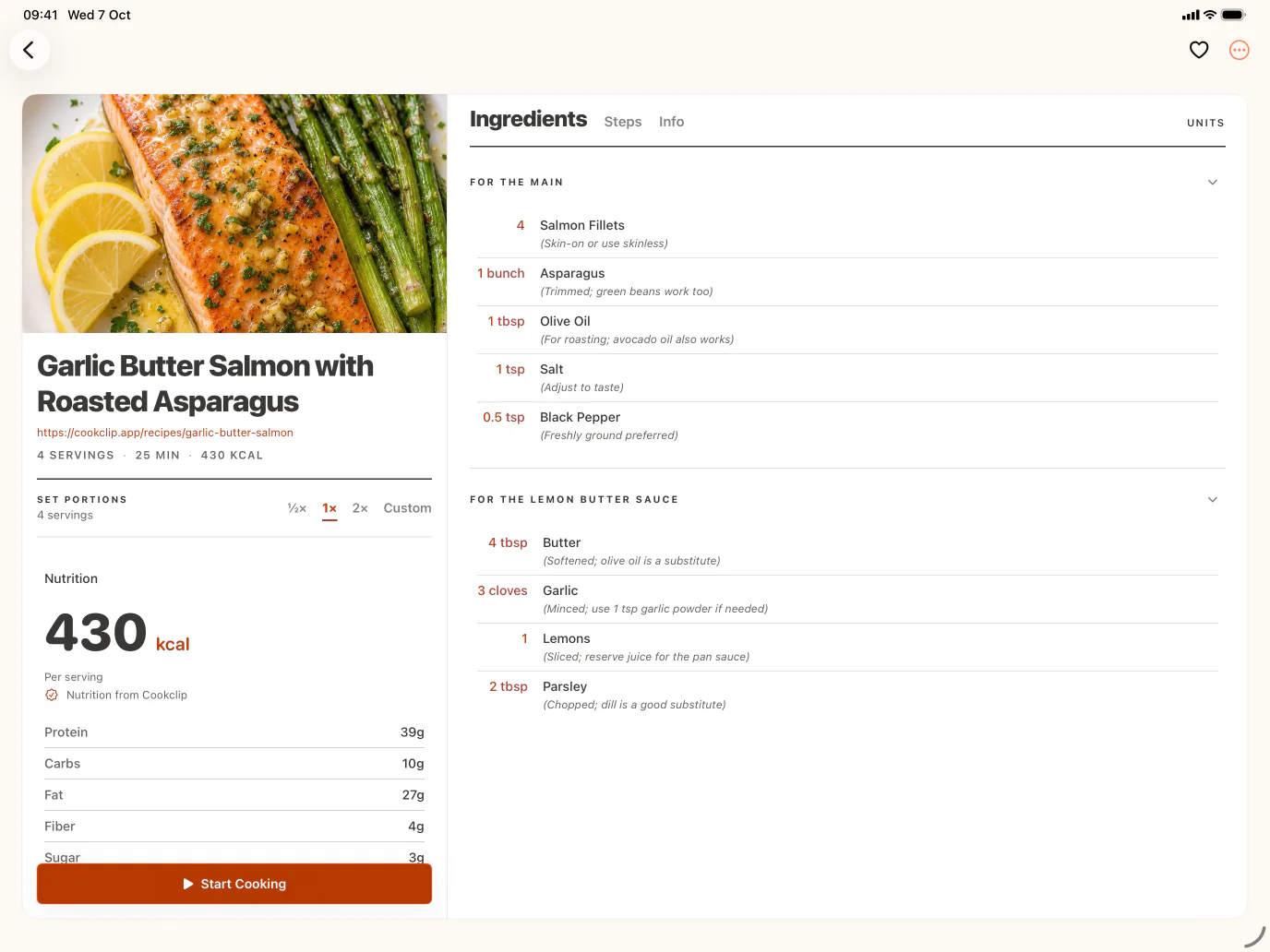
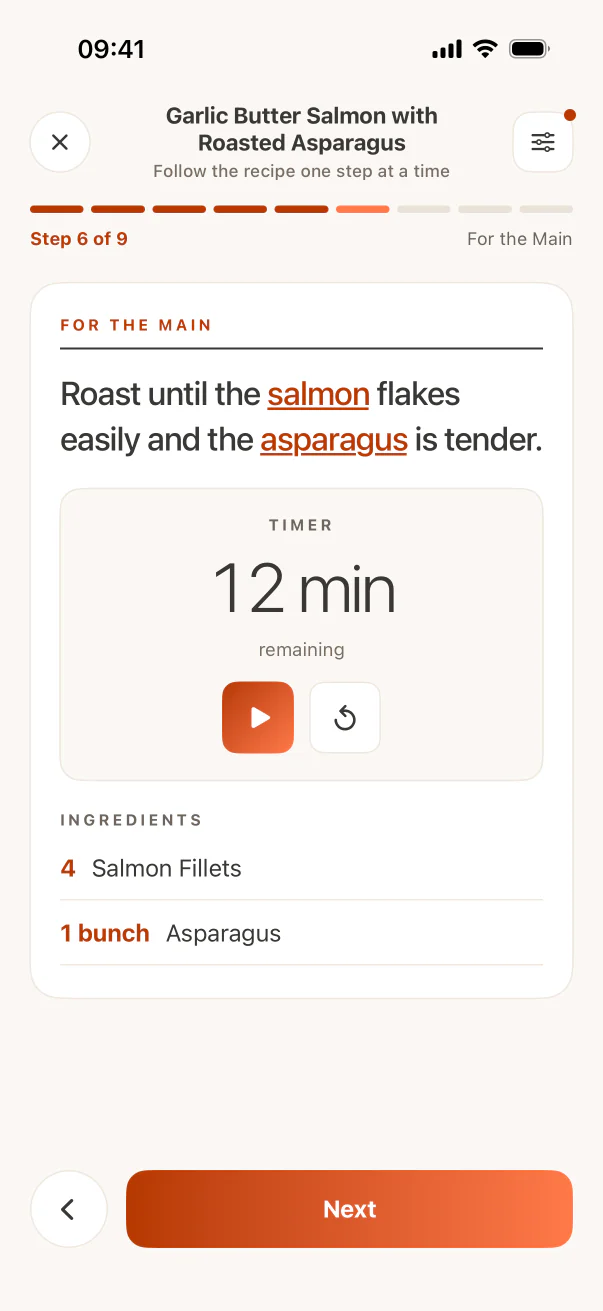
Only what you need, while you cook.
Ingredients, steps, and notes stay clear and close at hand.
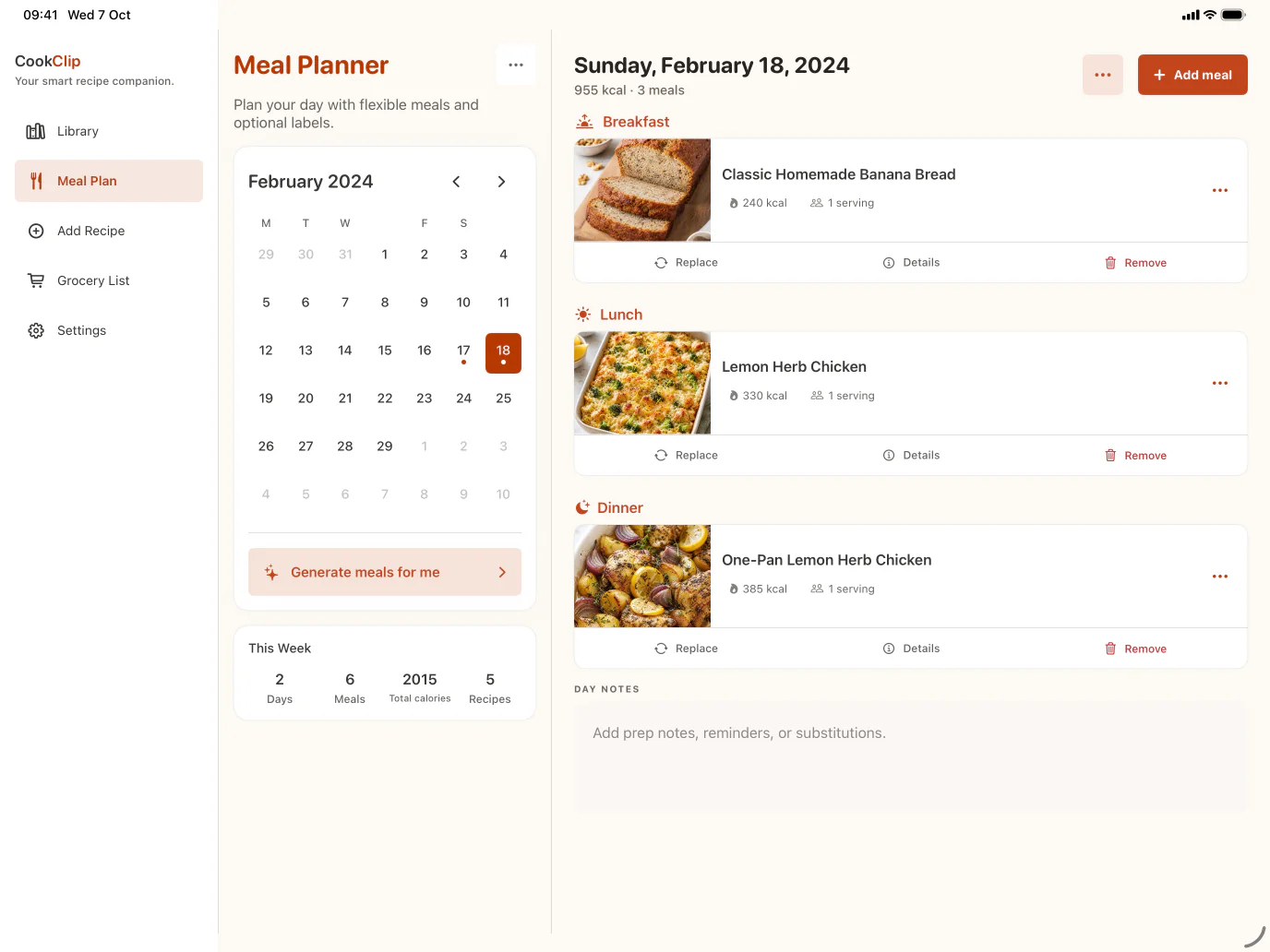
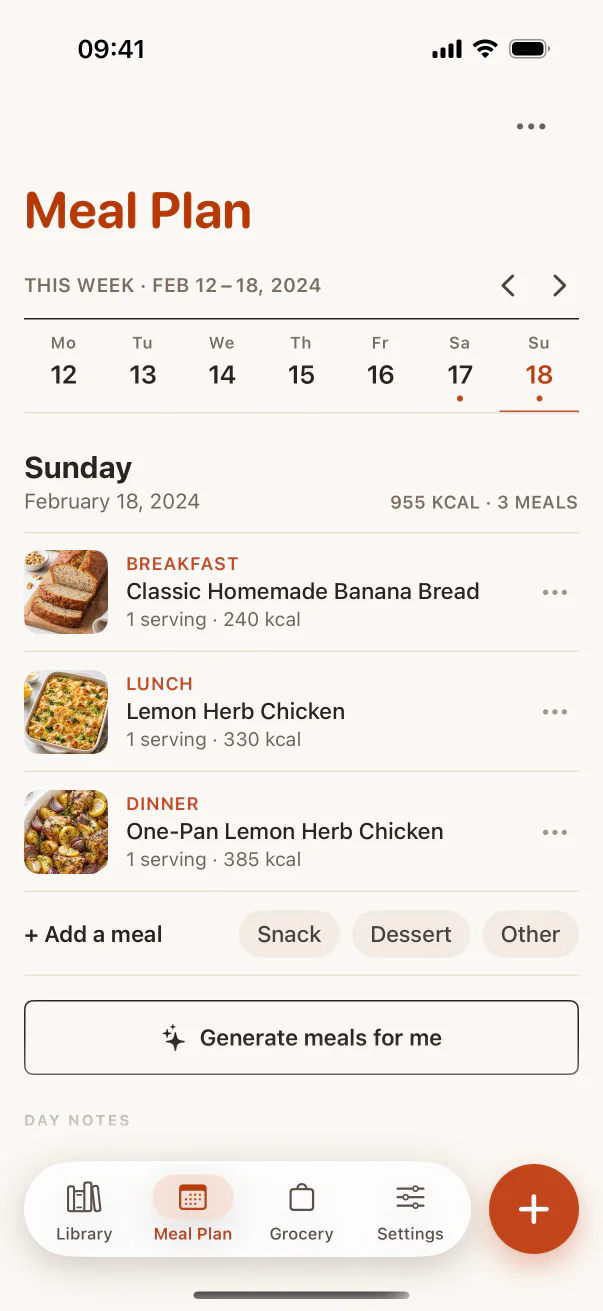
A week of meals, already thought through.
Choose recipes for the days ahead and see the whole week at a glance.
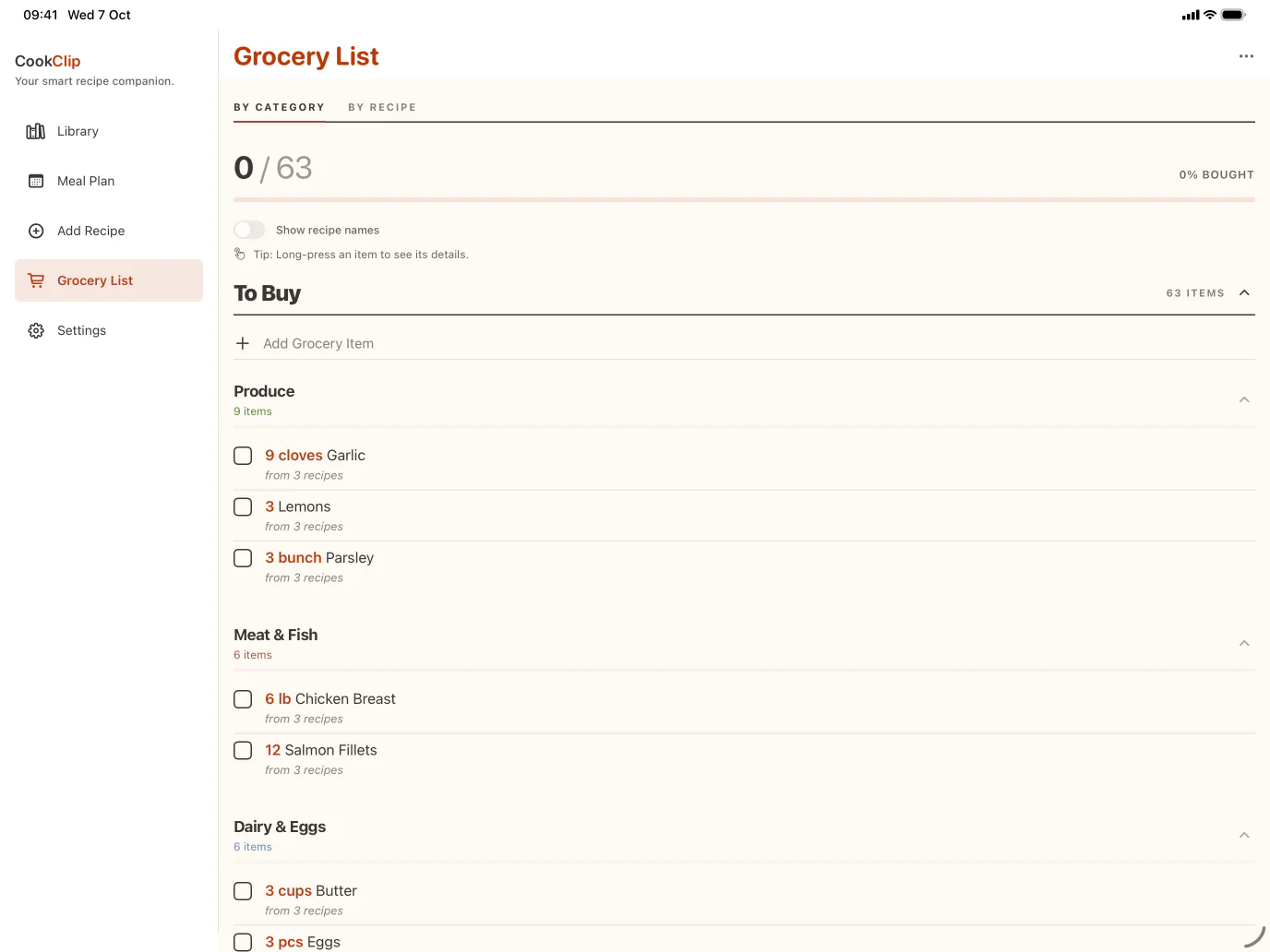
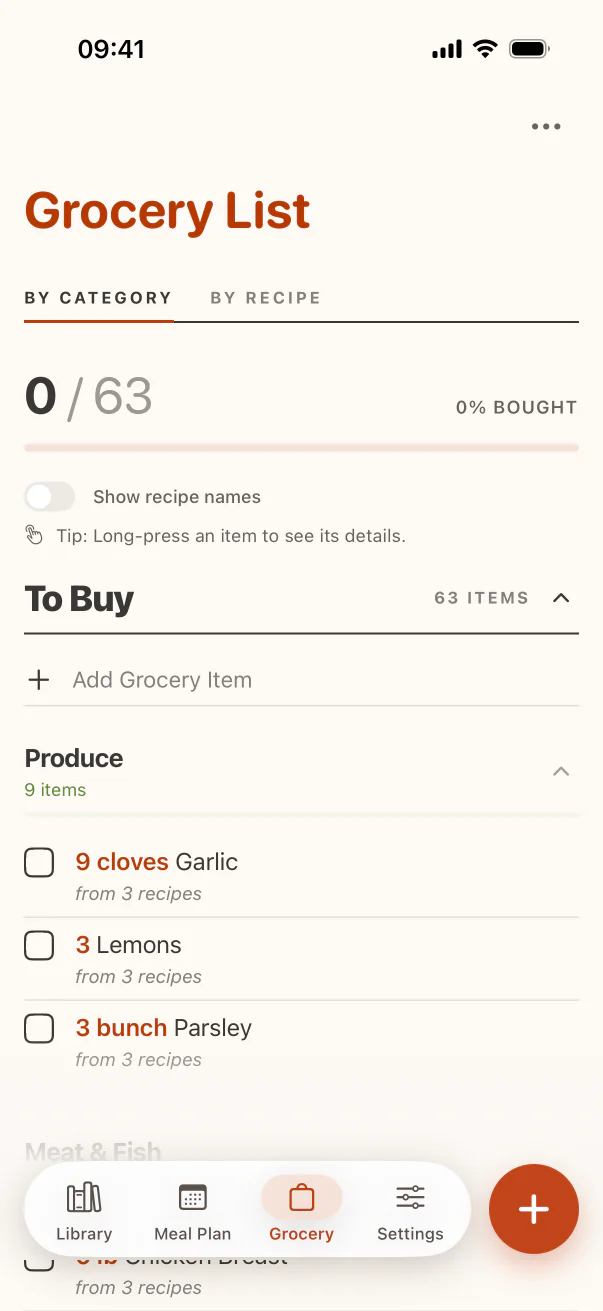
One list, built from every recipe.
Combine ingredients automatically, then review the list before you shop.
A few things worth knowing.
What kinds of recipes can I save in CookClip?
Save recipes from TikTok, Instagram, YouTube, Facebook, websites, camera photos, pasted notes, screenshots, and handwritten recipes when enough recipe detail is visible. Review the draft, edit anything, then save it to your cookbook.
How does recipe import work?
Paste or share a recipe link, video, note, screenshot, or photo into CookClip. When you sign in, Smart Import helps turn the source into an editable recipe card with ingredients, steps, timing, servings, and source details when available.
Why did a recipe import fail?
Imports work best when the recipe is visible and accessible. If a site hides it behind a cookie banner, region notice, login wall, or collapsed content, open the page first, make sure the recipe is visible, then try again.
How can I organize my saved recipes?
CookClip makes it easy to organize your recipes with collections, tags, favorites, and search. Create your own recipe categories, quickly find recipes when you need them, and keep everything synced across your devices when you’re signed in.
What else can CookClip do?
Beyond saving and organizing recipes, CookClip helps you plan meals for the week, create smart grocery lists from your recipes, discover recipes from around the web, and generate AI Recipe Ideas based on the ingredients you already have.
What is included in CookClip Free vs Pro?
Starting with CookClip 2.4.0, Free users can save up to 50 recipes, use 5 AI recipe imports, sync recipes across devices when signed in, organize with collections, tags, favorites, and recipe sharing, and use Meal Plan Basic and Grocery Basic. Pro is optional and unlocks unlimited recipe saves and imports, AI recipe ideas, online discovery, AI-generated meal plans, advanced grocery organization, nutrition estimates, and custom serving scaling.
Can I buy CookClip Pro without a subscription?
Yes. Choose a subscription for flexibility, or buy Lifetime Pro once when the lifetime option is available in the app. Current availability and local pricing are always shown before you purchase.
What happens if my Pro subscription expires?
Your saved recipes, Meal Plan Basic, and Grocery Basic stay available on Free. Pro-only enhancements such as AI-generated meal plans, advanced grocery organization, and other Pro features become unavailable until you upgrade again; your saved data is not deleted.
What platforms is CookClip available on?
CookClip is currently available on iPhone and iPad through the App Store.