Import recipes from any link
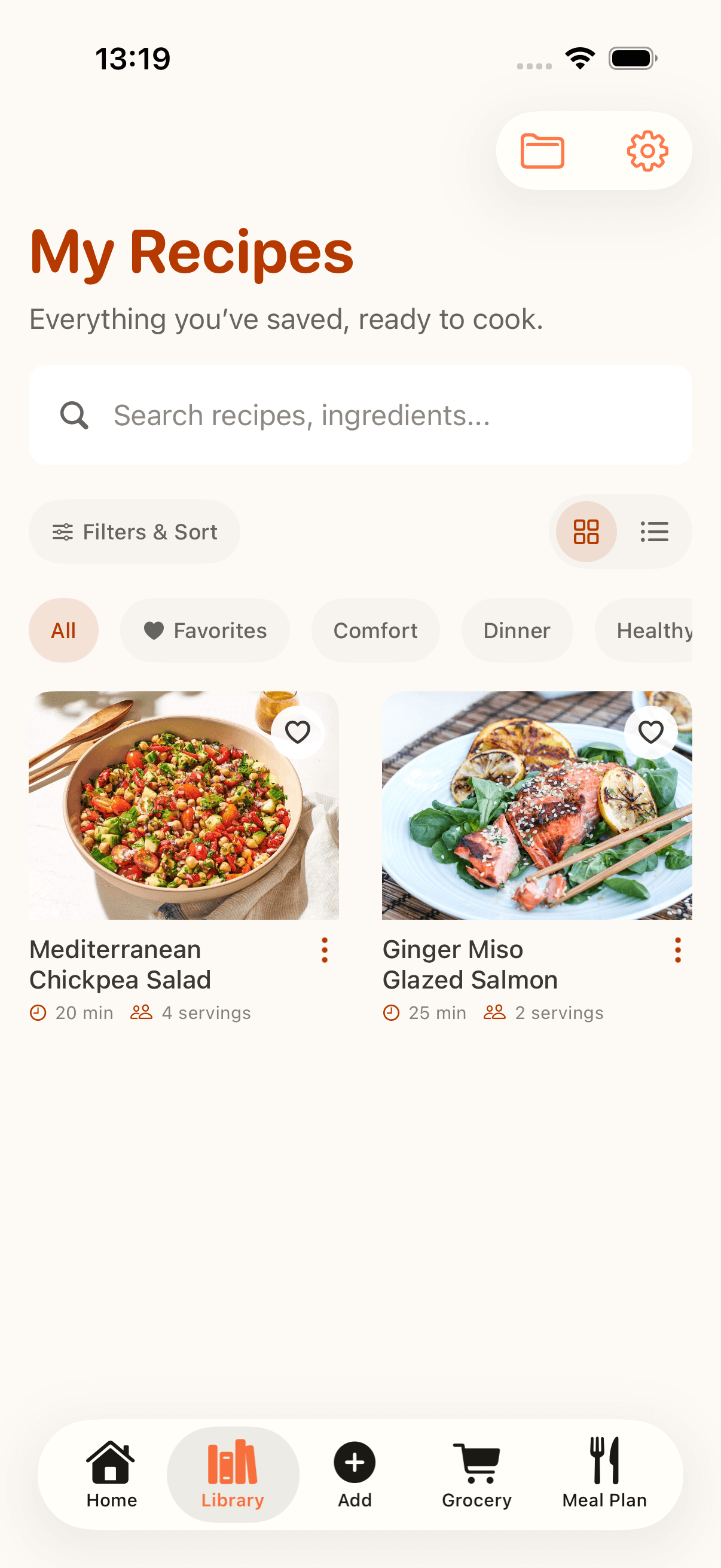
Save recipes from links, then organize what you trust
Before a recipe can become searchable, it needs a clean place to land. CookClip lets you copy and paste a
recipe URL or share a link directly from another app, then review the detected URL before tapping Create Recipe.
Method 1
Copy, paste, and create
Copy a recipe URL from TikTok, Instagram, YouTube, Facebook, a blog, or any recipe website.
- Download CookClip from the App Store.
- Copy the recipe URL.
- Open CookClip and paste the link into the import screen.
- Tap Import Recipe.
- Review the detected URL.
- Tap Create Recipe, then add tags, favorites, or folders when you save.
Useful when a recipe starts in a browser tab, text thread, caption, or saved note.
Method 2
Share a recipe link directly to CookClip
Open the recipe link in TikTok, Instagram, YouTube, Facebook, Safari, or another app.
- Download CookClip from the App Store.
- Tap Share, then tap More if CookClip is not visible.
- Choose CookClip so the import sheet opens automatically.
- Review the URL, tap Create Recipe, and keep the cleaned-up recipe in your library.
Save cooking ideas before they disappear, then organize them when you have a minute.